Describe your shot
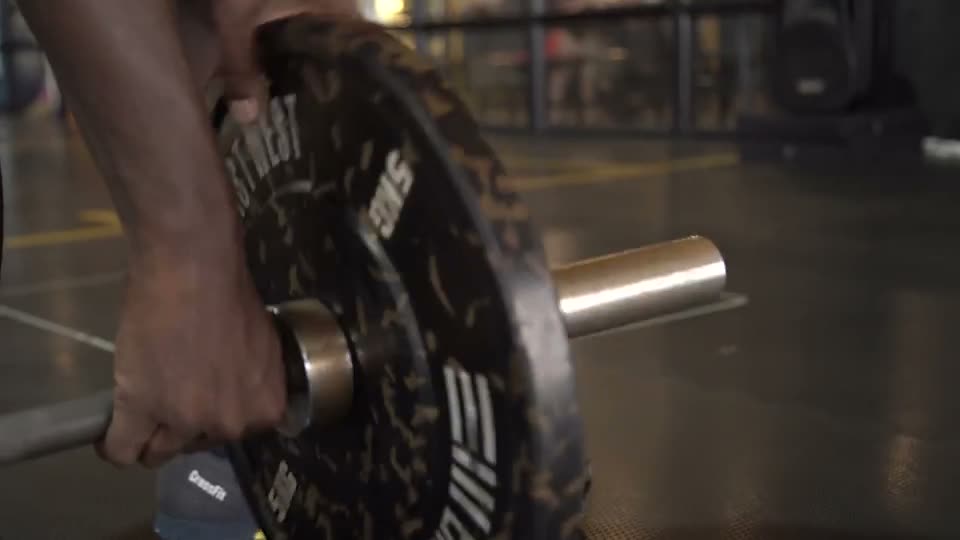
Follow the barbell up. Catch the effort. Side light, close framing, real texture.
AI TALKING-HEAD VIDEO EDITOR
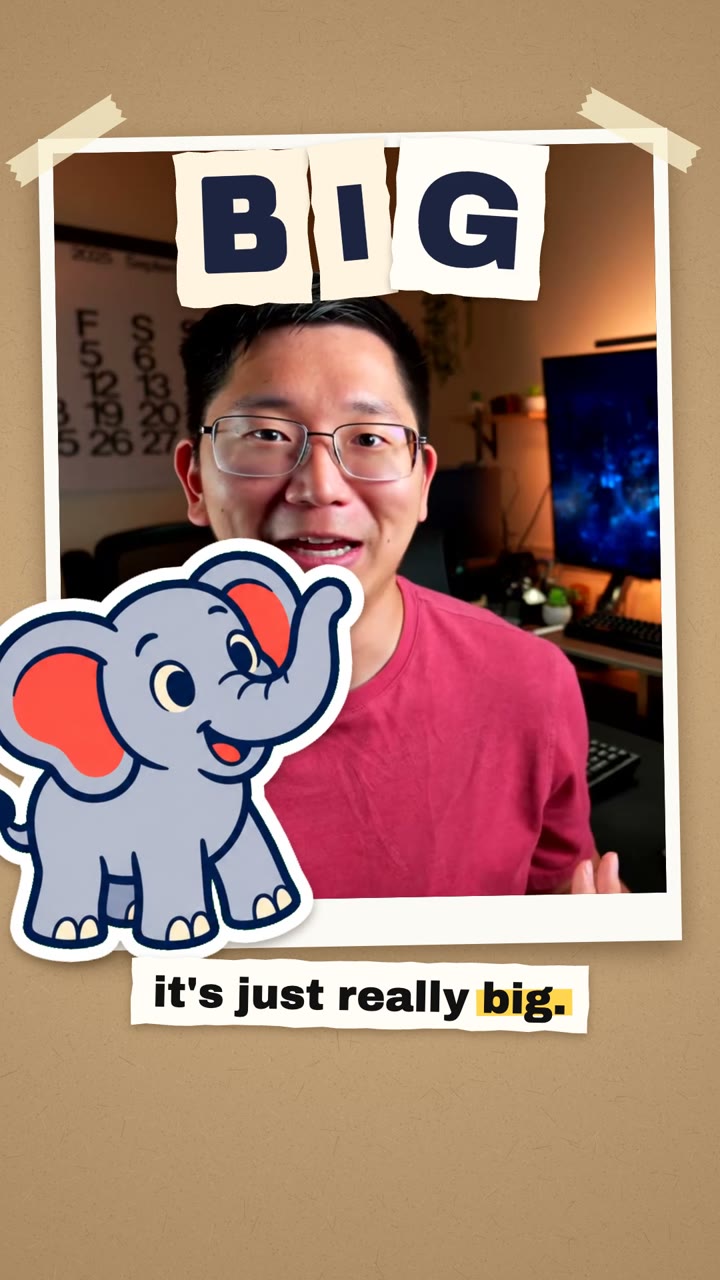
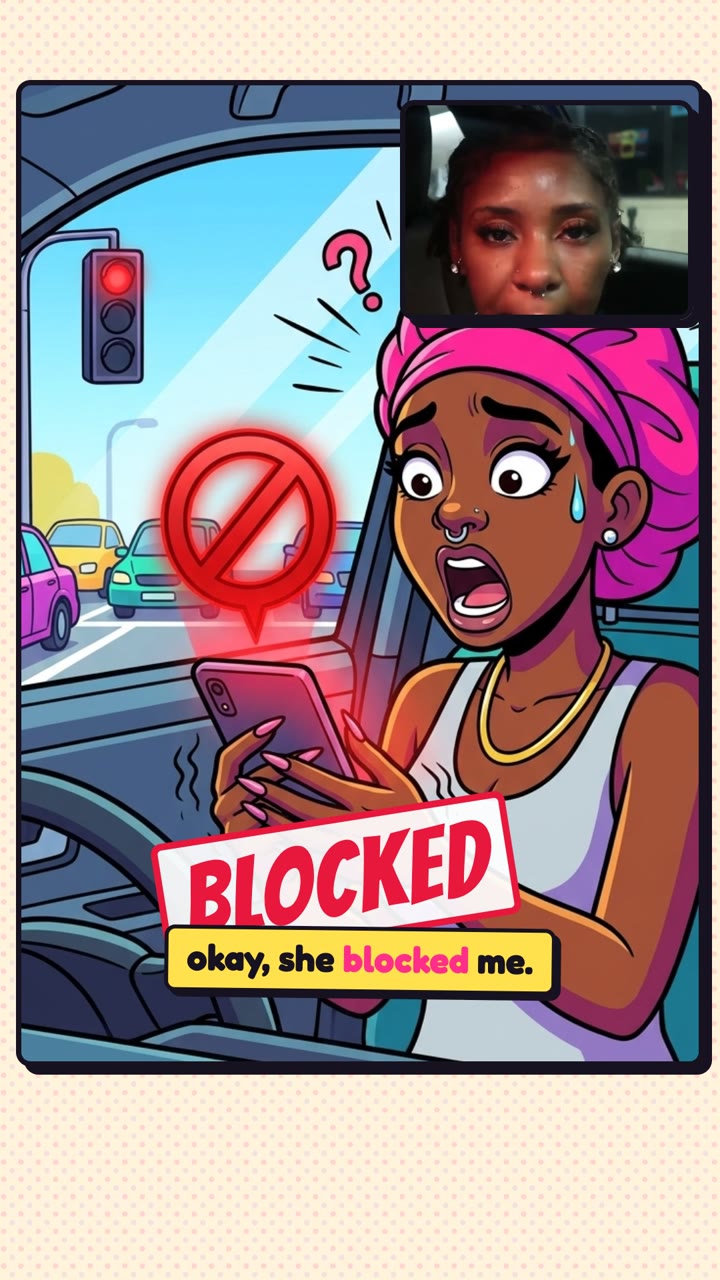
Tell your AI editor what you want, and it cuts the retakes and pauses, adds captions and brings in B-roll. With Pireel, editing a talking-head video takes a few sentences.
Free to start · No install


 THE HABIT LOOP
Greatquestion.
The realturning point
We could notstop laughing
Follow the barbell up. Catch the effort. Side light, close framing, real texture.
 00:02
 00:04
 00:06
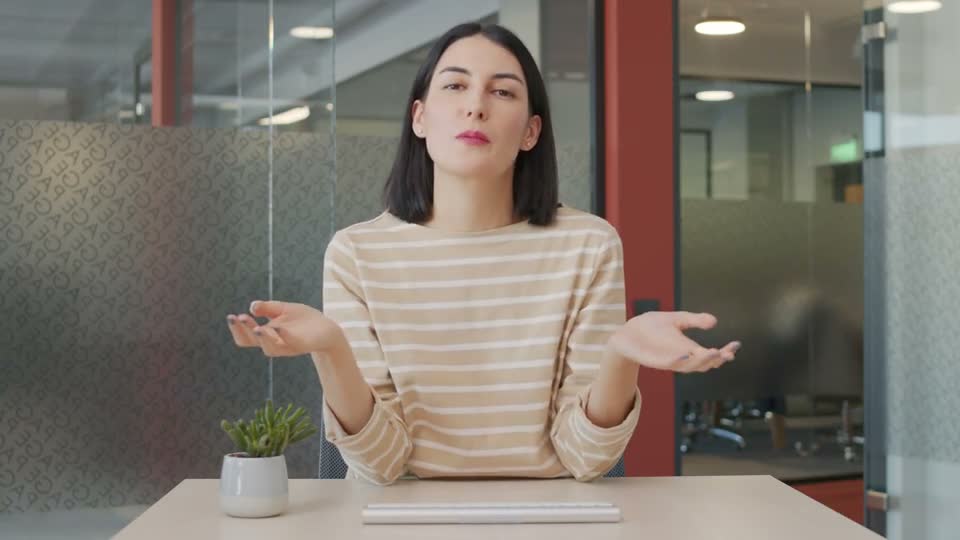
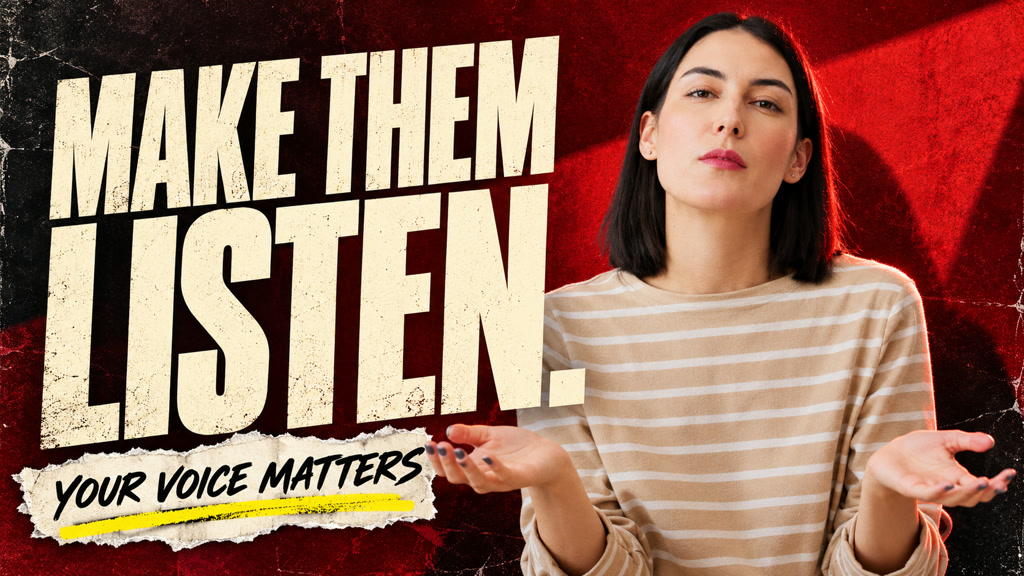

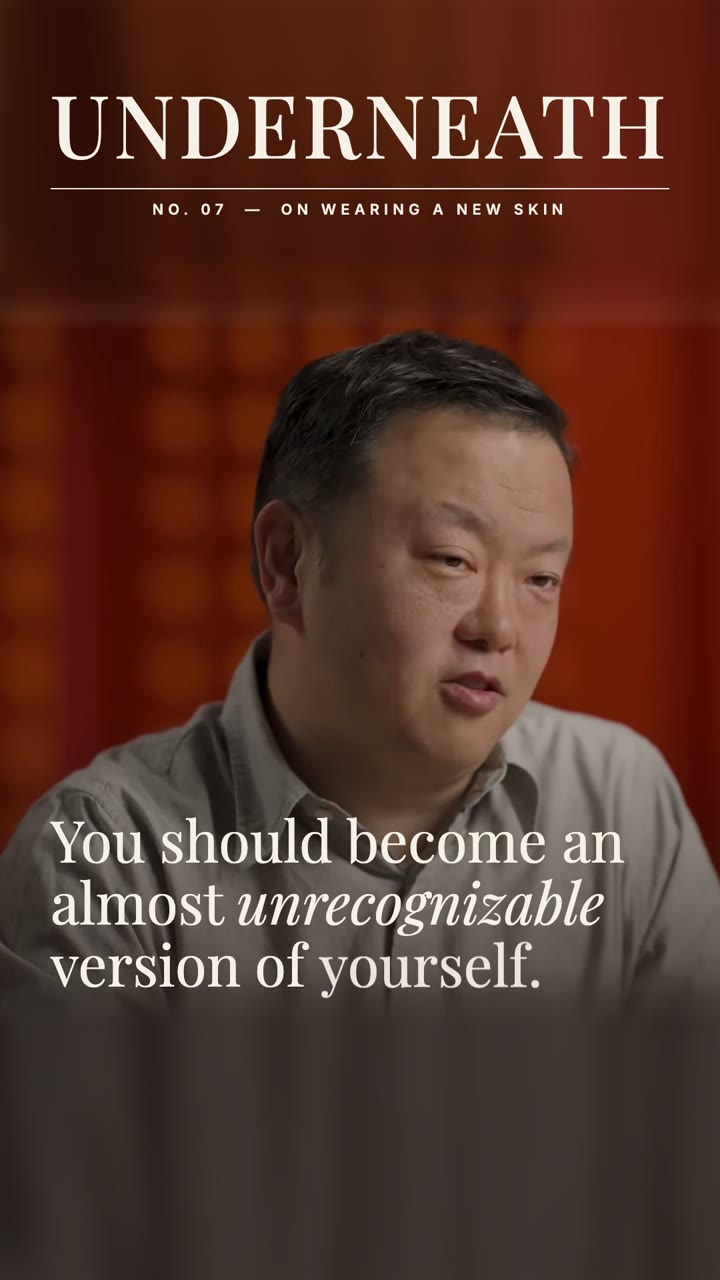
Creators sharing ideas and teaching through talking-head videos. Edit the transcript, add animated captions and illustrate your ideas with B-roll.
Yes. Transcript lines are linked to video segments. Review and remove unwanted sections, then fine-tune the cuts and pacing on the timeline. Caption styling stays editable too.
Describe changes in the built-in chat or connect an external agent through MCP. Continue refining the captions, visuals and timeline in the same project.
No. Upload your footage and describe what you want, or edit the transcript, captions and timeline directly. Preview and refine your video before exporting.