

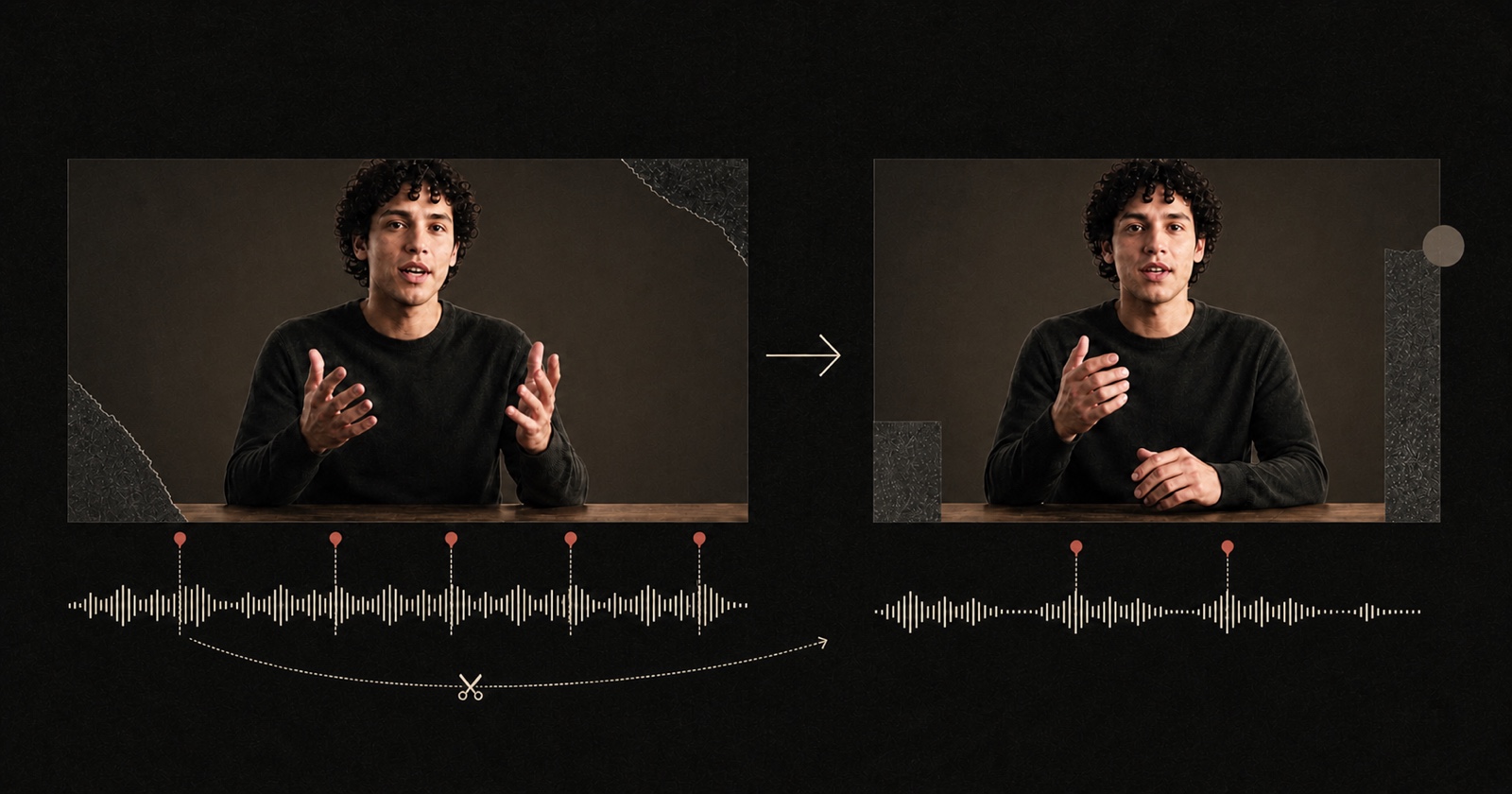
Talking-head edit
Remove retakes, false starts and dead air without flattening the speaker.
From a rough waveform to one complete thought
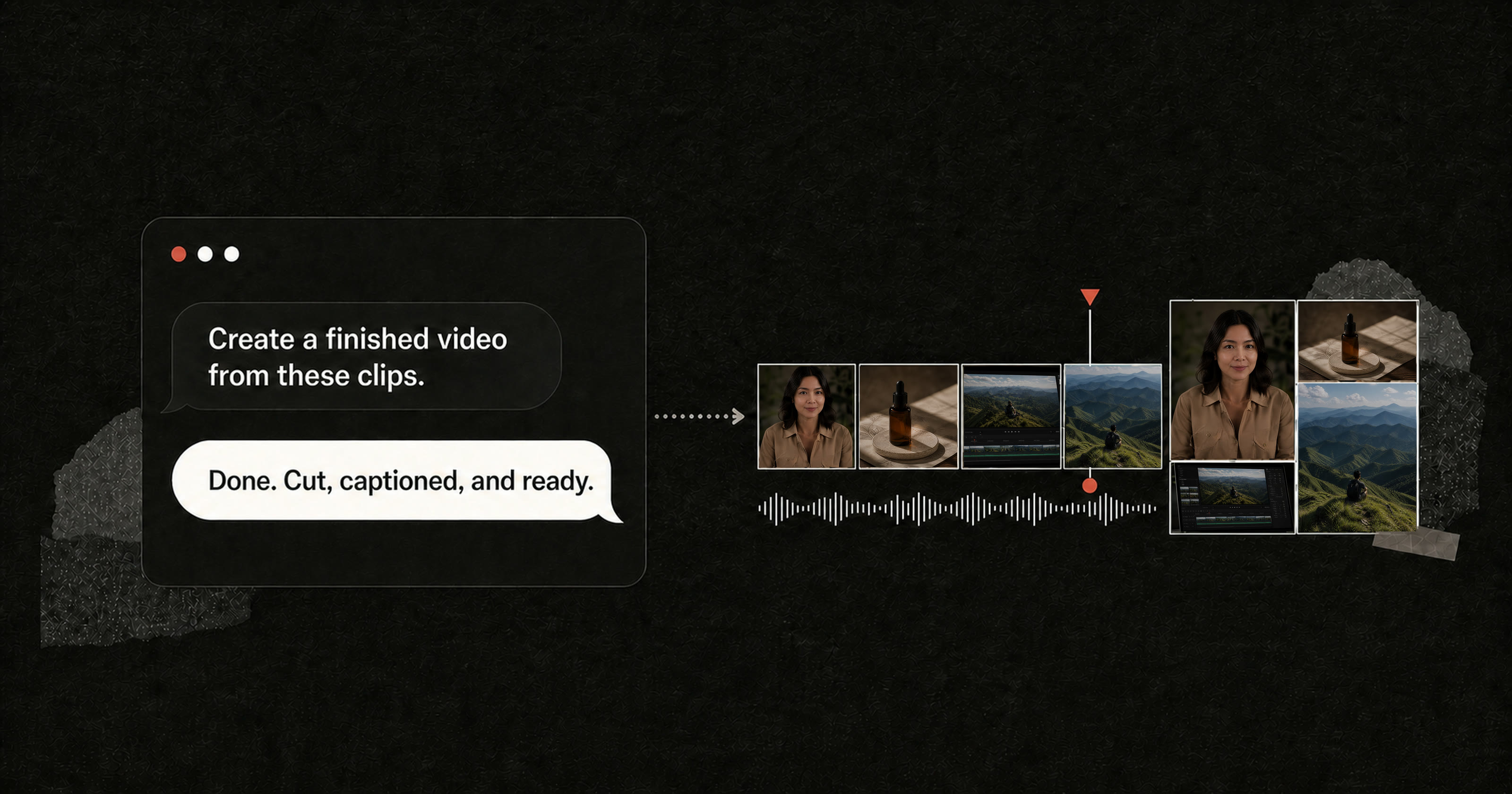
AI video editing studio
Smart generation, ready to publish
Talking heads, long-to-short, montages, commerce and product demos—all finished in one conversation.
Remove retakes, false starts and dead air without flattening the speaker.
From a rough waveform to one complete thought
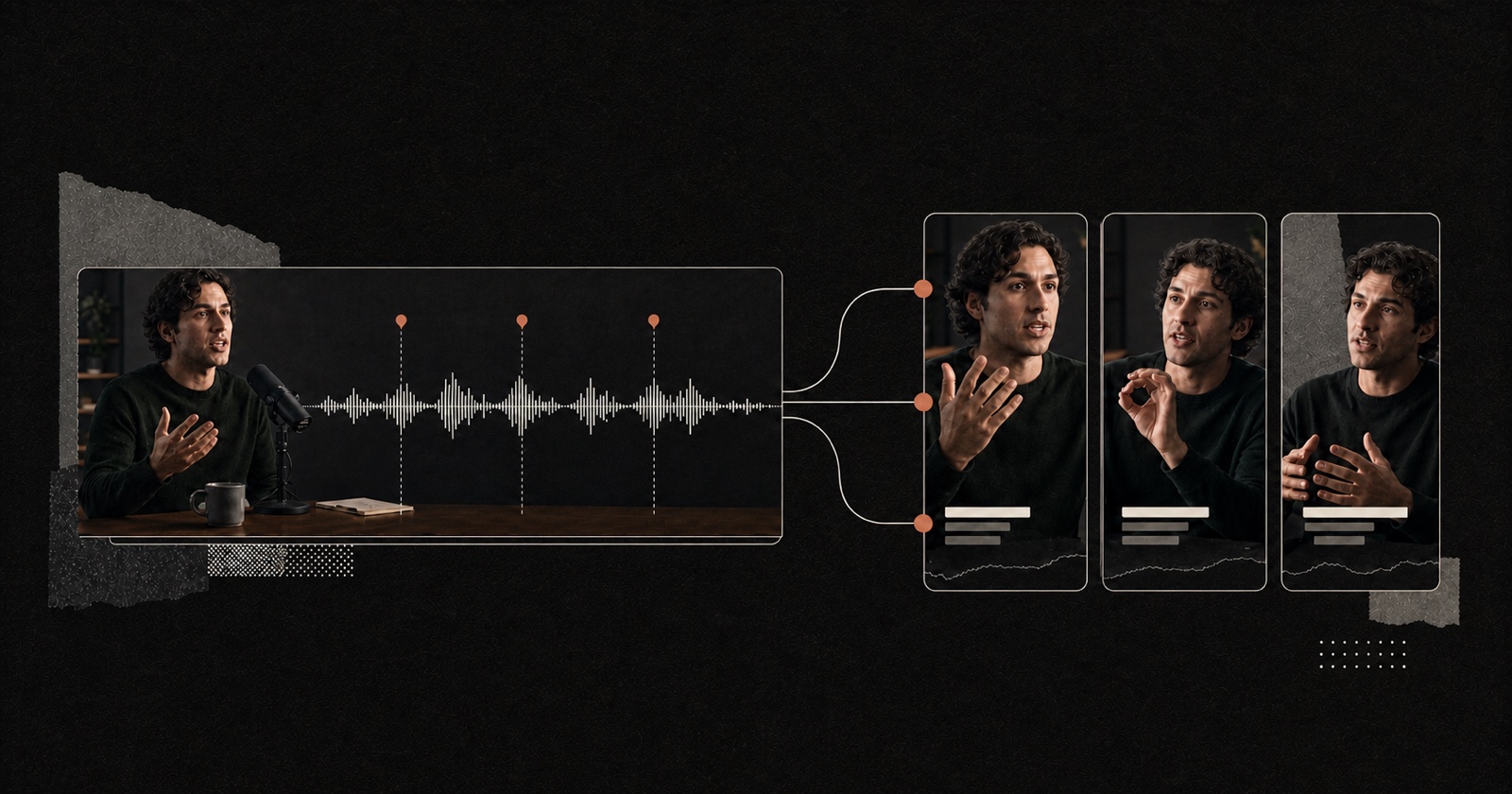
Find several short stories that can stand on their own inside one master.
One recording, several complete ideas
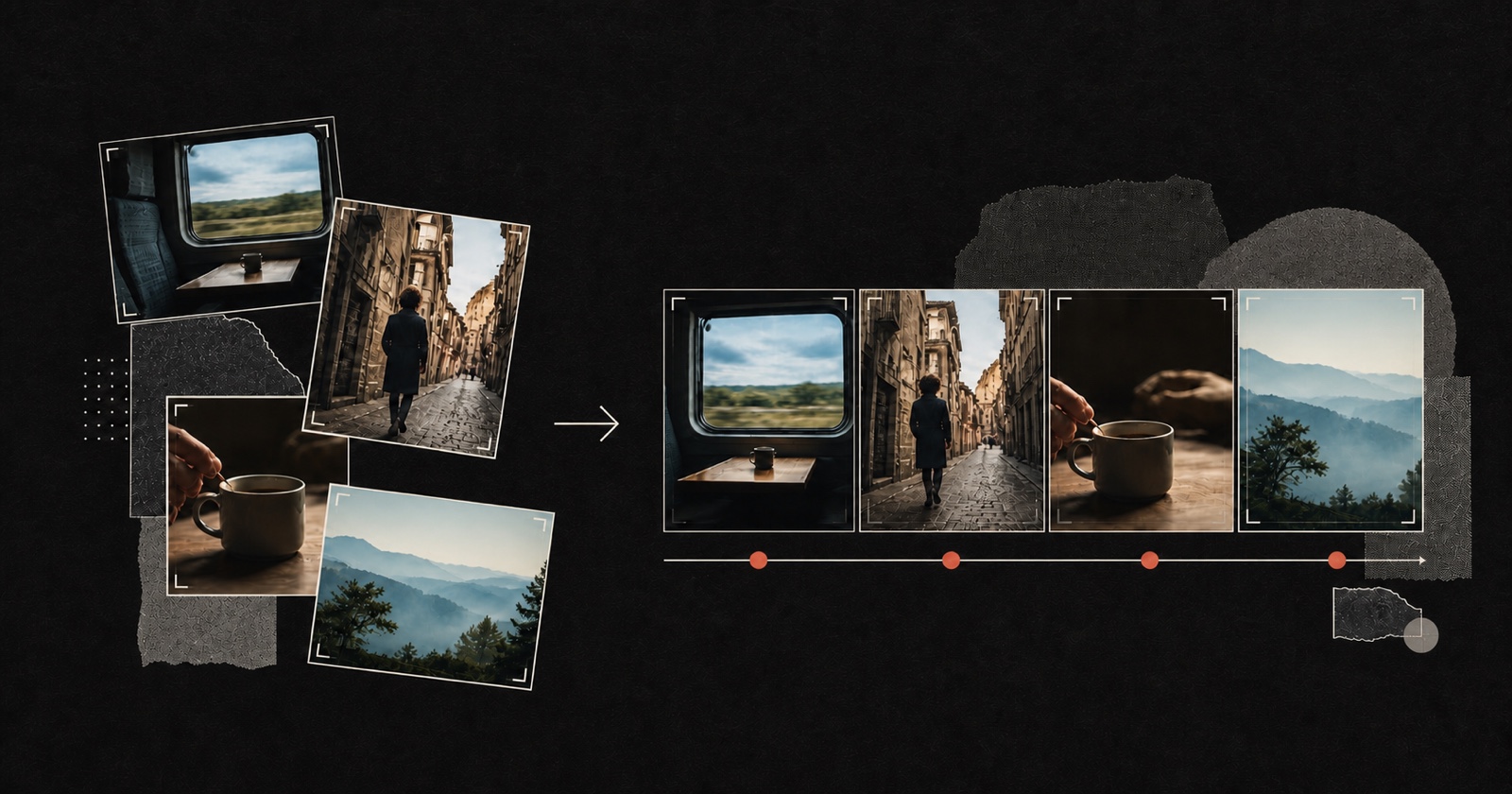
Shape scattered shots into a story with an opening, movement and a clear landing.
Many fragments, one narrative line
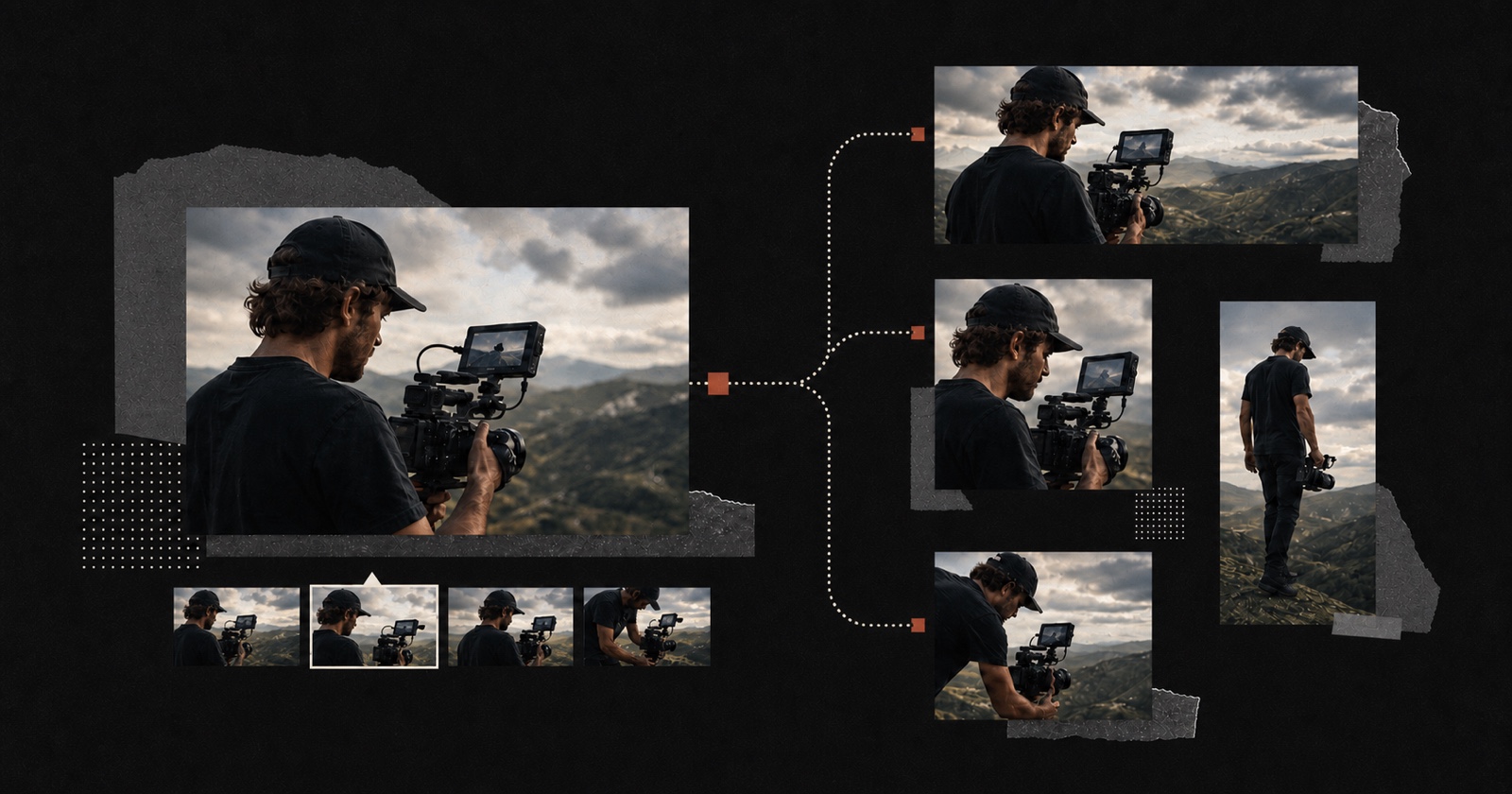
Build versions with different crops, pacing and platform context from one source set.
One source set, several independent cuts
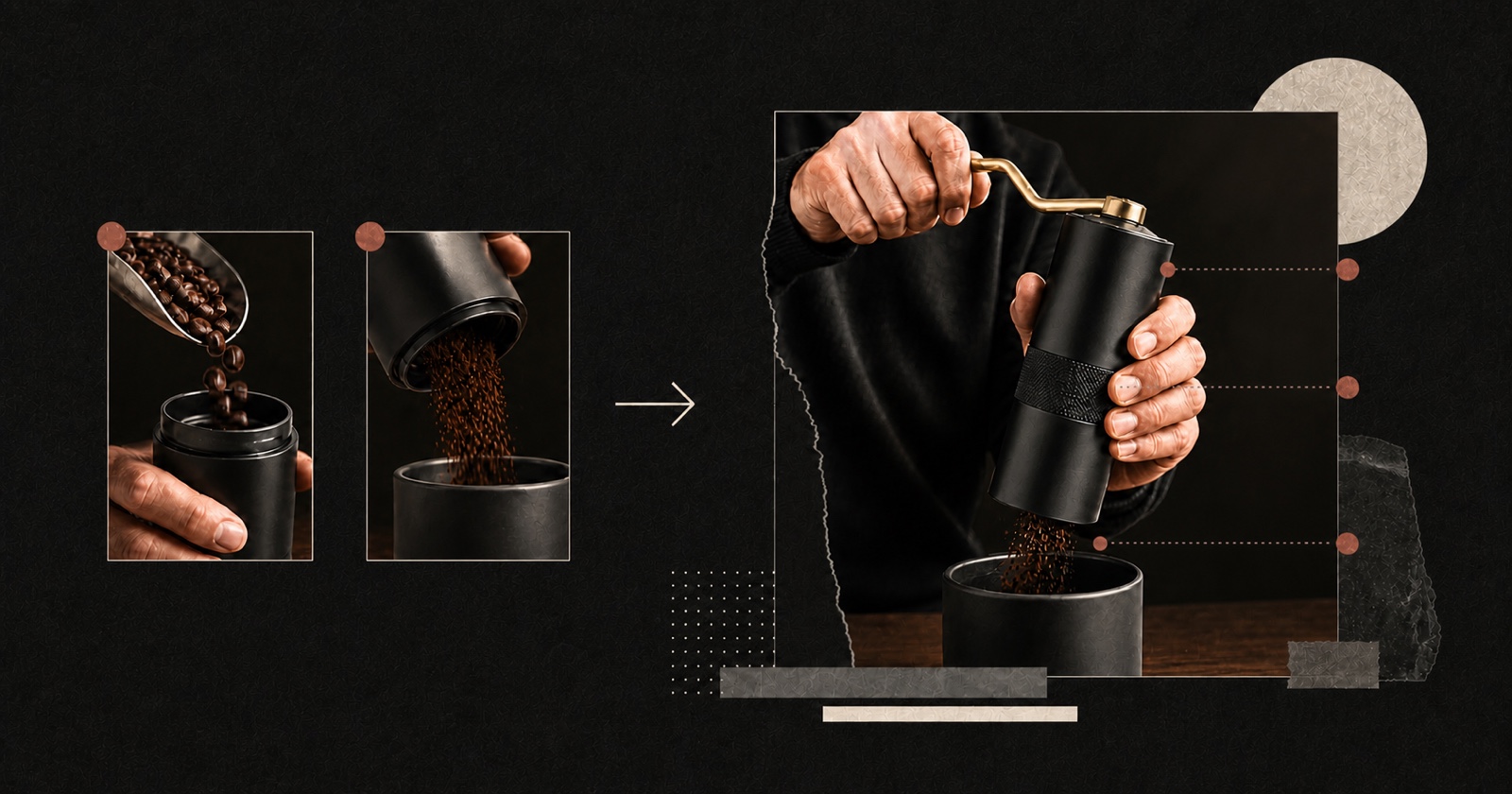
Turn product close-ups, use footage and before-and-after proof into a sharp commerce video.
Shots, captions and pacing in one finished cut
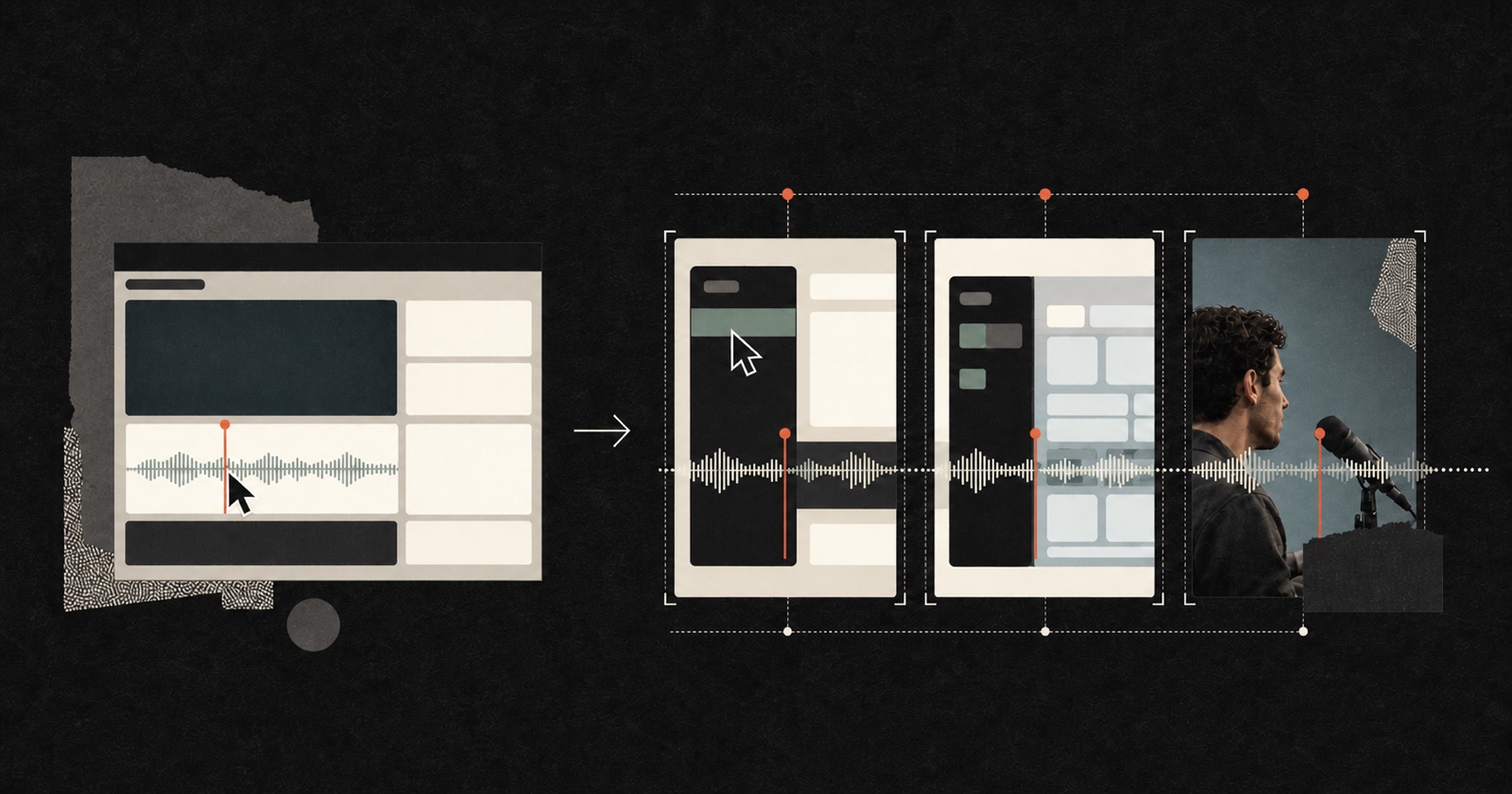
Keep narration, cursor actions and interface state on the same beat.
Action, screen and voice stay synchronized
MCP
Connect your agent to Pireel. It can create media, understand the active project and edit the timeline directly.
AI Agent · Pireel
Securely connects the active project
Create, edit and export in place
FAQ
Talking heads, interviews, podcasts, courses, vlogs, product demos and commerce footage. One long source can become several shorts, or many sources can become one or several variants. Portrait and landscape are both supported.
Yes. Each output keeps its own timeline, canvas, captions, graphics and audio. Switch versions in the preview instead of duplicating the whole project.
Yes. Start from a blank output, existing media or an instruction. The canvas, timeline and Agent stay in sync, so you can drag, trim and adjust directly or ask for the same changes in plain language.
Exports support up to 4K at 60fps.
Footage lives in your own space, visible only to you and members you authorize. Deleting a project also deletes its associated assets.
CapCut centers on manual tools. Pireel keeps the canvas, timeline, media generation and Agent in one live project. Edit directly or let an Agent operate the active output; both paths share the same state.
Your next cut starts here