Remove background noise from video

Clean the voice without separating it from the edit

Reduce steady room noise on a spoken video, compare the result and continue cutting, captioning and mixing in the same project.
pireel.com/en/studio
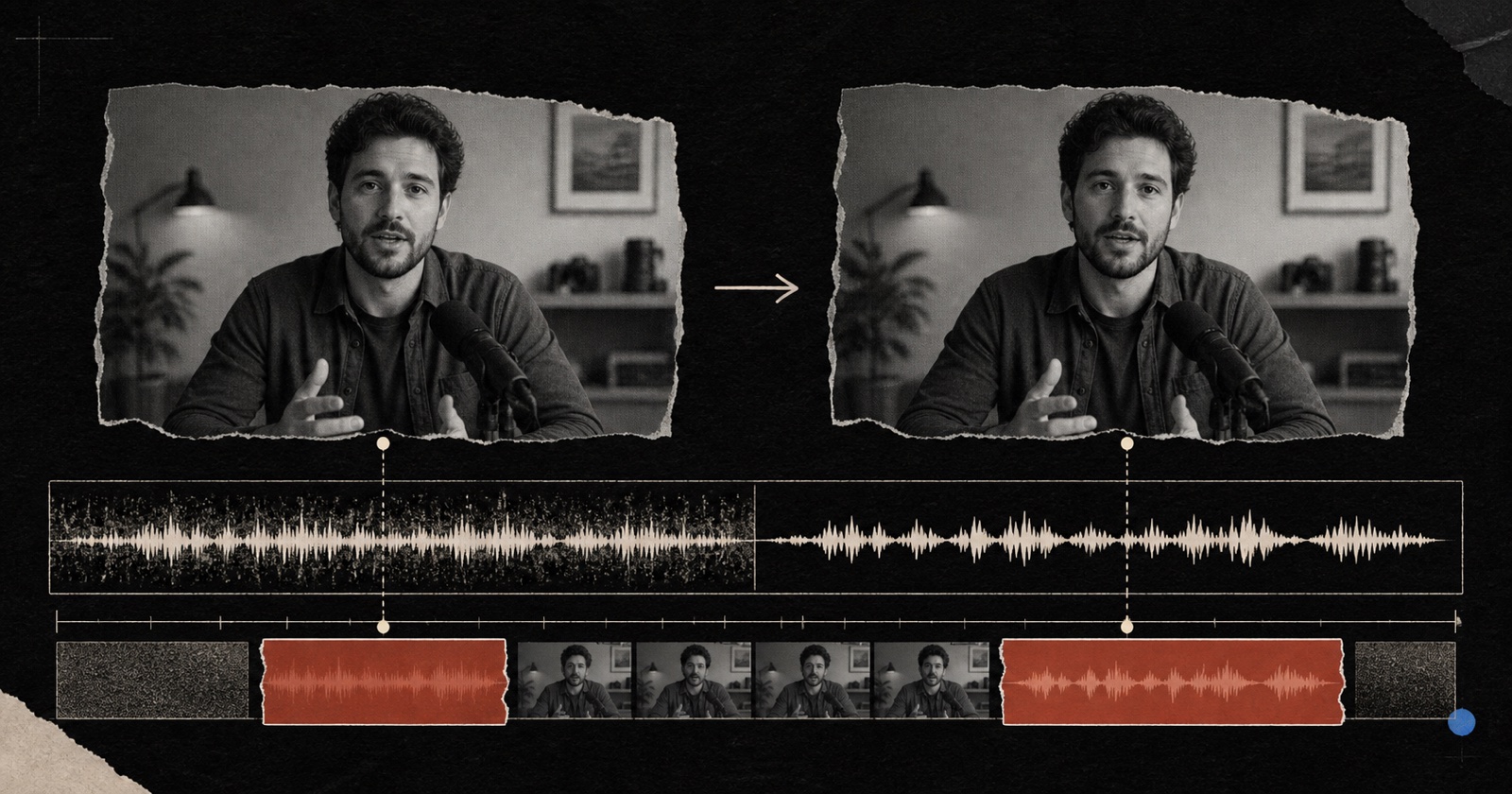
The same talking-head video before and after background-noise reduction with a cleaner speech waveform

What does AI video noise reduction do?

AI video noise reduction analyzes the audio attached to a video and suppresses recurring noise that competes with speech. Pireel applies speech-focused cleanup to the active source while keeping the picture, timing and editable project intact. It is intended for fans, room hum and similar steady interference. It cannot reconstruct clipped speech or perfectly separate every overlapping voice, sound or music layer.

Treat cleanup as one reviewable audio decision

Listen to a representative section

Choose a passage containing both speech and the recurring noise so the before-and-after comparison is meaningful.

Apply speech-focused reduction

Reduce the background layer while preserving consonants, breaths and the natural character of the recorded voice.

Compare, then keep editing

Check headphones and ordinary speakers, restore the source if artifacts appear, then continue with cuts, captions, music or export.

What cleanup can and cannot repair

A better result comes from matching the problem to the right treatment instead of maximizing one control.

Recorded problem
Constant fan or air-conditioning hum
Useful action
Apply steady speech-focused noise reduction
What to check
Voice clarity and whether room tone changes abruptly
Recorded problem
Background noise varies between cuts
Useful action
Review each affected source rather than assuming one setting fits all
What to check
Consistency at edit boundaries
Recorded problem
Speech clips or distorts at recording time
Useful action
Keep expectations limited; reduce distraction rather than inventing lost detail
What to check
Harsh consonants and missing syllables
Recorded problem
Music and speech overlap in one mixed track
Useful action
Use a lighter cleanup or return to separate source tracks when available
What to check
Whether intended music or ambience disappears

Audio cleanup should support the visual story

After the voice is clear, captions, framing and visual treatment can still be changed without exporting an intermediate file.


Structured caption treatment after speech cleanup in Pireel
Editorial video treatment after speech cleanup in Pireel
Minimal video treatment after speech cleanup in Pireel

Good candidates for cleanup

Talking heads recorded near a fan or computer
Interviews with consistent room hum
Courses, tutorials and screen recordings with a clear main speaker
Phone footage where speech is still intelligible

Noise reduction is not restoration magic

Clipped, missing or heavily distorted speech cannot be recreated reliably
Overlapping speakers and music may require source separation or a new mix
Aggressive processing can deform breaths and consonants
The final result should be checked on more than one playback system

Video noise reduction questions

What kinds of background noise can Pireel reduce?+

It is best suited to recurring interference around a clear spoken voice, such as fan noise, computer noise and steady room hum.

Does noise reduction change the video picture?+

No. The cleanup targets the source audio while the picture, timing and rest of the composition remain editable.

Can I compare the original and cleaned voice?+

Yes. Review a representative passage and restore or reduce the treatment if speech begins to sound thin or artificial.

Will it remove background music?+

It is not a guaranteed music separator. When speech and music are mixed into one file, strong cleanup can also damage intended audio.

Can I keep editing after cleanup?+

Yes. Continue trimming, captioning, arranging music and exporting from the same project.

Test the noisiest representative passage first

Use a section with real speech and real background sound. Keep the cleanup only if words, breaths and edit boundaries remain natural.

Clean video audio