Choose a workflow and inspect state
Choose a workflow or let Pireel decide; it reads the current video, sources, transcript, shots, captions and graphics before changing them.
Conversational video editor
Review the real video, ask for a change in plain language and keep refining the same edit.
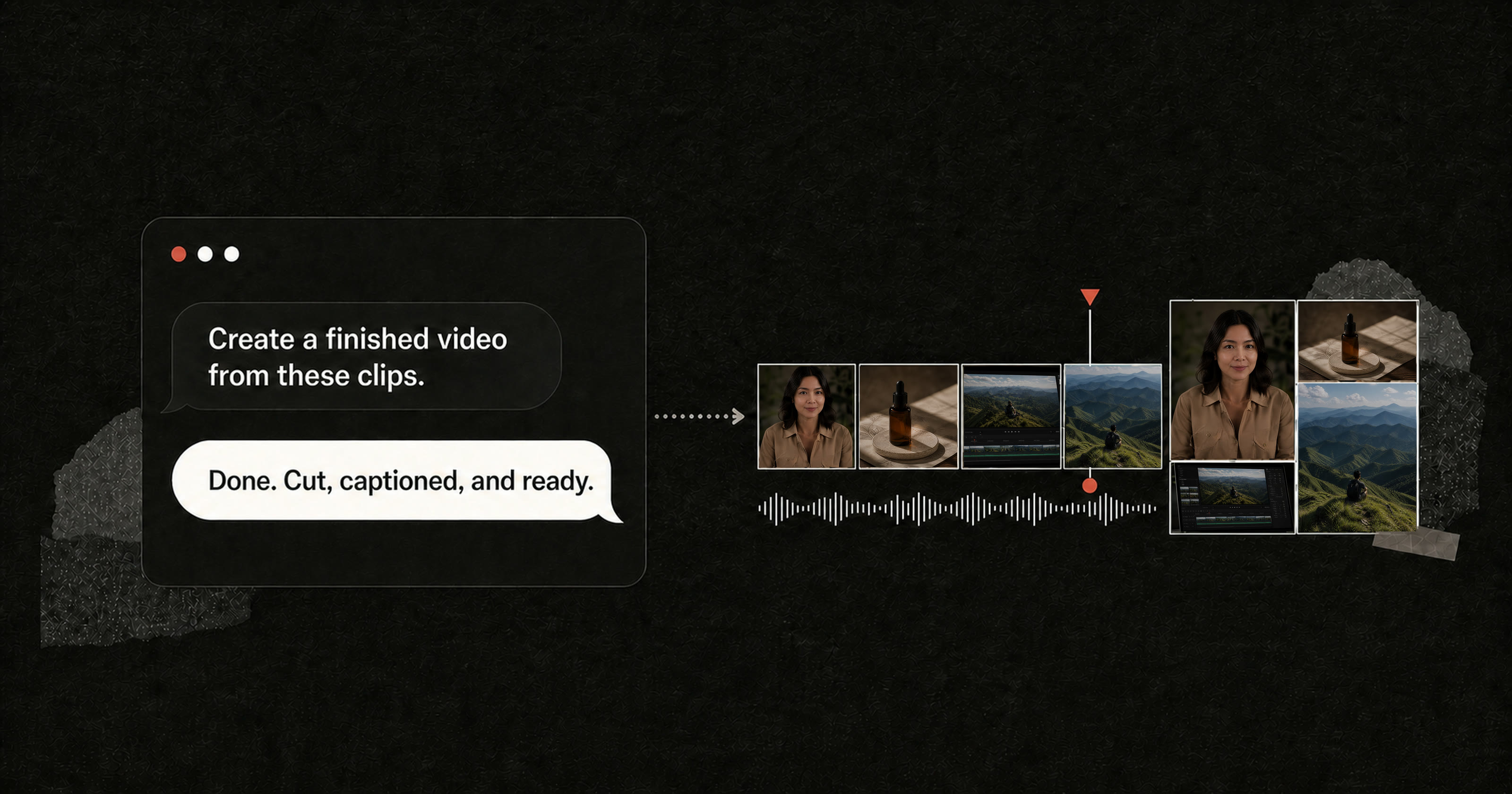
Conversational video editing lets you describe a change in ordinary language instead of locating every control manually. In Pireel, Chat can work on the active video, a source moment, a shot, caption style, graphic, visual theme or export setting. The result is not advice in a chat window. It becomes a visible edit that can be reviewed and revised again.
Choose a workflow or let Pireel decide; it reads the current video, sources, transcript, shots, captions and graphics before changing them.
A plain-language request becomes a specific cut, placement, style or timing operation.
The same video stays open, so the next note builds on the result instead of regenerating everything.
Specific intent produces a change that is easier to inspect, approve or undo.
These examples show how the video can take on a different visual language while shots, captions and graphics remain editable.


No. Pireel can make real changes to the video, including cuts, shot framing, captions and designed graphics.
Yes. Individual shots, captions and graphics can be addressed so a revision does not need to regenerate the whole video.
Editing actions remain part of the project workflow. Review consequential changes and use the available undo path when a revision is rejected.
No. Conversational editing is available in the browser. MCP agent control is an optional workflow for compatible clients.
Yes. Choose automatic selection or a workflow for talking heads, long-to-shorts, montage, batch editing, commerce video or product demos. The project and editing tools stay the same.
Conversation speeds up intent and targeting. Final quality still requires visual review, fact checking and publishing judgment.
Open a project, choose the weakest moment and describe the result you want. Then inspect the actual change.
Start editing