Define the viewer’s task
Choose one problem and one result so the demo does not become a tour of every feature.
Product demo video maker
Combine screen recordings, product footage and narration into a focused demo with clear steps, proof and a next action.
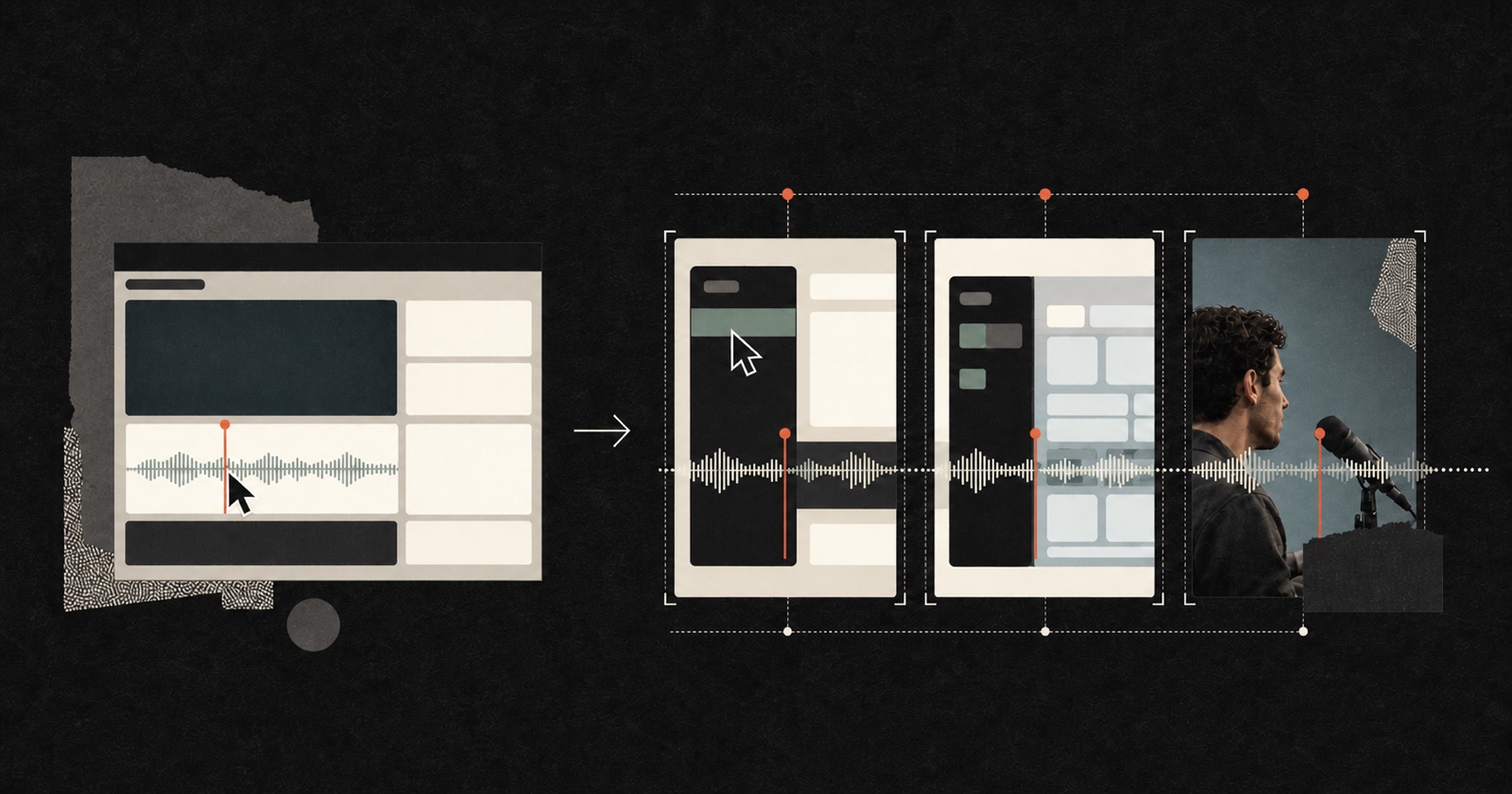
An AI product demo video maker helps organize product evidence into a video people can follow. Pireel can combine screen recordings, camera footage, voiceover and supporting visuals, then help shape the sequence around a problem, an action and a visible result. Every scene remains editable, so you can correct the product flow, replace outdated footage and refine the narration before publishing.
Choose one problem and one result so the demo does not become a tour of every feature.
Match narration with the relevant screen recording, device shot, cursor action or result.
Remove waiting time, check labels and steps, then keep the call to action specific to the demo.
The product should remain the evidence. Visual polish supports the explanation rather than replacing it.
Interface recordings need clear hierarchy, restrained captions and deliberate callouts. Change the presentation without flattening the source footage.

Yes. Use several source clips in one project and arrange them around the product story you want to show.
Yes. Tighten inactive sections while keeping enough cursor and interface motion for viewers to follow the action.
Yes. Create separate outputs for different audiences, use cases or hooks while reusing the relevant source footage.
Yes. Replace or revise the affected shot instead of rebuilding the entire video from the beginning.
Use real recordings when the interface is evidence. Generated supporting visuals can help explain an idea but should not misrepresent the product.
Start with the screen recording or footage that proves the result. Add only the setup, explanation and next action the viewer needs.
Make a product demo