Transcript-aware cuts
Remove retakes, filler, dead air or a named spoken passage with source-timestamp precision.
Pireel lets compatible AI agents work on real video projects. An agent can combine sources, prepare several cuts, edit shots, audio, captions and designed graphics, and export the result. Every change remains visible in Studio and can be adjusted before publishing.
Product details verified August 21, 2026
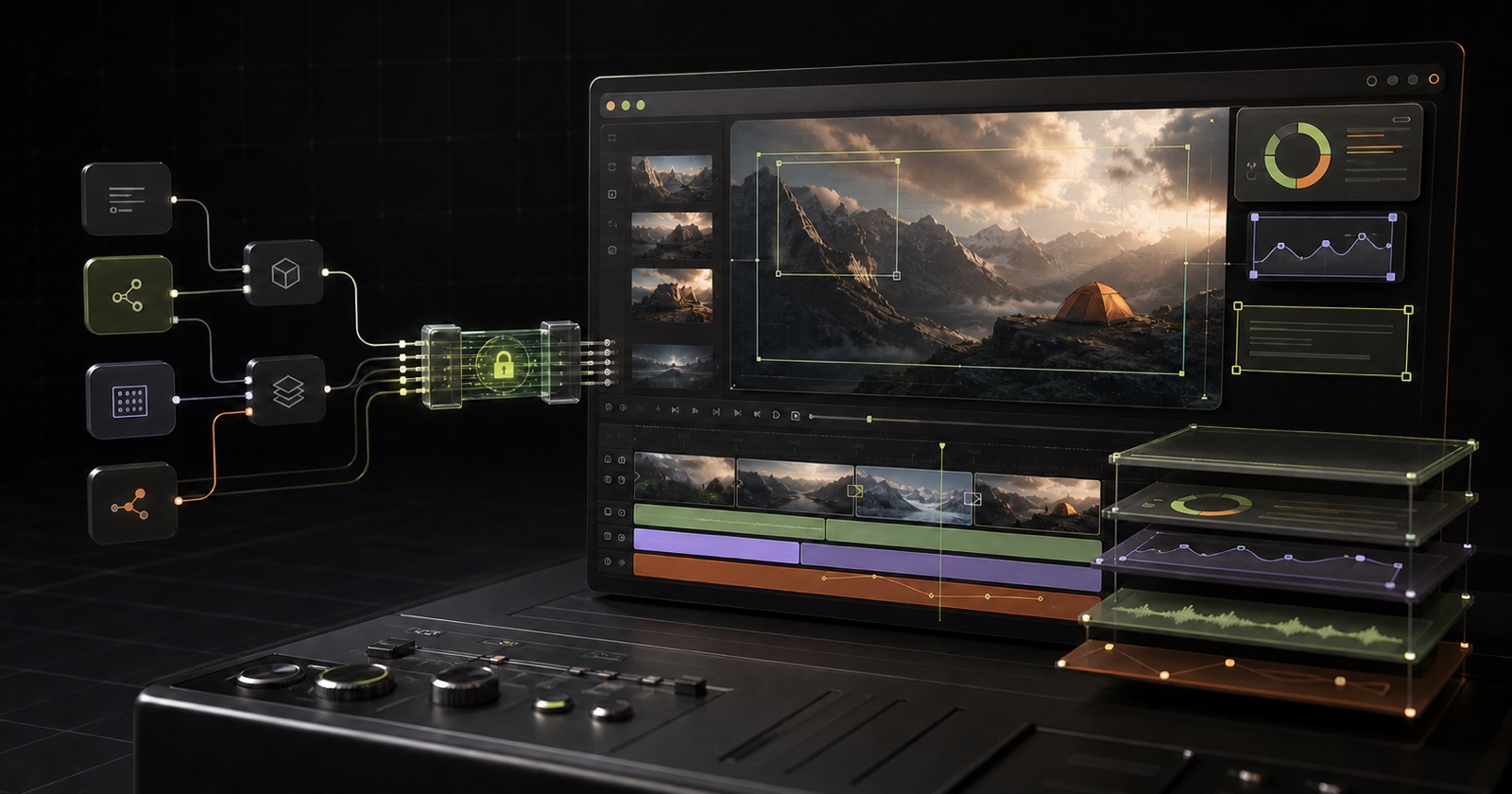
An MCP video editor lets a compatible AI agent use editing actions through the Model Context Protocol. In Pireel, the agent can work with timed speech, shots, captions, graphics and export settings while the video stays visible in the browser. You can inspect the result, continue editing directly or ask for another change.
Register the remote MCP endpoint and complete OAuth in the browser. No static API key is required.
Use the browser Studio or let the local helper import and probe source media.
Tell the agent whether the task is a talking-head edit, long-to-shorts, montage, batch edit, commerce video or product demo.
Cuts, captions, framing, graphics and visual styles become normal changes you can inspect and revise.
Keep Studio visible and inspect changes as they land, then continue directly or through the agent before export.
Remove retakes, filler, dead air or a named spoken passage with source-timestamp precision.
Select and arrange primary footage, inserted clips and b-roll with distinct source clocks.
Apply word-timed emphasis or clean full-line subtitle styles.
Add metric cards, lists, charts, diagrams and callouts at relevant moments.
Create supporting images or clips when needed and place them in the video.
Create or switch output variants, then change only the named shot, caption or graphic.
“Clean up this talking-head video: remove filler, retakes and long pauses, but preserve the speaker’s meaning.”
“Find four standalone shorts in this interview and create a named output for each one.”
“Turn these product clips into one demo cut and three commerce variants with different hooks.”
“Read the current timeline and explain every edit before changing anything.”
When the Studio tab is open, the agent can use video-dependent analysis, capture frames and show changes landing live.
When the tab is closed, supported project changes can still update the most recently active cloud project.
Keep Studio open when a task needs to inspect actual frames, import browser media or confirm visual quality.
The hosted MCP connection uses browser authorization and works only within the signed-in user’s access. Keep Studio visible for important visual changes so you can review the actual frame before export.
No. You can edit directly in the browser. Agent control is optional and works with compatible MCP clients.
No. It uses supported editing actions for transcript, shots, captions, graphics, visual styles, media and export.
Data-level edits can work against the active cloud project. Visual analysis, capture and other video-dependent operations need the Studio open.
Yes. The hosted endpoint uses OAuth. Clients discover the authorization flow and the user approves access in the browser.
No. Agent reasoning and bring-your-own text or HTML generation use the agent subscription. Media generation and designated audio or vision pipelines may use Pireel credits.
The public Studio editor is AGPL-3.0-only. The separate agent plugin is Apache-2.0. Hosted services and configured providers are described separately.
Connect once, import representative source media, choose the matching workflow and ask for the videos you need. Keep Studio visible so you can review each change before export.
Connect an agent