Find complete moments
Pireel scans the transcript for claims, stories, questions and answers that can stand on their own.
Long video to shorts
Bring a podcast, interview or course recording. Pireel finds self-contained moments, creates separate cuts and keeps each one editable.
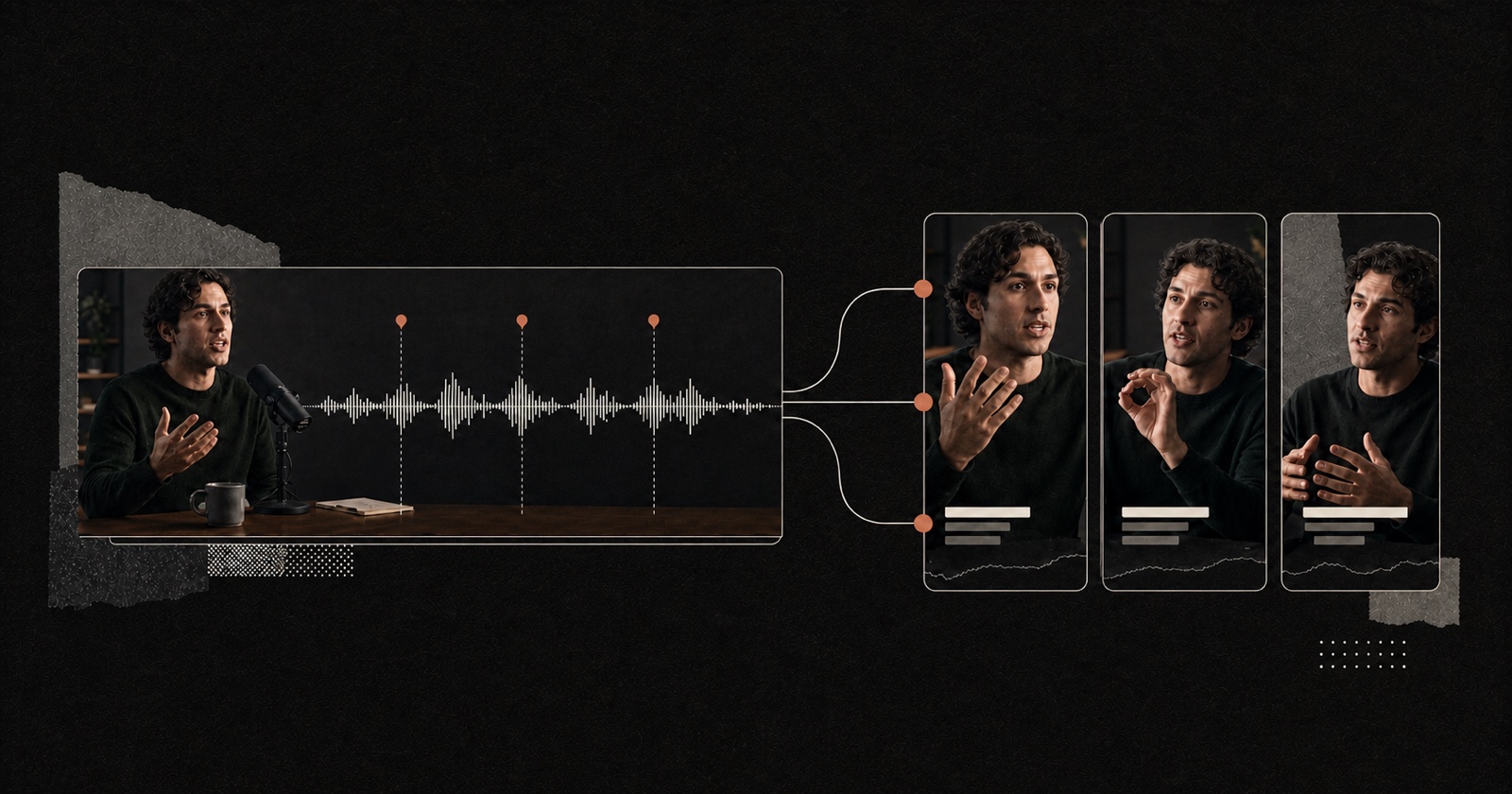
A long video to shorts editor helps turn one recording into several shorter videos for social channels. A useful result needs more than arbitrary clips. Each short should open clearly, make sense without the full episode and end at a natural point. Pireel uses the transcript and source timing to find candidate moments, then lets you review the cut, change the framing, add captions and revise the hook before export.
Pireel scans the transcript for claims, stories, questions and answers that can stand on their own.
Every candidate becomes a separate cut with its own opening, ending, framing and captions.
Keep the strongest clips, rewrite a weak hook and adjust any cut directly or by chat.
The source stays intact while every selected moment becomes its own editable output.
Use captions, type, color and layout to support the clip. The underlying cut remains editable when the visual direction changes.


It depends on how many complete, useful moments the source contains. Pireel can prepare several named cuts so you can compare them before exporting.
Yes. Set a portrait output and adjust the crop for each shot so the speaker or subject remains visible.
Captions are optional. You can add timed captions, choose a visual style and reposition them when they cover a face or important object.
Yes. Each result stays editable. Extend a source range, remove a section or ask Chat to find another moment with a different angle.
Pireel prepares and exports the video. Review the current publishing options for each social platform before posting.
Start with a recording that contains several distinct ideas. Let Pireel prepare candidate cuts, then keep only the moments you would publish on their own.
Create short clips