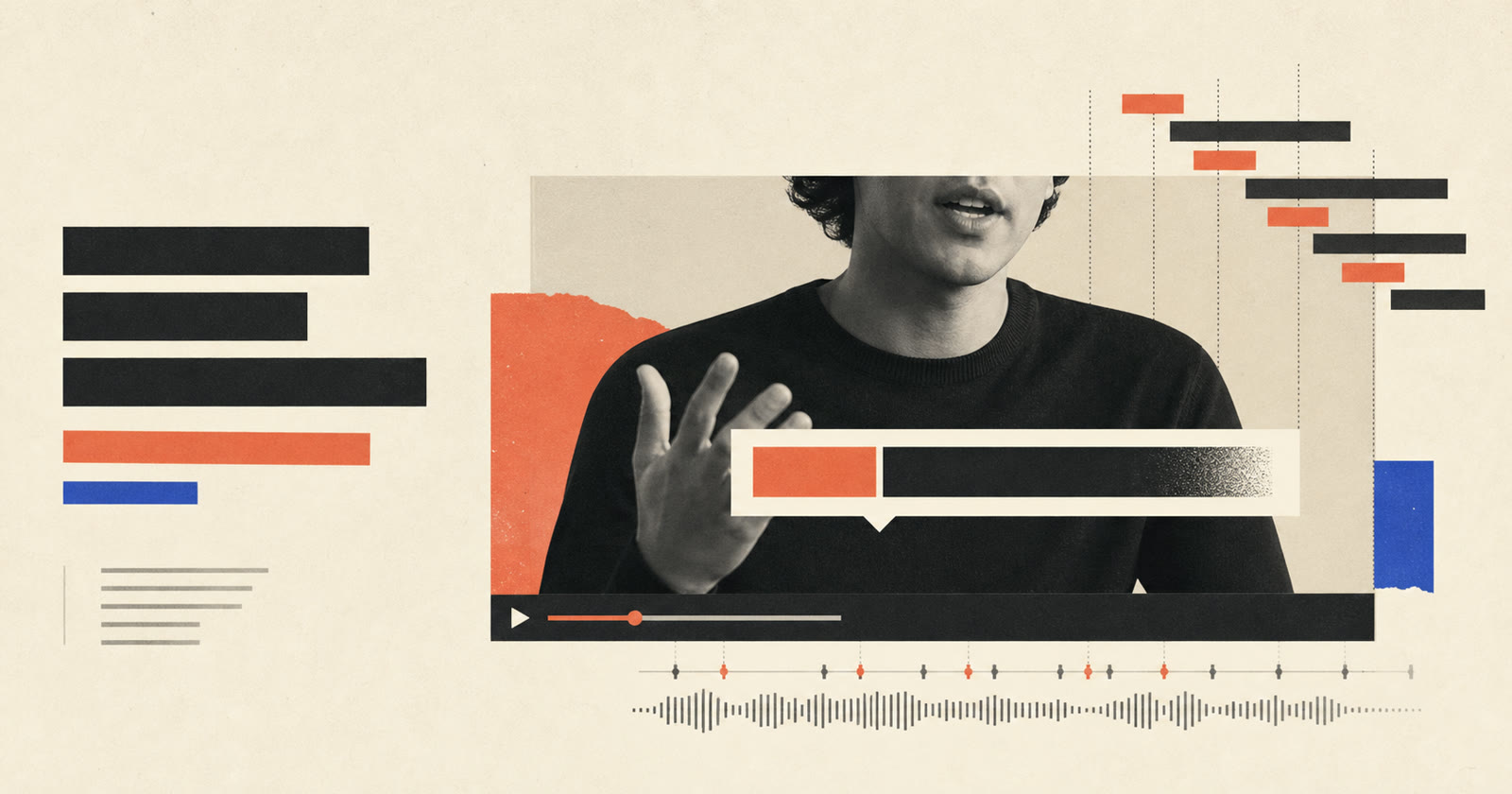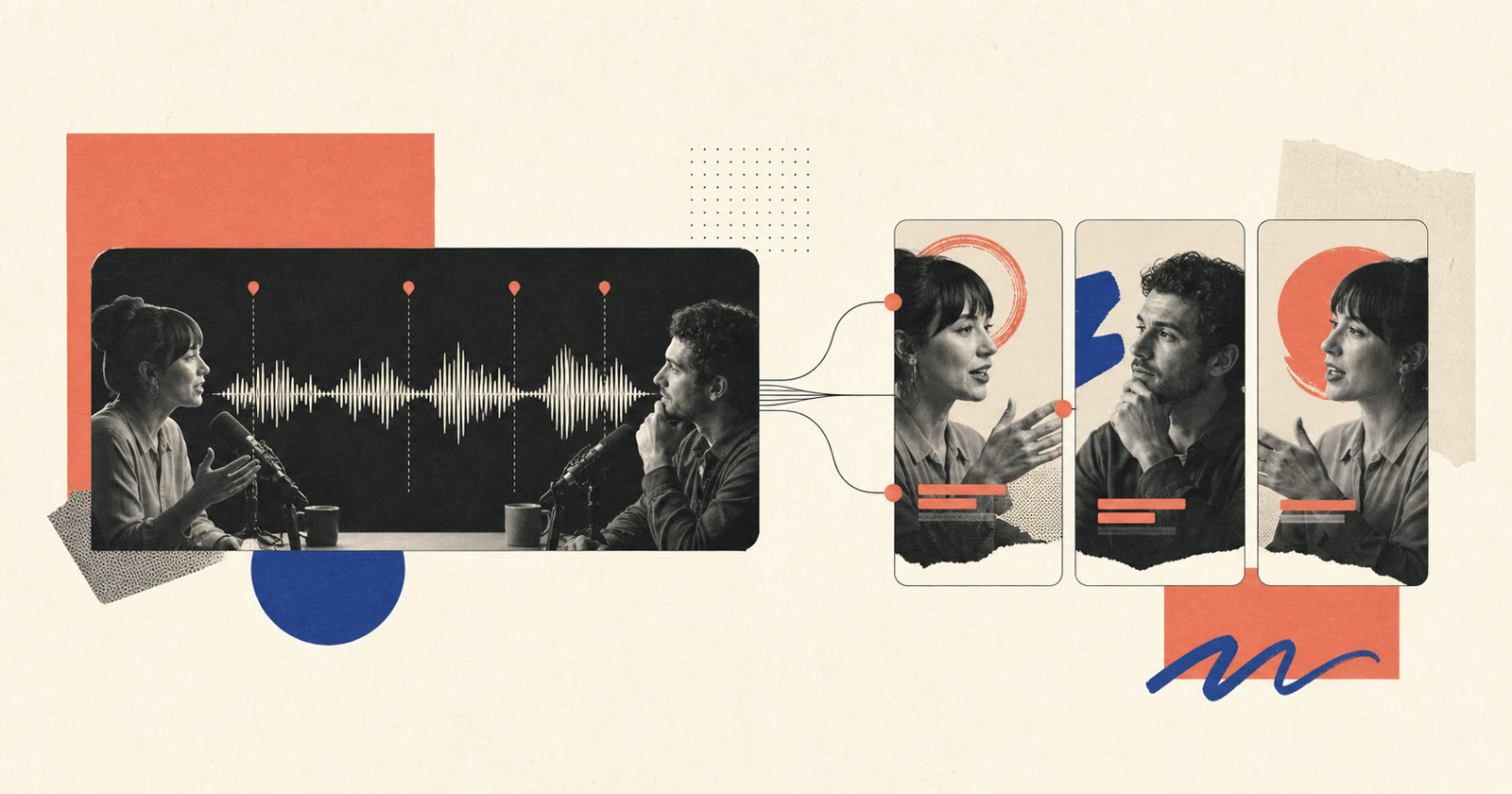
To turn a podcast into short video clips, search the transcript for self-contained moments with a clear promise, include enough setup to understand the claim, cut one clip around one idea, then rebuild the framing and captions for the destination platform. The best excerpt is not always the most emotional sentence; it is the moment that still makes sense outside the full episode.
AI can rank candidate moments and prepare a first pass. A human editor still decides whether the clip is fair to the speaker, complete enough to understand and strong enough to earn attention without a misleading hook.
The short workflow
- Transcribe the complete episode and correct names and terms.
- Mark claims, stories, disagreements, useful steps and surprising answers.
- Score each candidate for hook, context, payoff and visual potential.
- Expand the selection until it becomes self-contained.
- Remove detours while preserving the speaker's intended meaning.
- Reframe for vertical and choose a stable speaker layout.
- Add captions and a title that states the actual promise.
- Review the clip independently from the full episode.
This creates reusable editorial decisions instead of asking a model to find “viral moments” with no definition of quality.
Start with a corrected transcript
A transcript makes a long episode searchable, but recognition errors around names, products and technical language can hide the most valuable moments. Correct those terms before searching or scoring.
Use simple labels while reading:
- Claim: a strong position that can be defended inside the clip.
- Story: a situation, change and result with a clear sequence.
- How-to: steps a viewer can use immediately.
- Tension: a disagreement, tradeoff or surprising contrast.
- Evidence: a number, example or demonstration supporting a point.
- Quote: memorable wording that still represents the full answer.
This first pass can also identify the episode sections that should never become isolated clips because they rely on sensitive context, earlier definitions or unresolved nuance.
Select moments with a four-part score
Give each candidate a score from one to three on four dimensions:
| Dimension | Question |
|---|---|
| Hook | Does the opening create a specific reason to continue? |
| Context | Can a new viewer understand who or what is being discussed? |
| Payoff | Does the clip reach an answer, reveal or useful conclusion? |
| Visual potential | Can framing, captions or evidence support the idea? |
A high hook with no context produces confusion. Strong context with no payoff feels like a trailer that ends before the useful part. The scoring model is not a prediction of virality; it is a way to expose why an editor believes a moment can stand alone.
Research behind PodReels similarly explores human-AI co-creation rather than fully automatic final selection. That distinction matters: models are useful for navigating a long transcript, while creators retain control over narrative and representation.
Build a self-contained opening
The strongest sentence may occur in the middle of an answer. Starting exactly there can create an unclear pronoun, missing subject or unsupported conclusion.
Before the selected line, add the minimum setup needed to answer:
- Who is speaking or being discussed?
- What problem or situation is this about?
- What does “it”, “that” or “they” refer to?
- Is the speaker agreeing, disagreeing or adding a condition?
Sometimes the host's question is the cleanest setup. Sometimes a short on-screen title can replace a long verbal prompt. Do not use a title to change the scope of the answer.
Cut for one idea, not one arbitrary duration
A useful clip has an internal arc:
- A reason to listen.
- The necessary context.
- A development, example or explanation.
- A payoff or clear stopping point.
Platform limits matter, but do not stretch a complete 35-second idea to 60 seconds, or crush a thoughtful answer until its qualification disappears. YouTube's current help documentation describes eligible square or vertical Shorts up to three minutes for standard channels under its stated rules. That is a delivery boundary, not an editorial target.
Cut repeated setup, side stories and abandoned phrases. Preserve pauses that communicate thought or make a reveal land. The pause and filler-word workflow explains how to avoid turning natural conversation into compressed speech.
Reframe the conversation for vertical
Podcast footage often uses a horizontal two-shot or separate cameras. The vertical version needs a deliberate speaker system.
Stable two-person or stacked layout
Use this when reactions and the relationship between speakers matter. Make both faces large enough to read. A stacked view can preserve simultaneous reactions without rapid switching.
Active-speaker switching
Use this when the answer is long and one person clearly holds the floor. Switch at meaningful turn changes, not every backchannel such as “right” or “exactly”. Keep short reactions audible while holding the main speaker when the interruption adds no visual information.
Product, screen or evidence layout
When the conversation refers to a chart, product or screen, allow the evidence to take priority. Use picture-in-picture only if the face adds something. The full horizontal-to-vertical reframing guide covers moving subjects and screen recordings.
Add captions that support scanning
Many people encounter short clips with sound unavailable or not yet enabled. Captions should communicate the words accurately, identify a speaker when needed and include relevant non-speech information. W3C guidance notes that automatic captions require editing for accuracy.
For podcast clips:
- Keep one or two readable lines.
- Correct guest names and industry terms.
- Use one consistent active-word treatment.
- Avoid covering mouths and microphones.
- Rebreak captions after every dialogue edit.
- Emphasize only the words that carry the claim.
Use the full animated caption workflow when building word-level timing and safe areas.
Package one promise per clip
The title, first spoken line and caption emphasis should describe the same idea. If the title promises a step-by-step method but the clip contains only an opinion, the packaging is misleading even if every word is technically true.
A useful title is specific enough to set context:
- Weak: “This changes everything.”
- Better: “Why automatic cuts make some interviews sound rushed.”
- Weak: “You need to hear this.”
- Better: “The question to ask before removing a podcast pause.”
Avoid adding unsupported superlatives, revenue claims or conflict to make the excerpt appear stronger. Short clips also represent the credibility of the full episode.
Review the clip outside the episode
Export a review version and show it to someone who has not watched the conversation, or simulate that condition by waiting before review. Ask them:
- What is the clip about?
- What is the speaker's main claim?
- Which word or reference was unclear?
- Did the ending feel complete?
- Did any crop, caption or speaker switch distract from the point?
Then compare the excerpt with the surrounding transcript. Confirm that the cut did not remove a condition that materially changes the answer.
A repeatable batch system
For each episode, keep a candidate sheet with timestamps, transcript excerpt, topic, score, status and final URL. Reject near-duplicate clips that compete for the same promise. Publish fewer distinct ideas rather than five variations of the same quote.
An automatic video editor can prepare transcript selections, reframing, captions and visual blocks as editable candidates. The scalable part is not publishing every candidate; it is making the selection and review criteria repeatable.
Common clip failures
| Failure | Why it happens | Better decision |
|---|---|---|
| Clip opens with “it” or “that” | Selection starts mid-answer | Add the minimum subject and context |
| Ending feels abrupt | Candidate has a hook but no payoff | Extend to the conclusion or reject it |
| Guest is misrepresented | Qualification was removed | Restore context or choose another moment |
| Speaker view changes constantly | Every interjection triggers a cut | Switch only at meaningful turn boundaries |
| Captions contain wrong names | Raw automatic transcript was used | Correct the glossary before caption styling |
| Five clips feel identical | Candidates share the same promise | Keep the strongest and choose different topics |
Frequently asked questions
How long should a podcast clip be?
Use the shortest duration that contains a hook, necessary context and a complete payoff. Platform limits are delivery constraints, not targets, so a complete 35-second idea should not be padded to 60 seconds.
Can AI find the best podcast clips automatically?
AI can search transcripts and rank candidates, but an editor should verify context, fairness, payoff and visual quality. A high-energy sentence is not useful if it misrepresents the answer or depends on missing context.
Should podcast clips show both speakers?
Show both when reactions or the relationship matter. For a long answer, a stable active-speaker view may be clearer. Switch at meaningful turns rather than every short acknowledgement.