Read the timed transcript
Search the recording by words and jump directly to the sentence that needs attention.
Transcript video editor
Use the transcript to find a sentence, remove a retake or tighten an explanation while the video stays open for visual review.
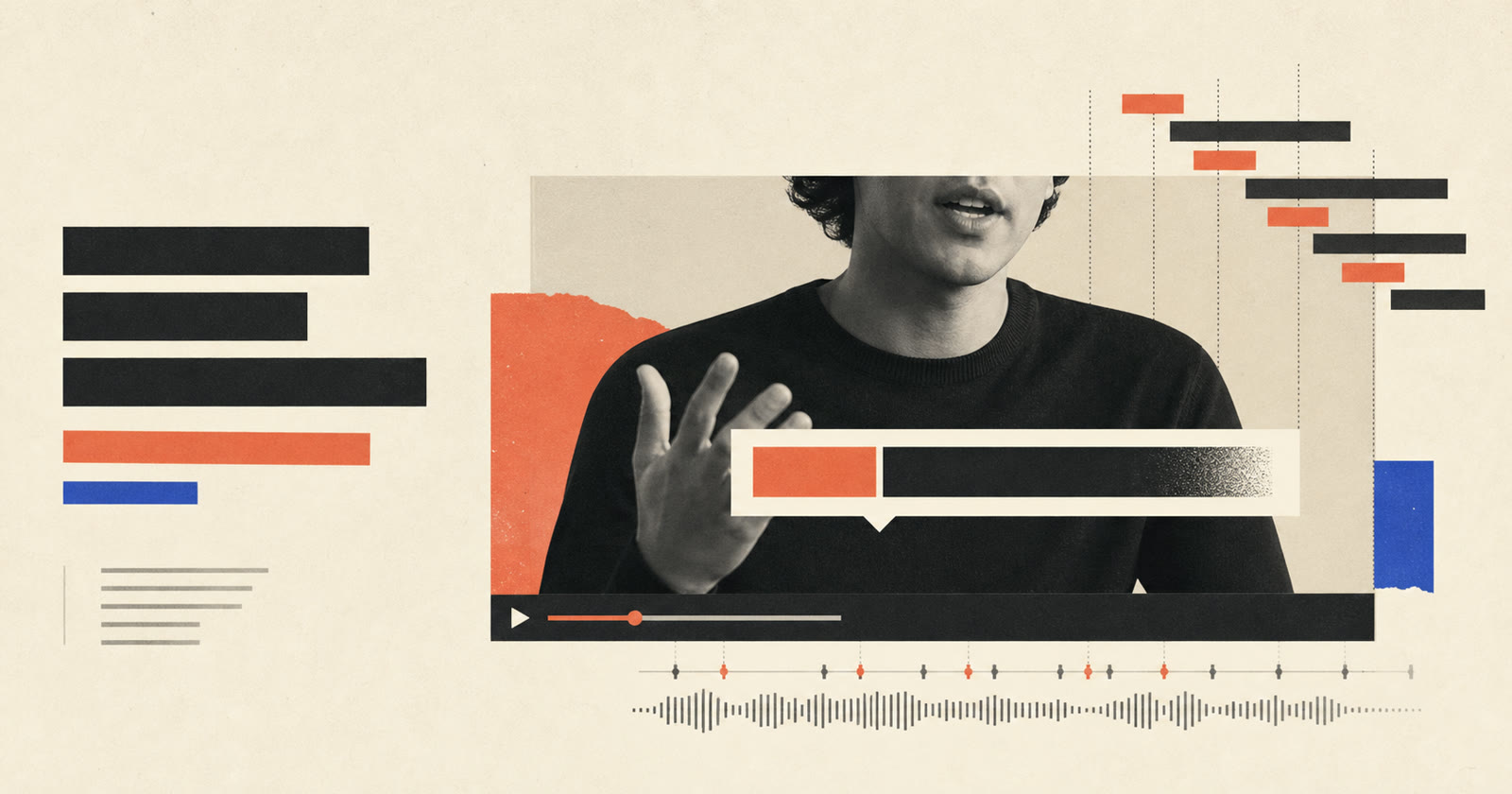
Transcript-based editing connects spoken words to their exact source times. Instead of scrubbing through the whole recording, you can locate a phrase, select the unwanted passage and make a video cut from the text. Pireel keeps transcript edits connected to the canvas and timeline, so you can check facial motion, pauses, captions and scene continuity before accepting the result.
Search the recording by words and jump directly to the sentence that needs attention.
Remove a retake, repeated thought or selected passage using its source timing.
Play across the edit, inspect the frame and keep any pause that carries meaning or emotion.
Text makes spoken footage faster to navigate, while the final decision still comes from watching and listening.
Choose a caption treatment that matches the pace and frame. Text remains timed, editable and movable when the visual style changes.

Pireel can turn a selected transcript passage into a source-timed video cut. Review the transition before keeping it.
Pireel can identify and cut spoken filler or repeated passages. Keep the changes that improve pacing without making speech sound unnatural.
Yes. Timed transcript text makes it possible to find spoken phrases and jump to the matching moment.
No. The transcript represents the spoken source. Captions are the timed text viewers see and can be styled or positioned for the final video.
Yes. Transcript, canvas, timeline and Chat are different ways to work on the same video.
Upload a spoken recording, find one repeated line in the transcript and make the cut. Then watch across the edit before moving to the next change.
Edit by transcript