Read the source set
Inspect the visible action, spoken material, orientation and usable ranges across the clips instead of judging by filenames.
AI video montage maker
Bring the footage you already have. Pireel can inspect the usable moments, shape a sequence and keep every selected clip editable on the timeline.
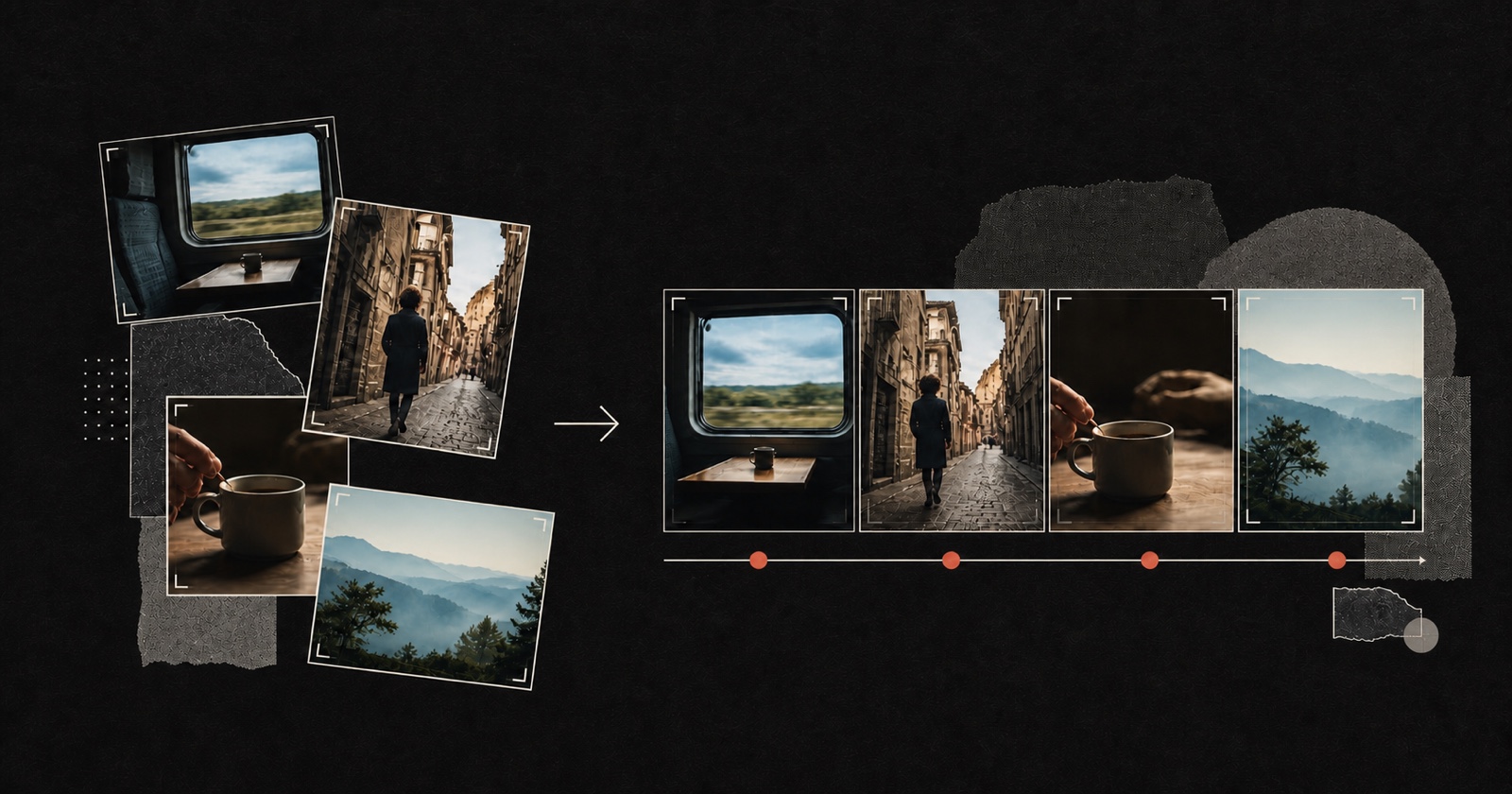
An AI video montage maker helps select, trim and arrange many source clips around a purpose instead of simply joining files in upload order. In Pireel, a montage can be built from local videos, photos, narration and project media. The edit remains a normal multi-track composition, so you can change the order, replace a weak shot, retime captions, keep useful source sound and create another version without starting over.
Inspect the visible action, spoken material, orientation and usable ranges across the clips instead of judging by filenames.
Select clips that advance one clear idea, then arrange them by chronology, action, contrast or another intentional story rule.
Refine trims, captions, music and sound; keep a source moment when it already carries the scene better than an added effect.
The montage is useful only when each selection has a reason and can still be changed.
A Frame can change typography, color, motion and sound direction while the selected footage and editorial logic remain open for revision.

Yes. Import a folder or a selected set of videos, images and audio, then build one or several editable outputs from the shared project media.
It can propose or build an order from the footage and your brief. If several story directions are equally plausible, choose the intended direction before the edit continues.
Yes. The result stays on the timeline, so you can replace, trim, move or reframe an individual shot without regenerating the whole video.
Yes. Use existing audio, project media or approved generated sound, then adjust timing and level in the same composition.
Yes. Each output can have its own clip order, ratio, captions and audio while reusing the same source library.
Import a representative source set and describe the audience, purpose and target length. Review the chosen moments and order before adding surface polish.
Make a montage