Read the recording
Speech becomes a timed transcript while the editor checks framing and visible continuity.
AI talking-head video editor
Upload spoken footage, start from the existing media or an empty output, and combine direct editing with Agent-assisted cuts, reframing, captions and visual explanations.
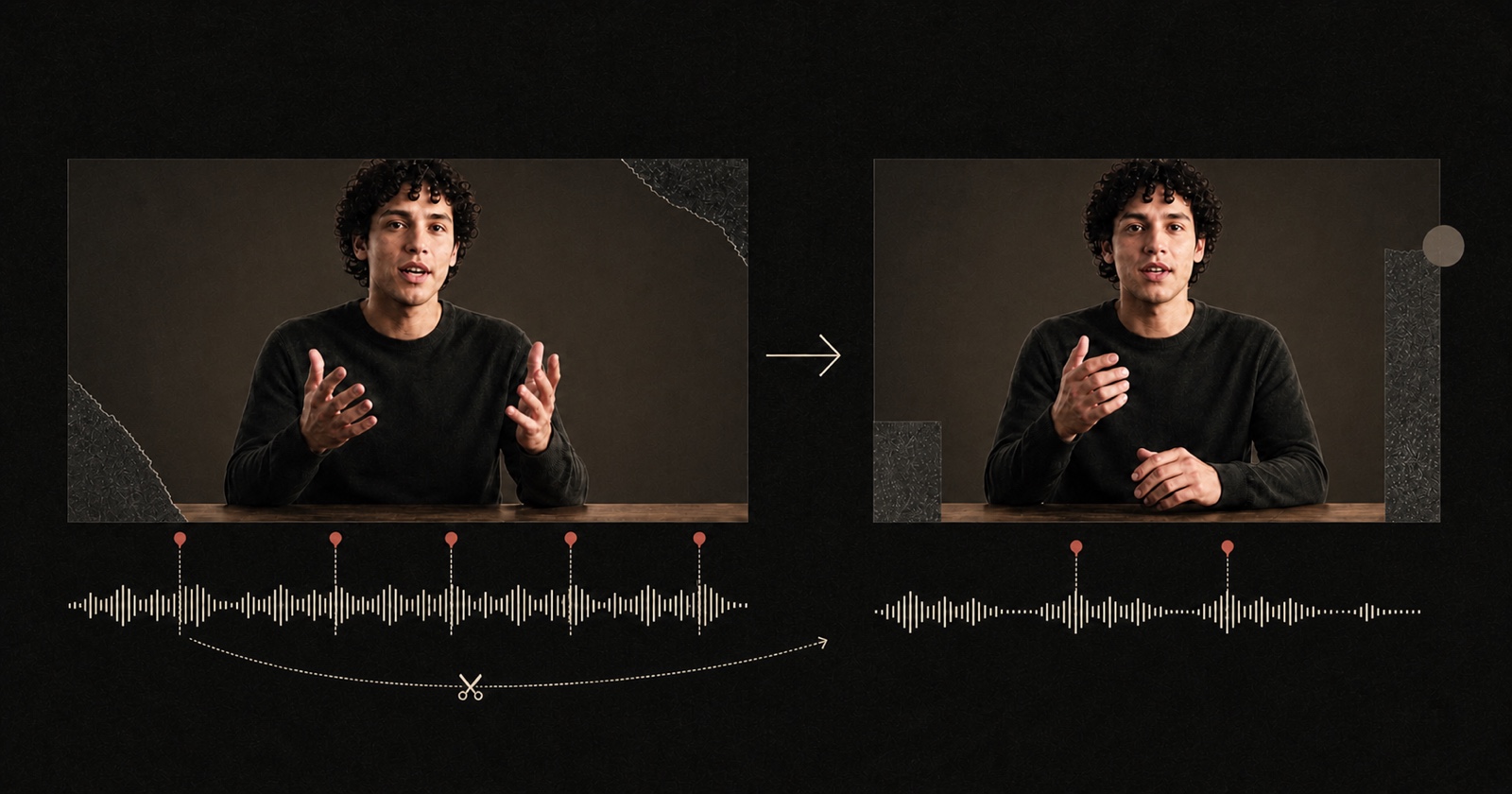
An AI talking-head video editor analyzes recorded speech and framing, then helps turn a continuous recording into a focused video. Pireel works with footage you already recorded. It can identify transcript moments, vary the framing, add timed captions and place visual explanations where an idea needs support. Direct edits and Chat changes always update the same video.
Speech becomes a timed transcript while the editor checks framing and visible continuity.
Scene changes, punch-ins, captions and explanatory graphics form one coherent pass.
Drag and trim directly or request precise Agent changes; both paths keep building on the active output.
Each cleanup decision remains visible and can be revised before export.
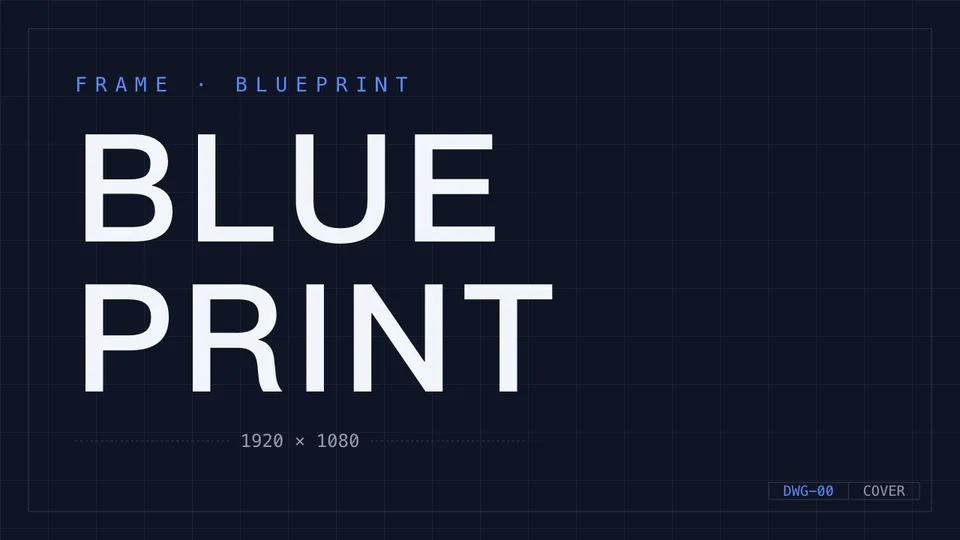
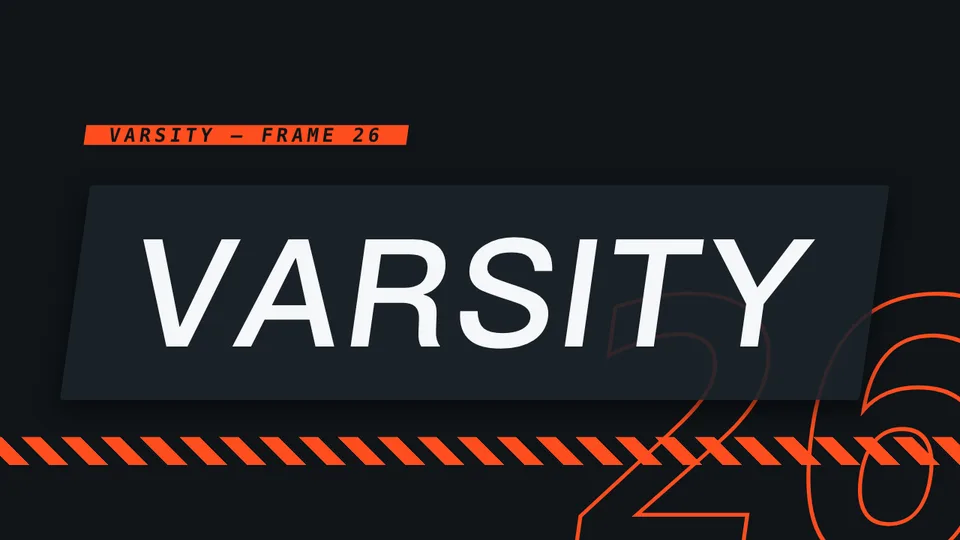
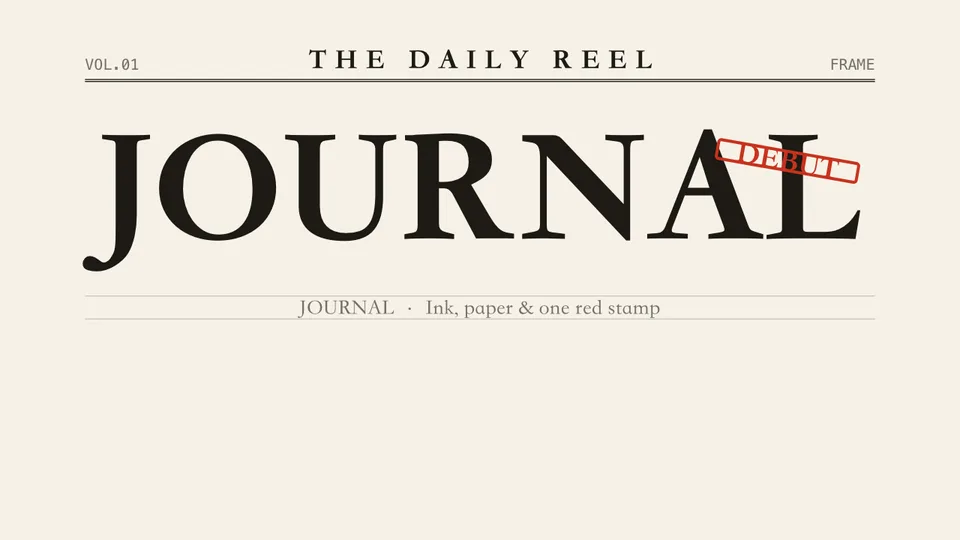
These covers were rendered by the Pireel Studio theme engine. The source footage keeps its meaning while typography, palette and layout change.
Not for this workflow. The input is footage you recorded. Generated images or clips can support the edit, but they do not replace the speaker by default.
Pireel can cut spoken passages using transcript timing. Review the result so natural pauses and intended emphasis are preserved.
No. You can keep the source ratio or choose a portrait, landscape or square output, then adjust framing shot by shot.
Yes. Direct canvas and timeline edits, Chat requests and Agent operations all update the same live video.
No. You can start from an AI-assisted pass and conversation, then inspect every change in the canvas and timeline.
Upload a clip with one retake, one pause and one idea that needs a visual. Try one direct edit and one Agent change in the same output.
Start editing