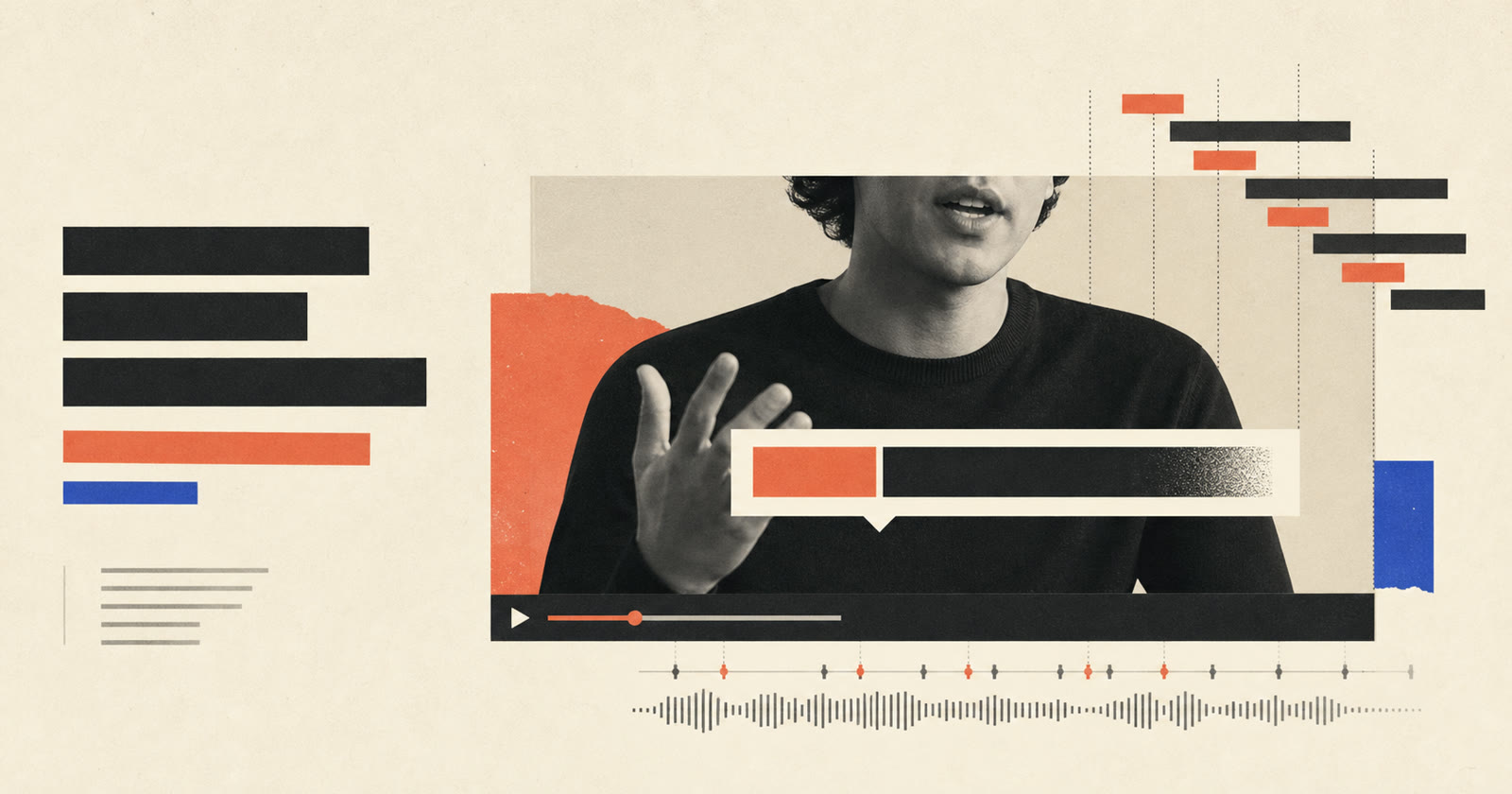
The difference in transcript editing vs agent editing is scope. Transcript editing uses timed words to navigate and cut synchronized audio and video. Agent editing can inspect the transcript plus the rest of the composition, then coordinate cuts, shot framing, captions, graphics, media and export settings in response to a broader instruction.
They are not competing replacements. Transcript editing is a precise control surface. An editing agent can use that surface as one tool inside a larger workflow.
The short answer
| Question | Transcript editing | Agent editing |
|---|---|---|
| Main input | Selected words or transcript ranges | A goal or revision note plus project state |
| Primary action | Cut, move or navigate synchronized media | Plan and apply several related edit operations |
| Best at | Dialogue cleanup and rough-cut assembly | Cross-layer revisions and first-cut coordination |
| Context | Spoken words and timing | Transcript, shots, captions, graphics, media and settings |
| Main risk | Words are cut without enough audio or visual context | A broad instruction is interpreted incorrectly |
| Human review | Meaning, pacing and cut boundaries | Intent, every visible change and final approval |
If the task is "delete this sentence," transcript editing is direct. If the task is "tighten the opening but keep the question, move captions away from the face and add a source card to the claim," an agent can coordinate several tools.
What transcript editing does
Transcript editing links words to time ranges in recorded media. Selecting or deleting text changes the synchronized sequence.
Adobe's Text-Based Editing documentation describes a transcript that includes timecode metadata and stays synchronized with timeline clips. Editors can cut, copy and paste text to update the sequence, then return to video tools for pacing, color, audio and graphics.
This model is especially useful for:
- Removing a known sentence.
- Finding repeated takes.
- Reordering spoken sections.
- Searching for a name or topic.
- Building an interview rough cut.
- Finding filler words and pauses.
Its strength is directness. The selected words provide a clear target.
Where transcript editing stops
Words do not describe every editing problem.
A transcript cannot tell you by itself:
- Whether a caption covers the speaker's face.
- Whether a crop becomes soft or cuts off a hand.
- Whether B-roll actually matches the claim.
- Whether a graphic contains the correct hierarchy.
- Whether several jump cuts create visual fatigue.
- Whether a theme fits the audience.
The transcript is still valuable in these cases, but the decision needs picture, composition state or editorial intent beyond the selected text.
What agent editing adds
Agent editing accepts an outcome-oriented request, inspects the current project and chooses structured operations that can produce the result.
For example:
Shorten the explanation after the first example, keep the conclusion and make the comparison easier to understand.
An agent may need to:
- Read the transcript and locate the explanation.
- Identify a complete cut that preserves meaning.
- Check how later shots shift after the cut.
- Add or revise a comparison graphic.
- Verify that captions still match timing.
- Present the changed composition for review.
The important point is not that the request is written in natural language. The value comes from connecting language to inspectable editing tools.
Conversation alone is not enough
A chat box that only returns advice is not an editing agent. A useful agent must be able to read state, act on specific elements and report what changed.
The Model Context Protocol documentation describes MCP as an open standard for connecting AI applications to data sources, tools and workflows. In video editing, that connection can expose operations for transcript ranges, shots, captions, graphics, themes, media and export.
An MCP video editor therefore differs from a general chatbot in three ways:
- It can inspect the actual project.
- It receives typed operations instead of guessing at UI clicks.
- Its changes remain visible in the editor for review.
Tool access does not guarantee good judgment. It makes the action concrete and auditable.
Compare the workflows through real requests
Delete an exact sentence
Transcript editing: Select the sentence and delete it.
Agent editing: Useful only if the sentence must be found from a description or if related captions and graphics also need adjustment.
Transcript editing is usually faster here.
Keep the strongest take
Transcript editing: Compare repeated text and choose the range manually.
Agent editing: Find candidate takes, describe differences and apply the selected range after confirmation.
The agent helps with search and context, but a person should confirm the intended delivery.
Fix captions that cover the face
Transcript editing: It can locate when the words are spoken but does not solve screen placement.
Agent editing: Inspect caption timing and zone, then move the caption without changing dialogue.
This is a cross-layer task, so agent editing is a better fit.
Make a number easier to understand
Transcript editing: Locate the spoken claim.
Agent editing: Locate the claim, add a metric or comparison graphic, place it in a safe zone and keep it visible long enough to read.
Both are useful. The transcript finds the moment; the agent coordinates the visual explanation.
Tighten the whole opening
Transcript editing: The editor manually evaluates several ranges.
Agent editing: Propose candidate cuts based on an editorial goal, apply the approved change and preserve later composition elements.
The broader the instruction, the more important explicit review becomes.
The safest combined workflow
Use transcript editing as the exact language layer and the agent as the coordinator.
- Generate and correct the transcript.
- Ask the agent to identify candidate changes, not silently publish.
- Approve meaning-sensitive cuts.
- Let the agent apply related shot, caption and graphic operations.
- Inspect the actual frame after visible changes.
- Listen through every speech cut.
- Export only after a complete human review.
This workflow preserves the precision of transcript ranges without forcing the user to manage every downstream edit manually.
Inspectability matters more than autonomy
An agent is useful when its work remains a structured composition:
- A cut has a source range.
- A shot has a treatment and timing.
- A caption has text, timing and placement.
- A graphic has content, position and duration.
- An imported asset has a source.
- An export has explicit settings.
If the result is only a flattened render, correcting one decision may require regenerating everything. Structured operations make individual changes easier to accept, reject or revise.
This is the central idea behind conversational video editing: the next note should continue from the current edit instead of starting over.
What humans still decide
Neither workflow can take responsibility for:
- Whether the edit represents the speaker fairly.
- Whether a fact, quotation or number is correct.
- Whether a generated image is appropriate evidence.
- Whether a pause communicates emotion or dead time.
- Whether music, footage and likeness rights are cleared.
- Whether the final video should be published.
Agents can surface candidate decisions and reduce mechanical work. They should not hide consequential judgment.
When to choose each approach
Choose transcript-first editing when:
- Dialogue cleanup is the main task.
- You know the exact words to remove.
- You need fast search and navigation.
- Visual structure is already settled.
Choose agent editing when:
- The request spans speech and visual layers.
- You can describe the outcome but not every control.
- A first cut needs several coordinated passes.
- You are using a compatible MCP client for repeatable workflows.
Use both when building a talking-head first cut. The transcript grounds spoken timing; the agent can coordinate framing, captions and graphics around it.
Frequently asked questions
Is transcript editing AI editing?
It can use AI transcription and language detection, but the editing model is specific: words map to synchronized media ranges. Agent editing has broader responsibility for choosing and coordinating operations.
Does agent editing replace the timeline?
Not necessarily. A good agent operates on a structured composition or timeline. The user may interact through conversation while the underlying edit remains inspectable.
Does an editing agent need MCP?
No. A browser product can provide its own tool interface. MCP is useful when an external compatible client needs a standard connection to project data and editing tools.
Which approach is safer?
Safety depends on review and reversibility. Exact transcript selection reduces ambiguity for dialogue cuts. Structured agent tools reduce manual coordination. Both need human review for meaning-sensitive and publishing decisions.
Can an agent undo a bad edit?
It should use the editor's supported undo or revision path. A rejected change is safer to undo as one operation than to recreate the previous state by guessing.
Try the distinction on one project. Make one exact transcript cut, then give the conversational editor a cross-layer note. Compare how clearly each result can be inspected before continuing in Pireel Studio.