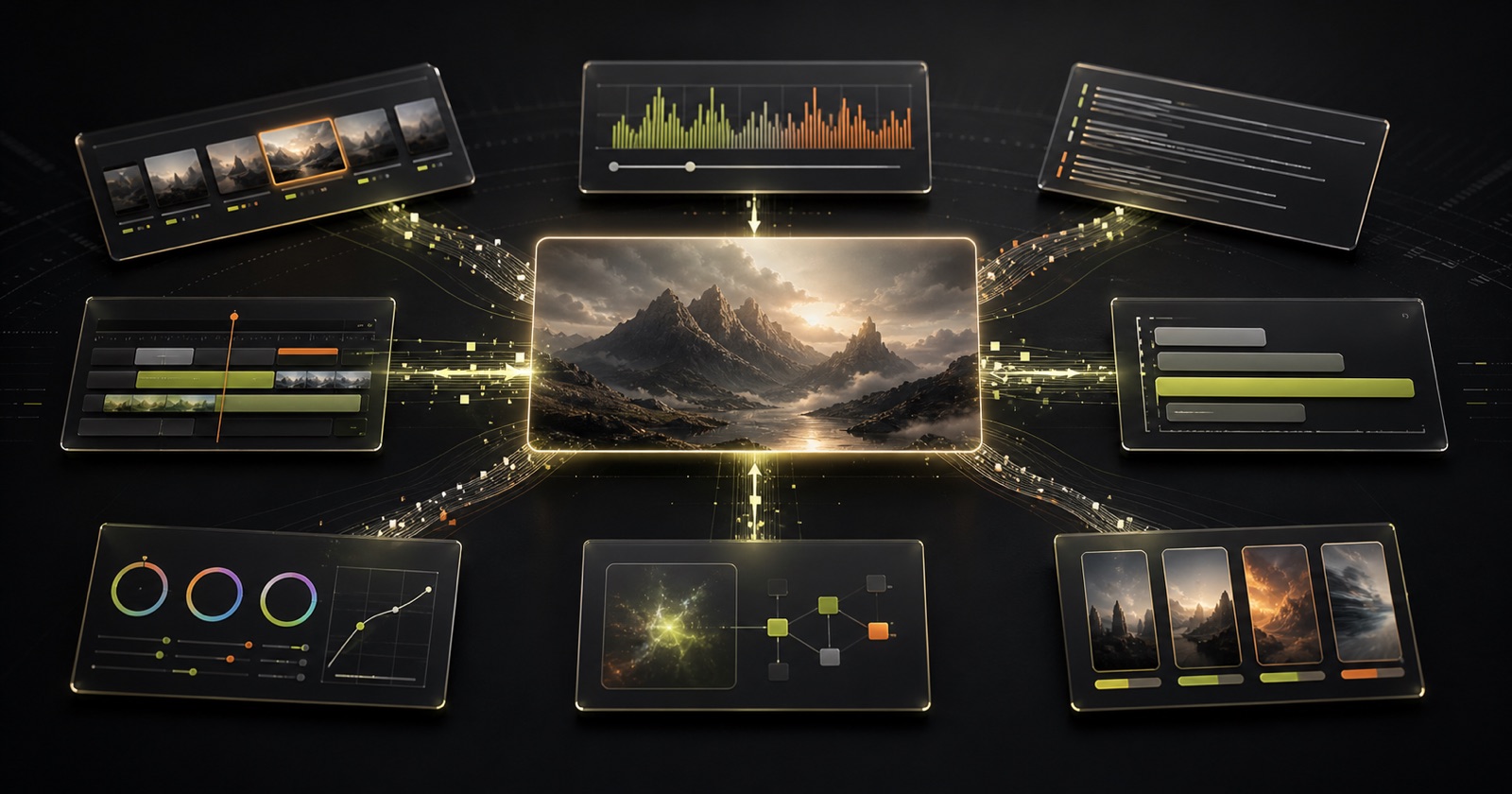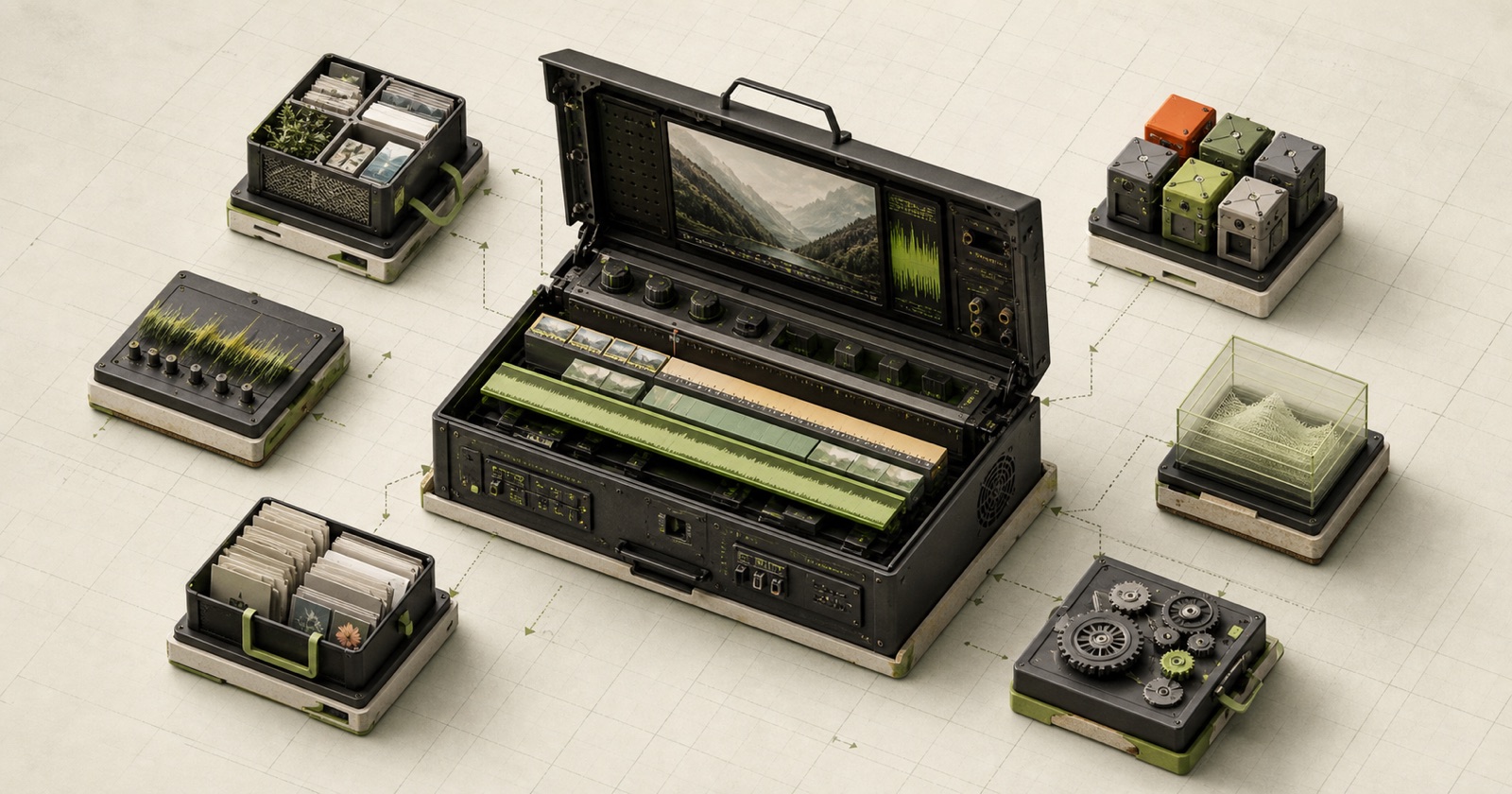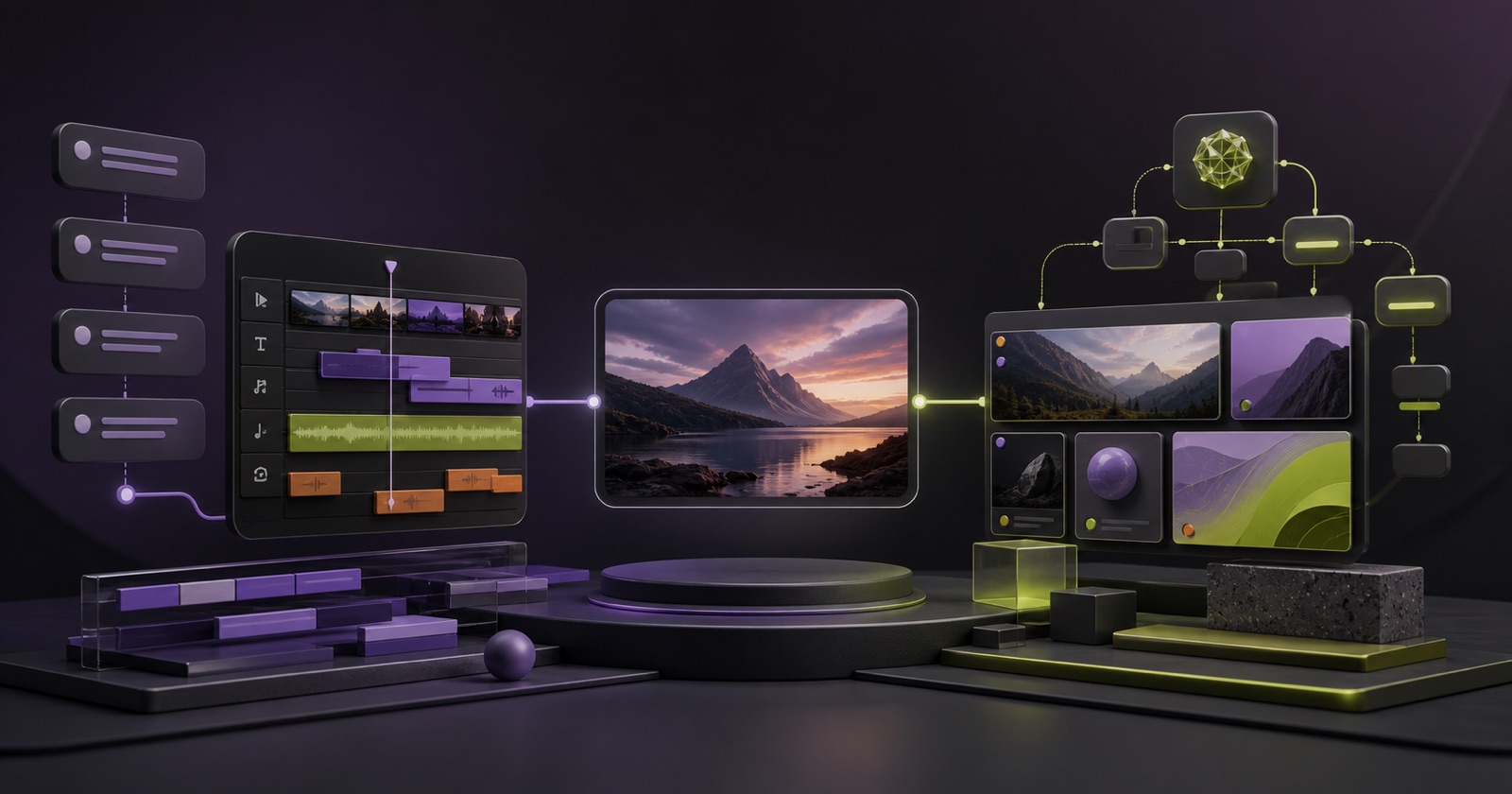
If you are looking for a ChatCut open-source alternative, the real question is not whether another product copies its interface. It is whether you can keep the conversational editing workflow while gaining source access, deployment control or a different composition model.
Pireel and ChatCut share a modern premise: you should be able to describe an edit instead of hunting through menus. Both work with uploaded footage, transcripts, captions, generated media and agent-style commands. The important differences sit underneath that chat box.
This comparison is based on official public pages and repositories as of August 11, 2026. It is not a controlled export-quality benchmark, and product capabilities may change.
Pireel vs ChatCut at a glance
| Area | Pireel | ChatCut |
|---|---|---|
| Primary workflow | Canvas, multi-track timeline, Chat and MCP agents share one live project state | Chat commands operate a visible multi-track timeline |
| Uploaded footage | Yes | Yes |
| Transcript cuts | Yes | Yes |
| Captions | Word-level styles and presets | Word-level captions and presets |
| Designed graphics | HTML/CSS motion blocks, cards, charts and diagrams | Motion graphics on timeline tracks |
| Generated media | Images and video, plus multiple independent outputs from shared project media | Images, video, music, voiceover and effects |
| Agent access | MCP tools for Codex, Claude Code and compatible clients | Browser and external agent/plugin workflows described publicly |
| Source position | Public editor packages and repository; inspect license boundaries | Official product pages do not currently point to a public editor repository |
| Best fit | Agent-native projects that reuse shared media across multiple editable outputs | Hosted conversational multi-track editing with integrated generation and audio tools |
What both products get right
Traditional editors make every operation available but leave the first decision to you. Pireel and ChatCut instead begin with intent:
- “Cut the dead air.”
- “Make this sentence a graphic.”
- “Reframe this for vertical.”
- “Generate a B-roll shot here.”
- “Change the caption style.”
Both products also keep transcript timestamps connected to media. That matters because deleting a spoken passage can become an exact cut instead of a vague prompt.
For creators, the shared benefit is not magic. It is fewer interface steps between an editorial note and a visible result.
The main difference: project orchestration vs an integrated editing surface
Pireel organizes shared media into multiple editable outputs
Pireel can start from a blank output, existing media or an instruction. A project can hold multiple sources on a multi-track timeline, with clip links and synchronization where the workflow needs them. Direct canvas and timeline edits, Chat requests and MCP agent operations all update the same active project state.
Project media stays shared while each output keeps its own canvas, timeline, captions, graphics and audio. Scenario Skills coordinate editing workflows such as talking-head cleanup or long-to-short repurposing; independent Frames define the visual and audiovisual system. That separation is useful when the same source material needs several versions without collapsing them into one render.
ChatCut integrates generation and direct editing around its timeline
ChatCut’s public pages emphasize a real multi-track timeline below the chat. Commands create normal cuts, captions, generated clips, music and graphics on tracks. That is useful if you want to move fluidly between prompting and direct timeline adjustment.
Its current feature surface also highlights integrated music, voiceover, noise removal and sound effects. That makes the public workflow feel like one hosted editing surface where chat, generation and direct timeline adjustment stay close together.
Neither model is universally better. Both now expose real multi-track editing. Pireel differentiates through project-level orchestration, scenario Skills, reusable Frames and multiple outputs; ChatCut’s public positioning emphasizes conversational control of an integrated hosted timeline with a broad generation and audio toolset.
Source access and self-hosting
Pireel publishes editor packages and its source repository, with the open editor stack licensed under AGPLv3. The hosted service remains the easiest way to use its full storage, model, billing and agent workflow. Anyone planning a deployment should inspect the license and infrastructure requirements for the exact packages involved.
ChatCut’s official feature and documentation pages describe a hosted editor and agent/plugin access. As of this article’s update, those pages do not link to a public repository for the complete editor. That does not make the product worse; it means it solves a different procurement need.
Choose based on your constraint:
- Need to inspect or modify the editor stack: Pireel.
- Need a managed product with a visible multi-track workflow: ChatCut.
- Need fully local media and no cloud dependency: also evaluate Kdenlive or Shotcut in our open-source CapCut alternatives guide.
Agent editing
Pireel exposes MCP tools for project state, transcript reading, narration cuts, visual analysis, shot treatment, captions, Frames, media import and export. Its scenario Skills can coordinate several of those operations for a specific job. Data-level operations can work against a cloud project even when the Studio tab is closed; browser-dependent visual operations use a live Studio surface.
ChatCut publicly presents browser chat plus agent/plugin workflows, including the ability to make timeline edits from an external assistant.
For evaluation, do not stop at “supports agents.” Ask:
- Can the agent inspect current project state?
- Are cuts reversible and represented as normal edits?
- Can it target a specific shot, caption or graphic?
- Which operations require an open browser?
- Can your team audit what changed?
Which should you choose?
Choose Pireel when:
- Source inspection or modification matters.
- You want direct edits, Chat and Agent operations to stay synchronized in the same project state.
- You need multiple outputs that reuse the same project media.
- You want scenario Skills and independent Frames to remain editable instead of baking everything into one generated video.
- Designed cards, charts and diagrams are central to your videos.
- You want MCP-native editing from Codex or Claude Code.
Choose ChatCut when:
- You want a conventional multi-track timeline directly under the chat.
- Generated music, voiceover, sound effects and audio cleanup are central.
- You prefer a managed hosted workflow.
- Your team wants to alternate frequently between prompting and direct timeline edits.
Use both in a real evaluation
Take one representative five-minute recording containing a false start, a long pause, two B-roll opportunities and a sentence that needs a graphic. Give each product the same brief. Compare:
- Ease of moving between direct edits and Agent changes
- Number of corrections required
- Ease of changing one specific decision
- Caption timing and visual consistency
- Export options and total cost for that project
That test is more useful than comparing marketing feature counts.
Frequently asked questions
Is ChatCut open source?
ChatCut’s official product pages do not currently link to a public repository for the complete editor. Check its latest legal and product pages before making a licensing decision.
Is Pireel a ChatCut clone?
No. Both use conversational editing and real multi-track timelines. Pireel is centered on shared project media, multiple editable outputs, scenario Skills and independent Frames. ChatCut emphasizes an integrated hosted timeline with chat-controlled editing, generation and audio tools.
Can Pireel be self-hosted?
The editor source is available, but a full deployment also needs storage, databases, model providers, authentication and rendering configuration. Review the repository and license before treating it as a one-command self-host.
Which is better for talking-head video?
Both are designed for speech-heavy footage. Pireel is compelling when direct canvas and timeline control, multiple outputs and MCP agents need to share one project state; ChatCut is compelling when a hosted multi-track workflow and integrated audio tools matter.
Which one works with AI agents?
Both present agent workflows. Pireel publishes a dedicated MCP setup guide and tools for editing cloud projects.
You can start with Pireel for free, then run the representative-project test above before choosing a long-term workflow.