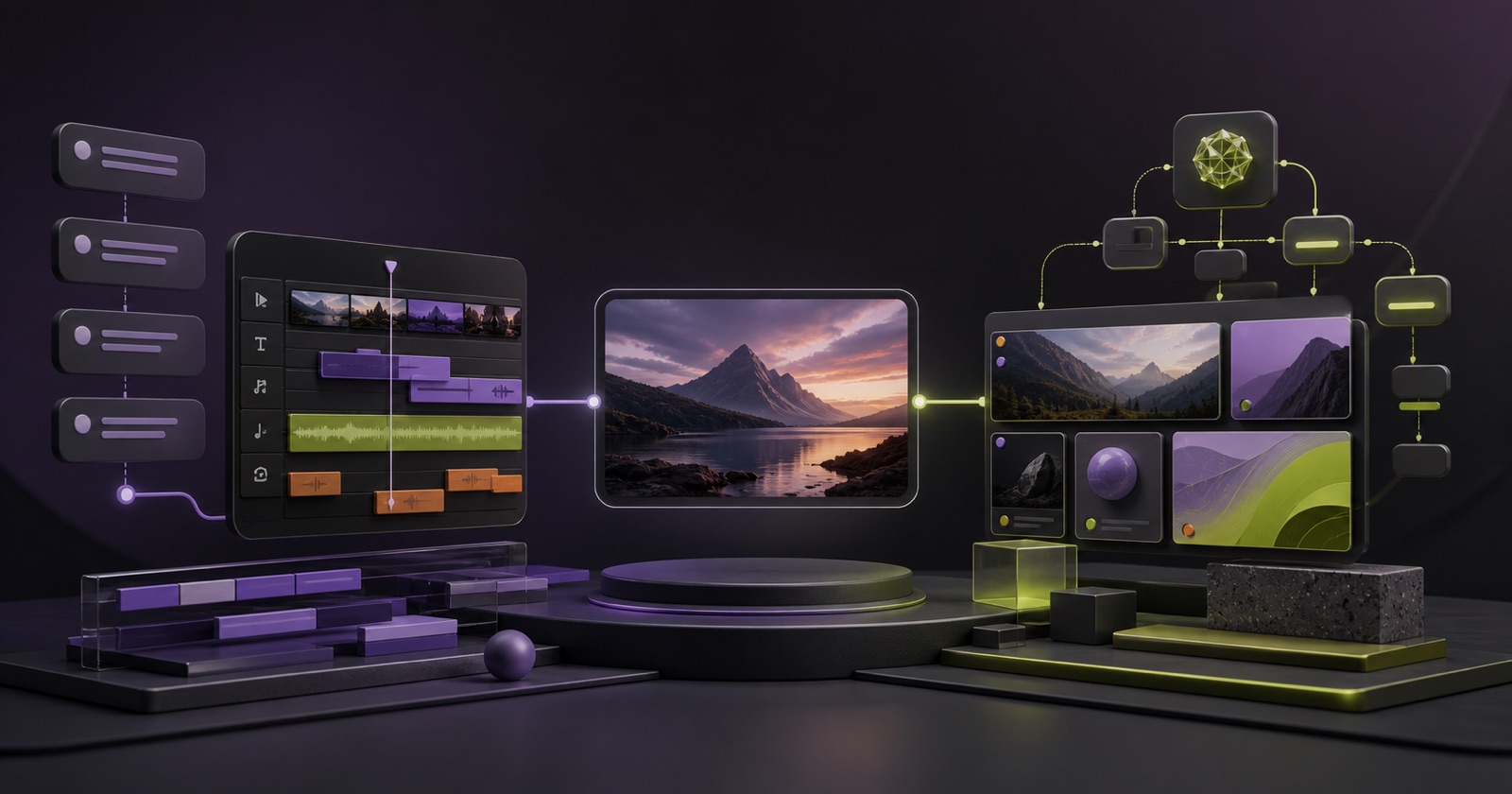
An open-source CapCut alternative can mean three different things: a browser editor that feels familiar, a mature desktop NLE without a subscription, or an AI-first system you can inspect and deploy. No single project currently reproduces CapCut’s entire combination of templates, mobile polish, effects and cloud services.
The useful question is therefore not “Which clone is identical?” It is “Which open editor covers the part of CapCut I actually use?”
This guide compares six projects as of August 11, 2026. Project status changes quickly, so check each repository, license and release page before committing production work.
Quick comparison
| Project | Best for | Runs in | Maturity note |
|---|---|---|---|
| Pireel | One live canvas and multi-track timeline shared by direct, Chat and MCP agent editing | Browser / hosted / source-based deployment | Hosted product plus AGPL-3.0-only Studio source; inspect service boundaries |
| OpenCut | A modern general-purpose CapCut-style editor | Web, desktop and mobile direction | Major rewrite underway; classic version remains available |
| OpenChatCut | Local-first conversational editing on a professional multi-track timeline | Desktop / local web stack | AGPL project with Agent Skills, MCP and Remotion rendering |
| SynthCut | Local AI-operated editing with broad MCP tooling | Local multi-track editor | Fast-moving project; verify current installation and supported paths |
| Kdenlive | Mature multi-track desktop editing | Linux, Windows, macOS, BSD | Long-running KDE project |
| Shotcut | Stable cross-platform editing and broad format support | Windows, macOS, Linux | Mature desktop editor with native timeline editing |
What “open-source alternative” should guarantee
Before comparing interfaces, check four foundations.
- License scope: Is the editor, server and renderer covered, or only a component library?
- Data path: Does media stay local, upload to your own storage or pass through a hosted service?
- Model dependency: Open editor code does not make third-party AI models free or self-hosted.
- Export path: Browser preview and final rendering may use different engines, codecs and hardware requirements.
Open source gives you rights and inspection. It does not automatically guarantee a one-click deployment, zero infrastructure cost or feature parity with a commercial service.
1. Pireel: hosted and open Studio with shared Agent state
Pireel keeps a live canvas, multi-track timeline, media generation and Agent operations in one project state. Start from a blank output, uploaded or generated media, or an instruction; edit directly or through Chat and MCP while project media stays shared across independently editable outputs. Scenario Skills guide tasks such as long-to-shorts or product demos, while Frames separately guide the visual and audiovisual language.
The Studio source is published under AGPL-3.0-only. The hosted cloud product and Apache-2.0 agent plugin have different operating and licensing boundaries, documented on the product’s About page. The hosted product exposes an MCP setup flow, so Codex, Claude Code and compatible agents can operate cloud projects.
Choose Pireel when the reason you are leaving CapCut is not only licensing—it is that you want direct editing and AI agents to work on the same live composition. Review the repository license boundaries before deploying a modified stack.
2. OpenCut: closest to a modern open editor platform
OpenCut describes itself as an open-source CapCut alternative for web, desktop and mobile. Its current repository also states that a ground-up rewrite is underway, with a Rust core, plugins, an editor API, MCP support, headless mode and scripting planned. The classic version remains the practical version to evaluate today.
Choose OpenCut if you want to follow a broad, community-visible editor platform and can tolerate an evolving architecture. Confirm which branch or release is intended for production before adopting it.
3. OpenChatCut: local-first conversational multi-track editing
OpenChatCut describes itself as an independent open-source ChatCut alternative. Its repository combines a professional multi-track timeline, built-in and external agents, Agent Skills, MCP integration, effects, motion graphics, multitrack audio and Remotion rendering in a local-first project.
Choose OpenChatCut when local projects and a conventional multi-track editing surface are central, and you want the agent to operate that same project. Verify hardware, model-provider and deployment requirements against the current release before adopting it.
4. SynthCut: broad local MCP editing surface
SynthCut describes a local, multi-track, frame-based editor designed to be operated through an MCP-compatible AI client. Its public repository lists import, cut, transform, keyframe, color, effects, captions, auto-reframe, motion-graphics, media-intelligence and export tooling.
Choose SynthCut when local agent control and a broad tool surface matter more than a hosted collaborative workspace. Because the project is moving quickly, test the exact installation, codec and export paths you need rather than relying on the tool count.
5. Kdenlive: best mature desktop alternative
Kdenlive is a long-running KDE non-linear editor available across major desktop systems. It provides multi-track editing, effects, transitions, keyframes, proxy editing for high-resolution footage, subtitles and speech-to-text support.
Choose Kdenlive when you want a serious desktop editor with a community and documentation behind it. Its mental model is still a professional timeline, not a chat-first assistant.
6. Shotcut: best straightforward cross-platform editor
Shotcut is a free, open-source cross-platform editor with broad format support, native timeline editing and support for 4K workflows. It is less focused on template marketplaces or autonomous AI.
Choose Shotcut when reliability, codec coverage and a direct desktop workflow matter more than an AI-first interface.
Which alternative is closest to your CapCut workflow?
- You want hosted cloud projects plus an open Studio and MCP plugin: Pireel.
- You want an open CapCut-like platform to follow or extend: OpenCut.
- You want a local-first conversational multi-track editor: OpenChatCut.
- You want a broad local MCP-controlled editing surface: SynthCut.
- You want a mature professional desktop editor: Kdenlive.
- You want a simple cross-platform desktop editor: Shotcut.
If templates and mobile effects are your only reason for using CapCut, an open project may require more setup. If privacy, source inspection, deployment control or agent automation is the reason, the open ecosystem already offers meaningful choices.
Frequently asked questions
Is CapCut open source?
No public CapCut source repository or open-source license is presented as part of its official editing product. The tools in this article are independent alternatives, not forks of CapCut.
Can I self-host an open-source video editor?
Sometimes. Desktop apps run locally by design; browser editors may require a web app, object storage, databases, render workers or external AI providers. Read deployment documentation and the license before hosting.
Does open source mean my footage never uploads?
No. It depends on the architecture and configuration. Local desktop editors can keep media on-device, while browser products may upload assets for storage, transcription or rendering.
Which open-source editors support AI agents?
Pireel, OpenChatCut and SynthCut all publish agent-oriented editing paths, but their boundaries differ: hosted cloud plus open Studio, local-first conversational projects, and local MCP-operated editing respectively. OpenCut lists MCP and headless operation in its rewrite direction. Verify what is shipped in the release you plan to use.
What should a team test before migrating from CapCut?
Test your real codecs, subtitle language, vertical export, font handling, project recovery, proxy performance and collaboration workflow. A ten-minute representative project reveals more than a feature checklist.
For an AI-first open workflow, try Pireel in the browser or review the source repository linked below.