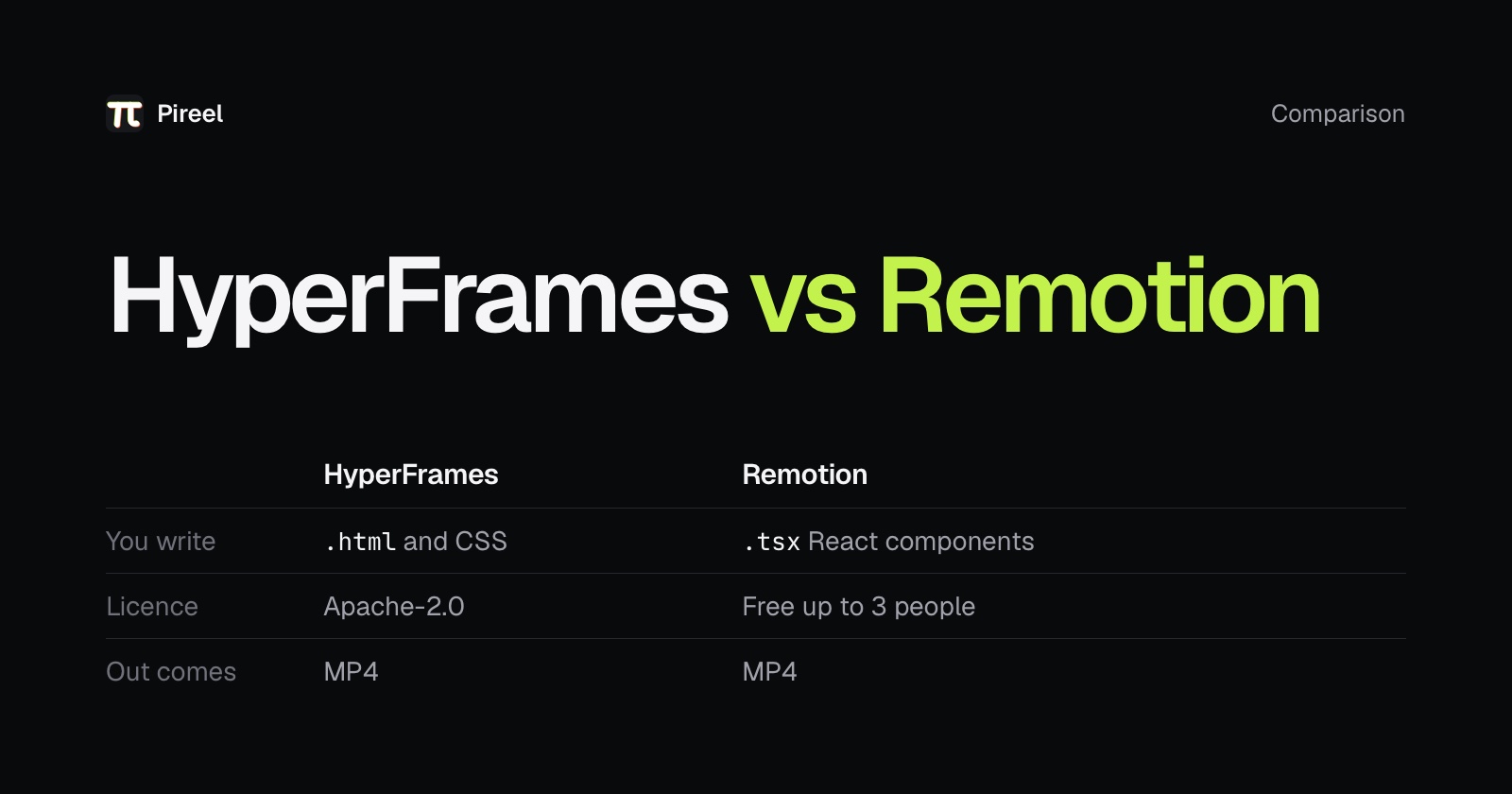
HyperFrames vs Remotion comes down to what your agent should write. HyperFrames compositions are HTML and CSS, animated with GSAP or any other web library, with no build step, under Apache-2.0. Remotion compositions are React components in a Node project, free for individuals and teams of up to 3, with a paid licence above that. Both render to MP4, and both ship skills for Claude Code and Codex.
The details below come from both projects' repositories and Remotion's licence page, checked on November 14, 2026. HyperFrames was on version 0.9.45, released that day; Remotion was on 4.0.543, from November 11.
HyperFrames vs Remotion at a glance
| HyperFrames | Remotion | |
|---|---|---|
| From | HeyGen | Remotion |
| You write | HTML and CSS, with timing in data attributes | React components |
| Animation | GSAP, CSS, Lottie, Three.js, Anime.js, Web Animations | React code driven by the current frame |
| Build step | None | A React project |
| Licence | Apache-2.0 | Free up to 3 people; company licence above that |
| Version | 0.9.x | 4.0.x |
| GitHub stars | About 84,000 | About 73,000 |
| Agent skills | Claude Code plugin, or npx skills add heygen-com/hyperframes | npx skills add remotion-dev/skills |
| Preview | npx hyperframes preview, or the free desktop app | Remotion Studio in the browser |
| Ready-made parts | About 450 blocks: transitions, captions, charts, maps | Templates and the npm ecosystem |
| Cloud rendering | AWS Lambda, Docker | Lambda, Vercel, client-side rendering |
| Needs | Node.js 22 or later, FFmpeg | Node.js |
How each one makes a video
HyperFrames. The agent writes an HTML page. Each element gets a start, a duration and a track in data attributes, and animations come from whichever library it likes. To render, HyperFrames opens the page in headless Chrome, seeks to each frame and encodes the frames with FFmpeg, so the same page always gives the same video. npx hyperframes init starts a project, preview opens it with live reload, render writes the MP4.
Remotion. The agent writes React components. Each one reads the current frame number and decides what to draw on it, so a fade is "opacity goes from 0 to 1 between frames 0 and 30". Compositions are registered with their size, frame rate and length, previewed in Remotion Studio and rendered from the command line, from Node or in the cloud.
The practical difference for an agent: an HTML page with a GSAP timeline is short, and a wrong value shows up straight away in the preview. A React project is longer, but types, components and props make it easier to render the same video a thousand times with different data.
Set up in Claude Code
HyperFrames, as a Claude Code plugin:
claude plugin marketplace add heygen-com/hyperframes
claude plugin install hyperframes@hyperframes
Remotion, in a new project with its skills:
npx create-video@latest
npx skills add remotion-dev/skills
Then describe the video to the agent: what's on screen, for how long, at what size. Ask it to open the preview before it renders, so you can catch a wrong colour or timing without waiting for an export.
Licence and cost
HyperFrames costs nothing to use, commercially or not. Its desktop app, HyperFrames Studio, is free on Mac, Windows and Linux; the paid Pro plan is for HeyGen's own generation models, not for rendering.
Remotion is free for individuals and for companies of up to 3 people, all features and commercial use included. Above that, a company needs a licence:
- Creators: $25 per seat a month, for people making videos by hand.
- Automators: $0.01 per render, billed in blocks of 1,000, with a $100 monthly minimum, for products that render videos automatically.
- Enterprise: from $500 a month.
For a solo creator, the licence is no reason to choose one over the other. For a company of ten building video into its product, it is.
Which one to pick
- No React, quick motion graphics from a prompt: HyperFrames. A short HTML page is quick to check in the preview, and the block catalogue covers captions, charts and transitions.
- A React team, or video inside your own app: Remotion. Its player component plays compositions in a web page, and it is on its fourth major version.
- The same template rendered for thousands of rows of data: Remotion, with the Automators licence in the budget. HyperFrames can render on Lambda too, but it hasn't reached version 1.0.
- Free for a company with more than 3 people: HyperFrames.
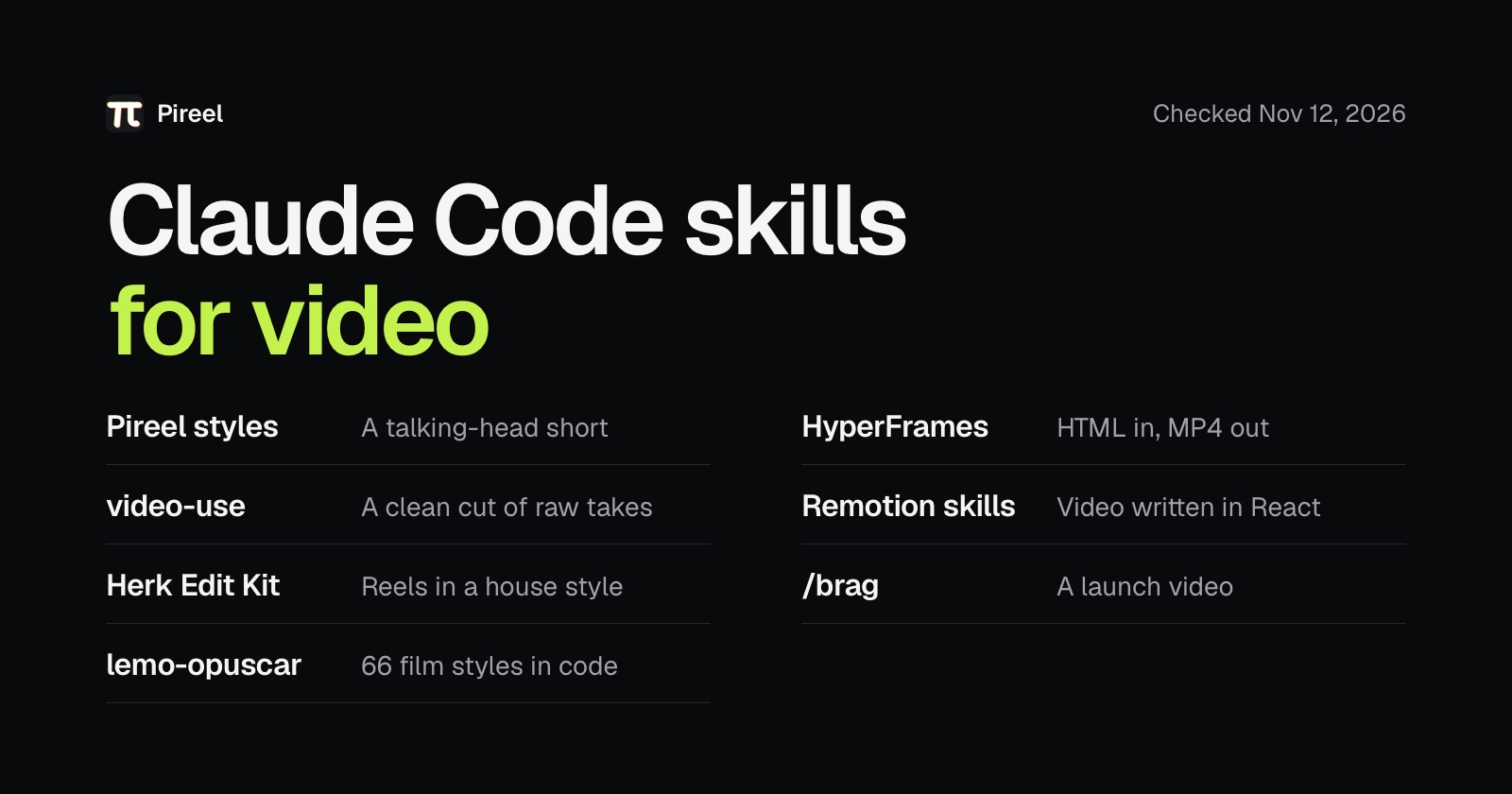
For more options, including skills that cut footage, see 7 Claude Code skills for video.
When you need neither: footage you recorded
Both make video from code. Give them a recording of you talking and they can play it inside a composition, but neither reads what you said, cuts the retakes or captions your words. That's an editor's job.
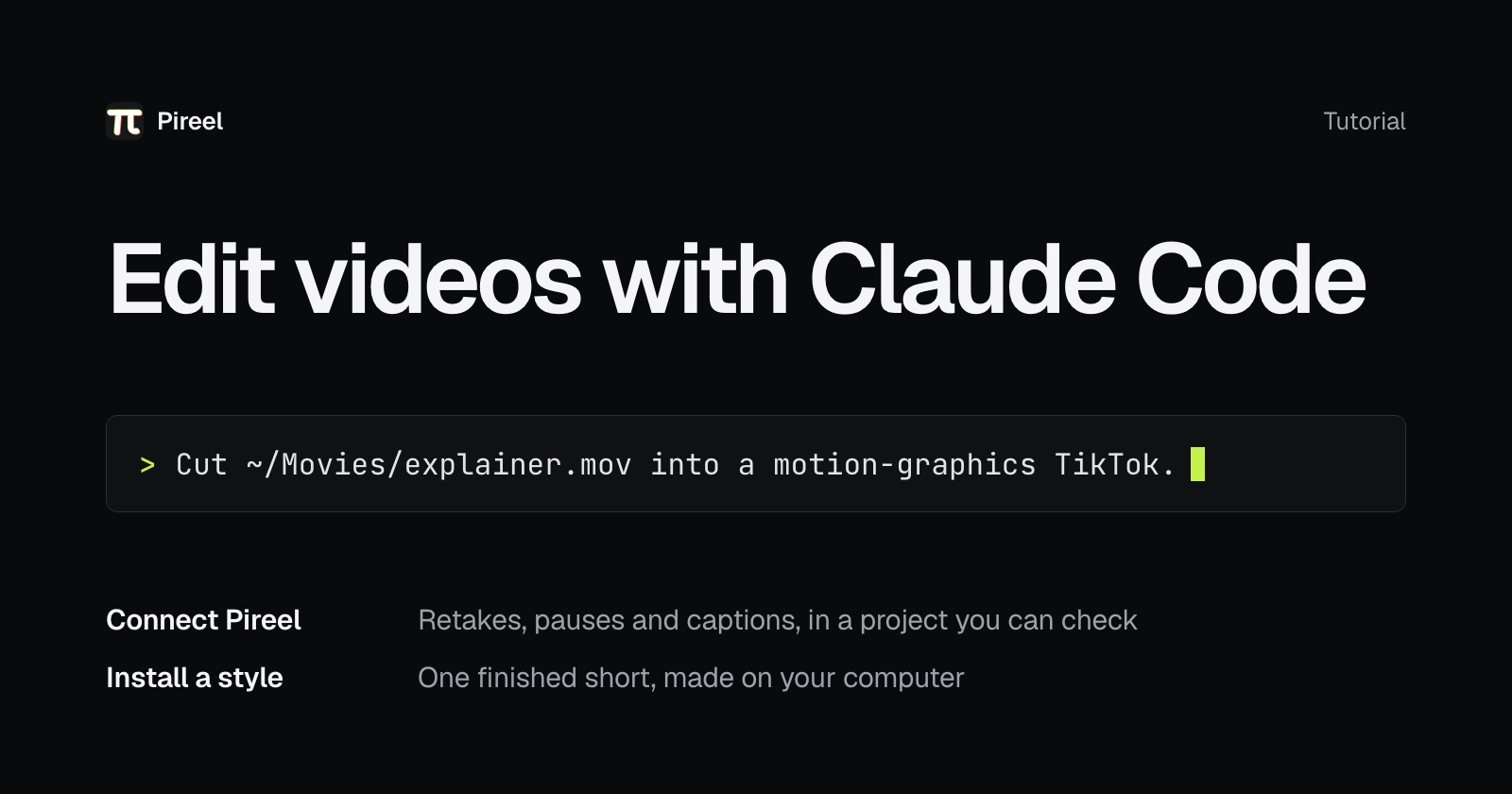
If you start from a talking-head recording, edit it first. Pireel connects to Claude Code, so the agent cuts retakes and pauses, adds captions and B-roll on a project you can open in the browser. A chart rendered with HyperFrames or Remotion can then go in as a cutaway. The setup is in how to edit videos with Claude Code.
Put this into practice
Frequently asked questions
Is HyperFrames better than Remotion?
Neither is better in general. HyperFrames suits plain HTML and CSS with any animation library, no build step and a free Apache-2.0 licence. Remotion suits React teams building video into an app, with a player component, on its fourth major version.
Is Remotion free?
For individuals and companies of up to 3 people, yes, with commercial use. Larger companies need a company licence: $25 per seat a month for Creators, or $0.01 per render with a $100 monthly minimum for Automators, as of November 14, 2026.
Is HyperFrames free?
Yes. The framework is Apache-2.0 and the HyperFrames Studio desktop app is free. A paid Pro plan adds HeyGen's own video, image, voice and music models.
Can Claude Code use both?
Yes. HyperFrames installs as a Claude Code plugin or with npx skills add heygen-com/hyperframes. Remotion's skills install with npx skills add remotion-dev/skills. Both also work in Codex and Cursor.
Can HyperFrames or Remotion edit my recorded video?
Not by themselves. Both make new video from code: they can play a clip inside a composition, but they don't read a transcript, cut retakes or caption what you said. Use an editor for that, then add a render as a cutaway.