Creative edit skills
Claude skills for video editing: finished talking-head videos
Install the skills in Claude Code or Codex, hand it a talking-head video, pick a style, and get back a video that is cut, captioned and scored.
From recording to finished video
Install a style
Open a style below, copy its install line and paste it into Claude Code or Codex.
Ask for the video
Point it at your recording. It first asks what it needs: where you post, how long, which style.
Get the video
It cuts, designs the graphics, mixes the sound and watches its own export. You get the file and a list of anything to confirm.
Styles
Lots of styles, with more on the way
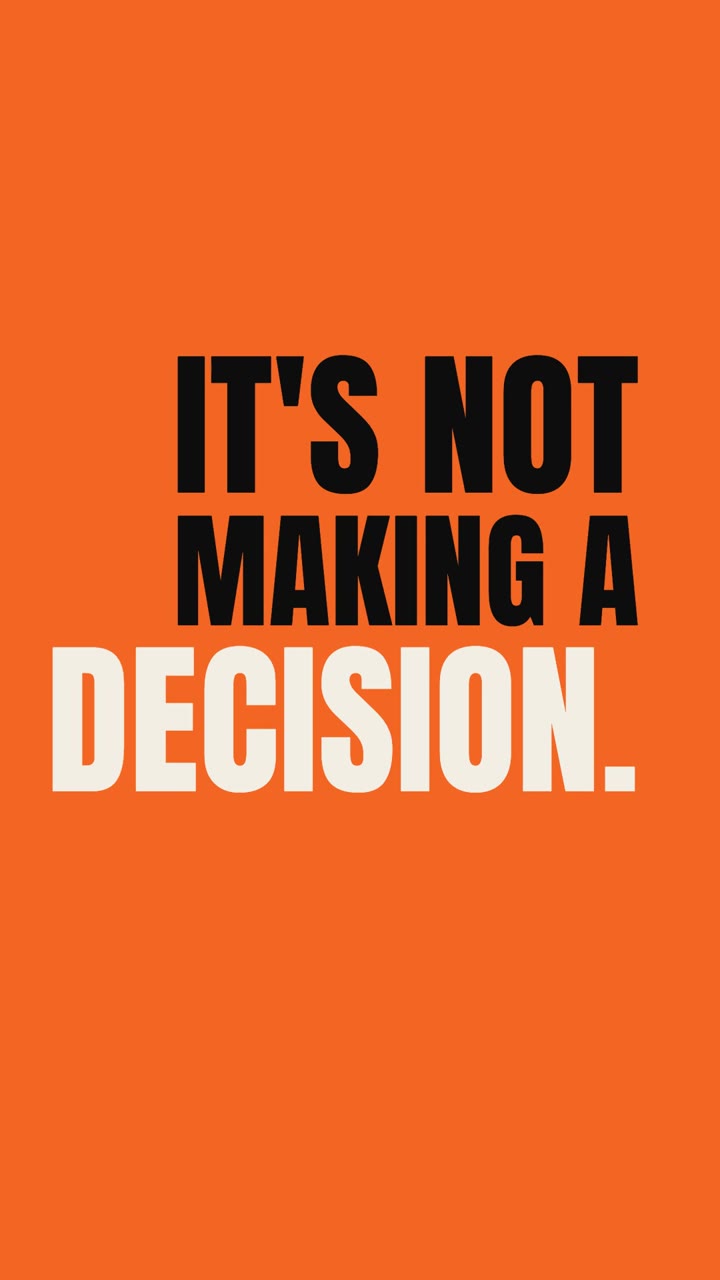 Type onlyBold typeYour strongest lines, slammed on screen word by word.
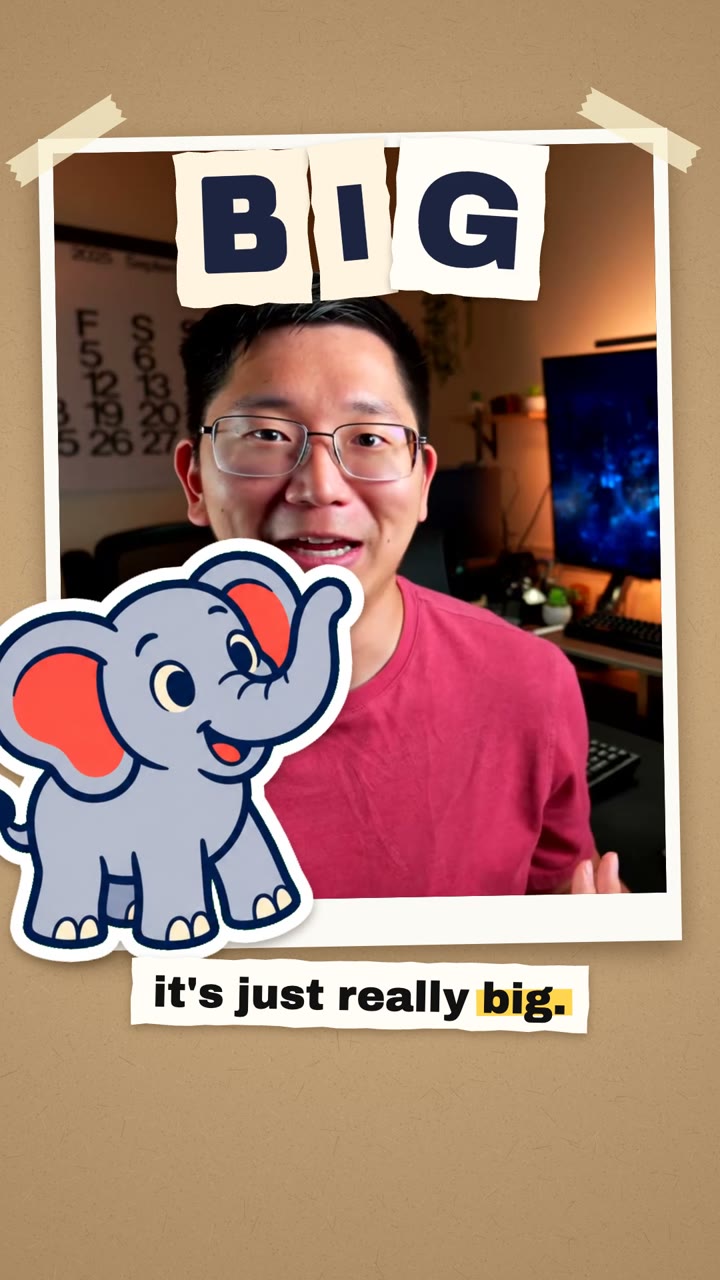 Generated stickersUses creditsSticker collageEverything you name becomes a die-cut sticker.
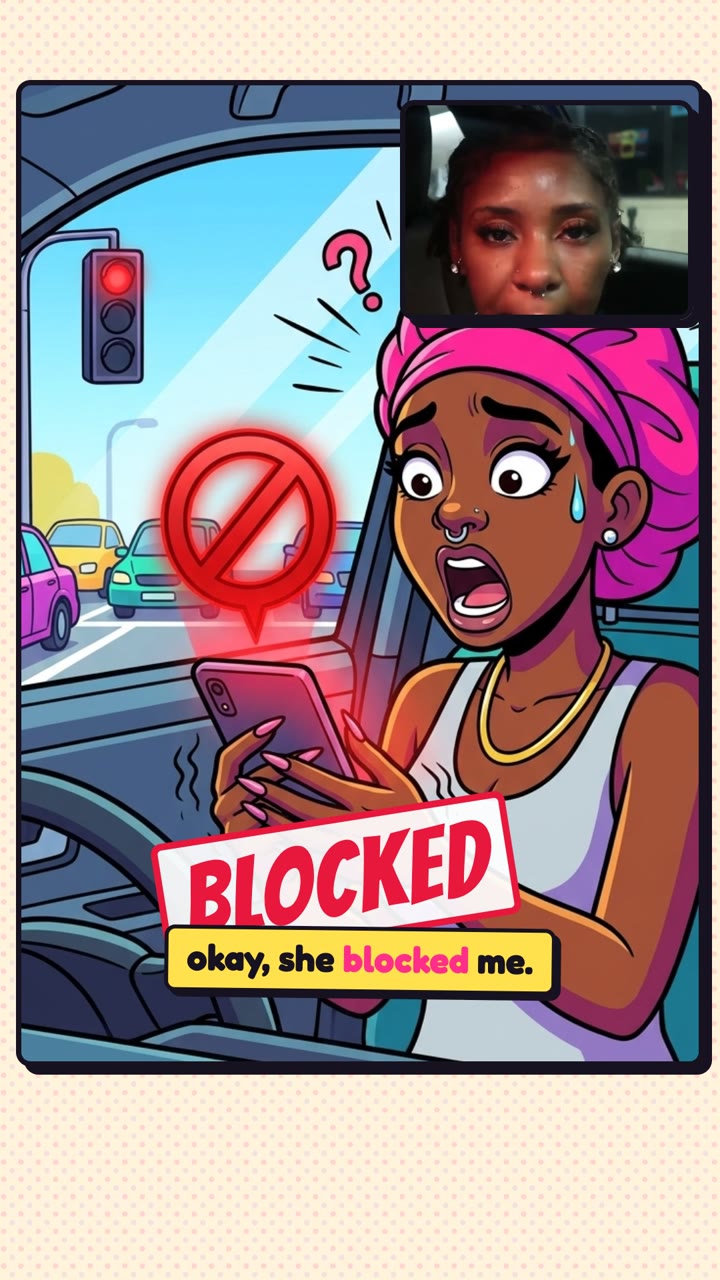 Generated scenesUses creditsCartoonYour story acted out, starring a cartoon you.
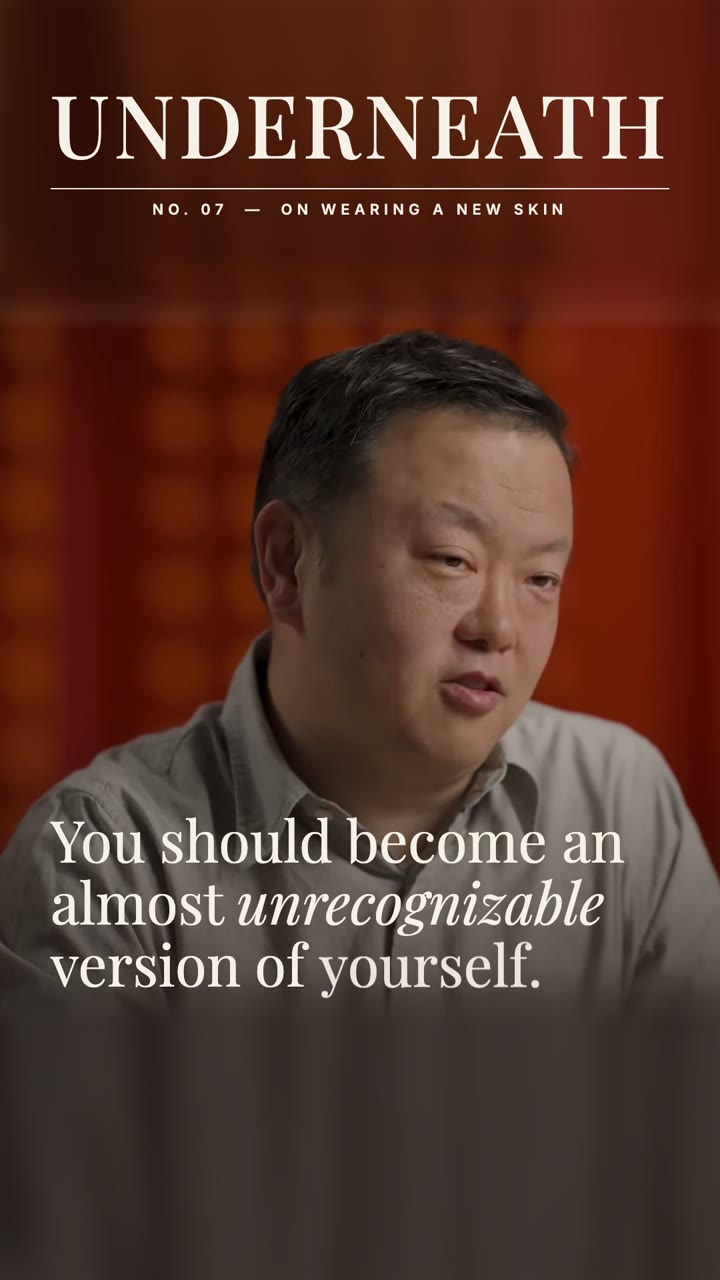 Your footage and photosEditorialA magazine spread in motion: serif, grid, white space.
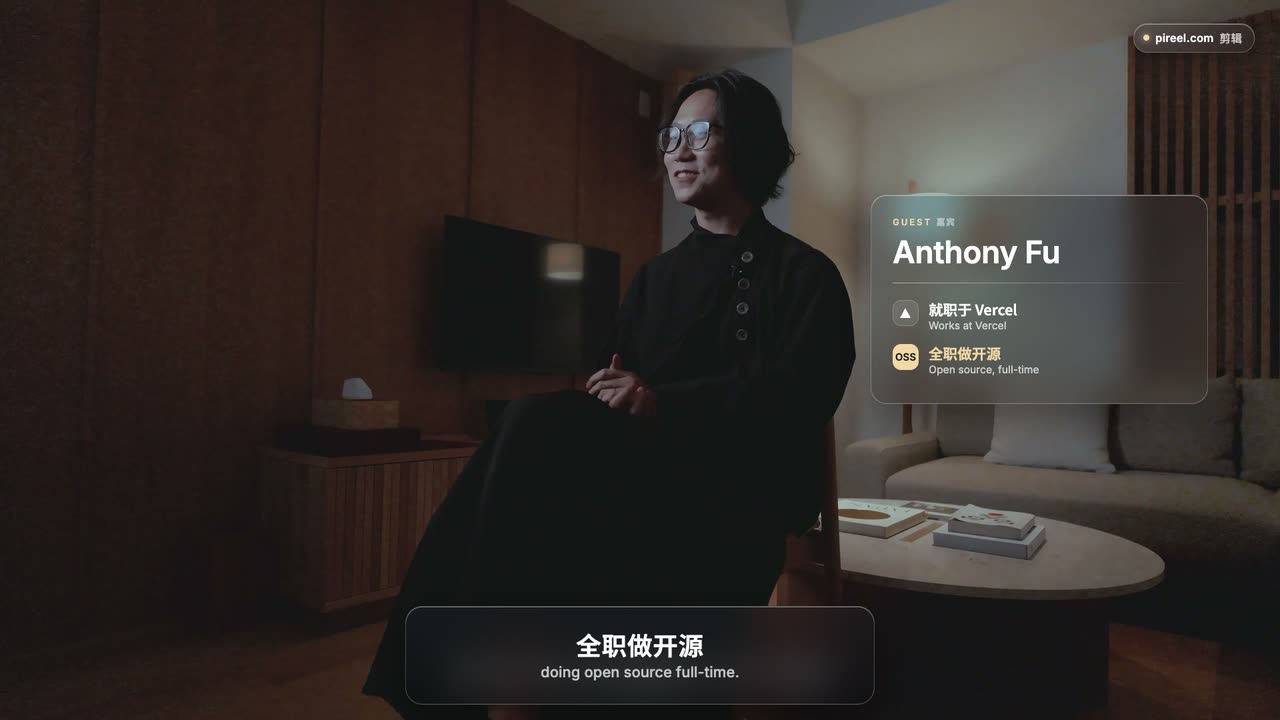 Your footageGlassFrosted-glass captions and cards over your footage.
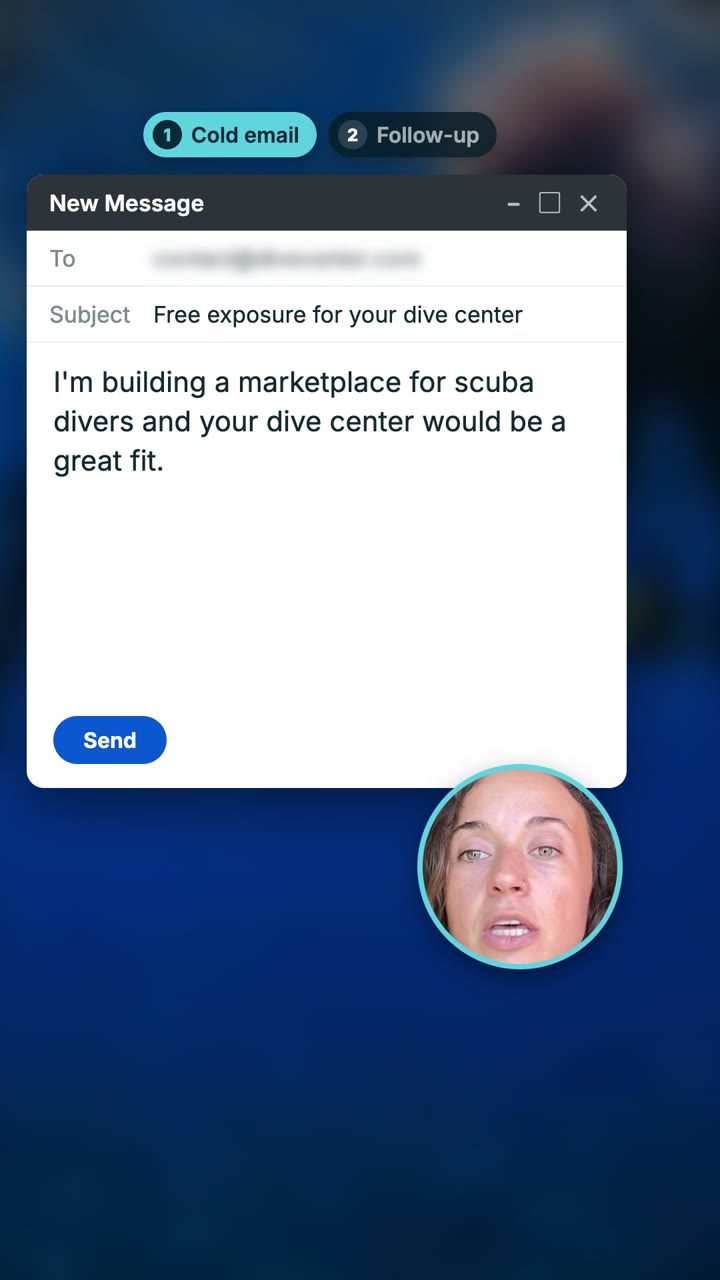 Your screensProduct demoYour product on screen, readable on a phone.
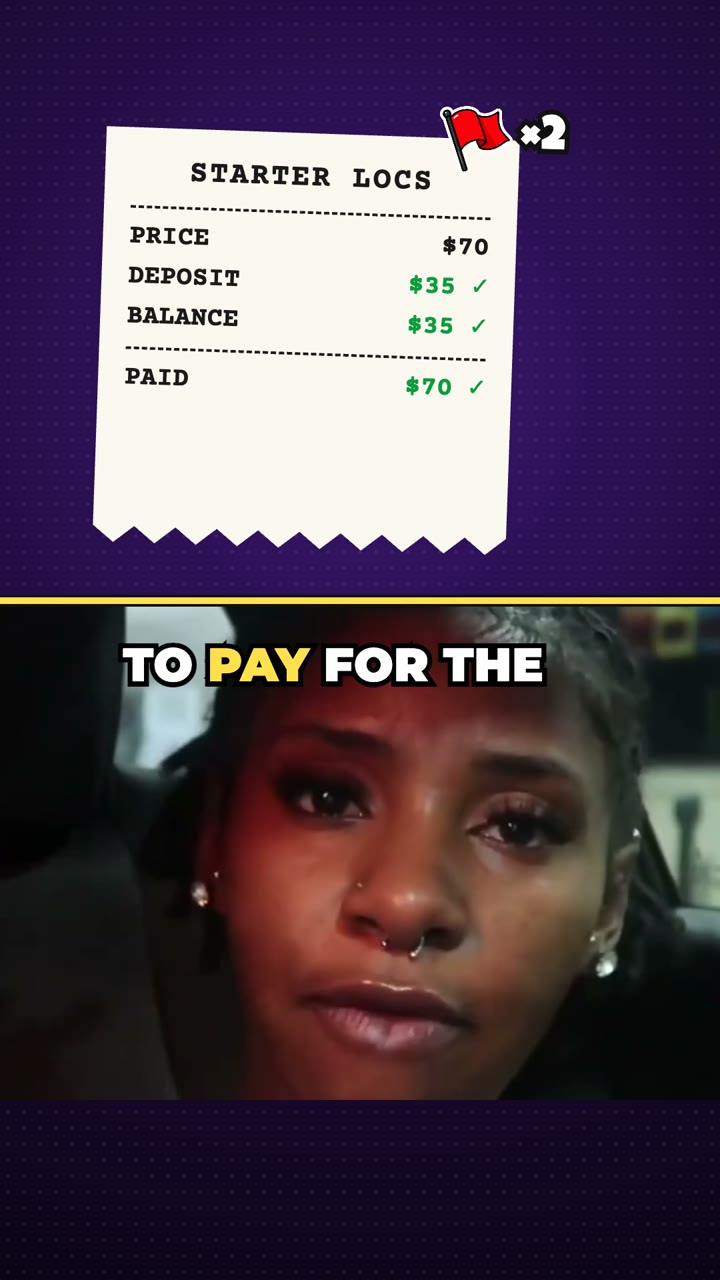 Drawn, a few generatedOptional creditsMemes and reactionsPunch-ins, freeze-frames and sound gags on every beat.
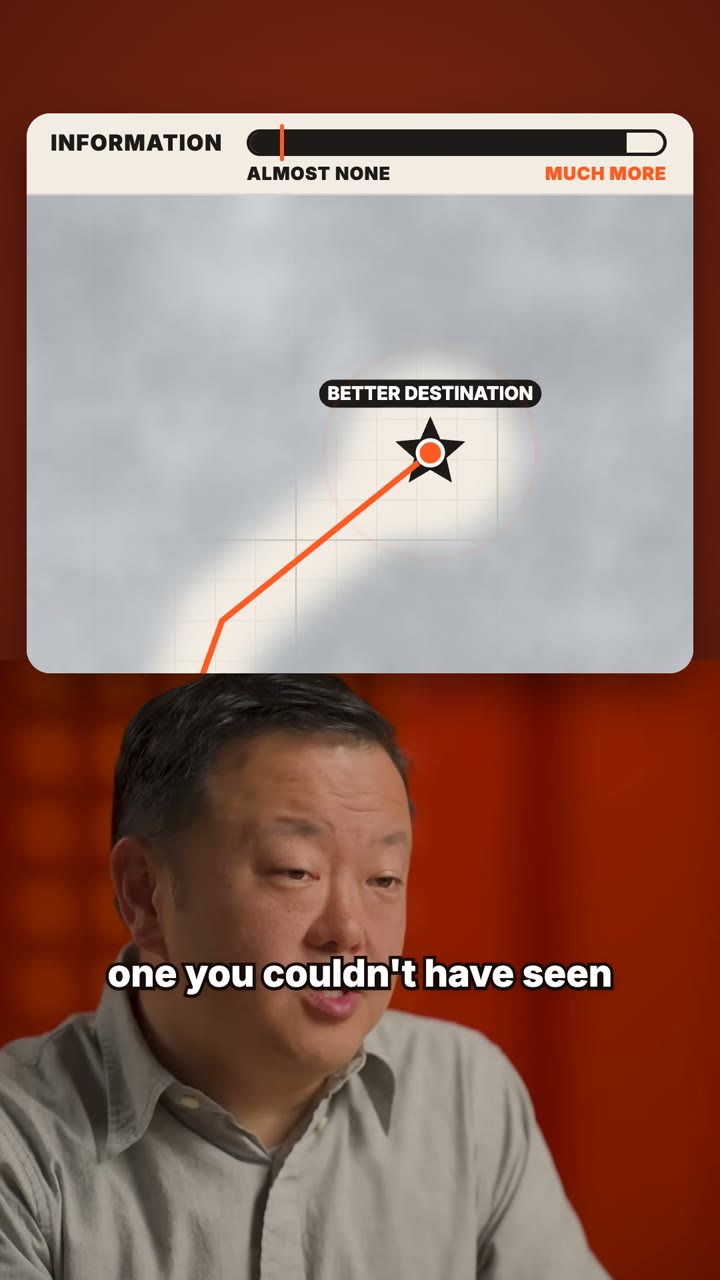 DrawnMotion graphicsYour argument, drawn as a live diagram.
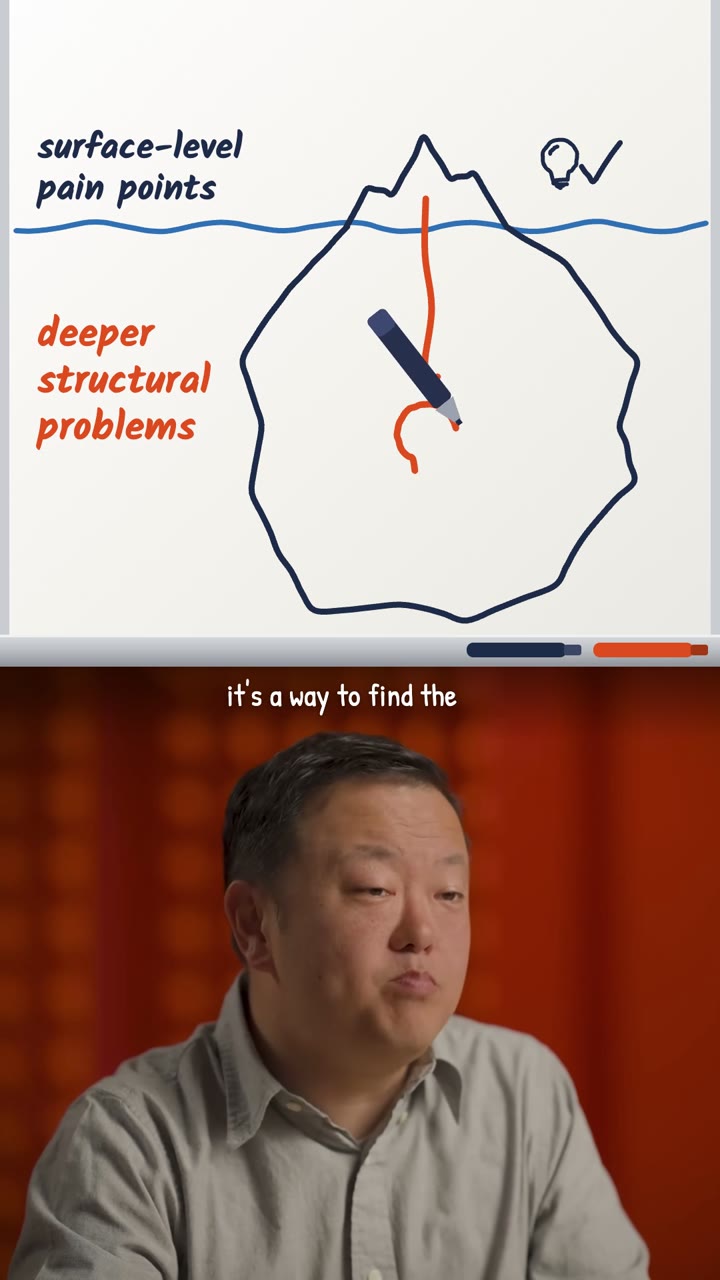 DrawnWhiteboardIdeas drawn by hand as you explain them.
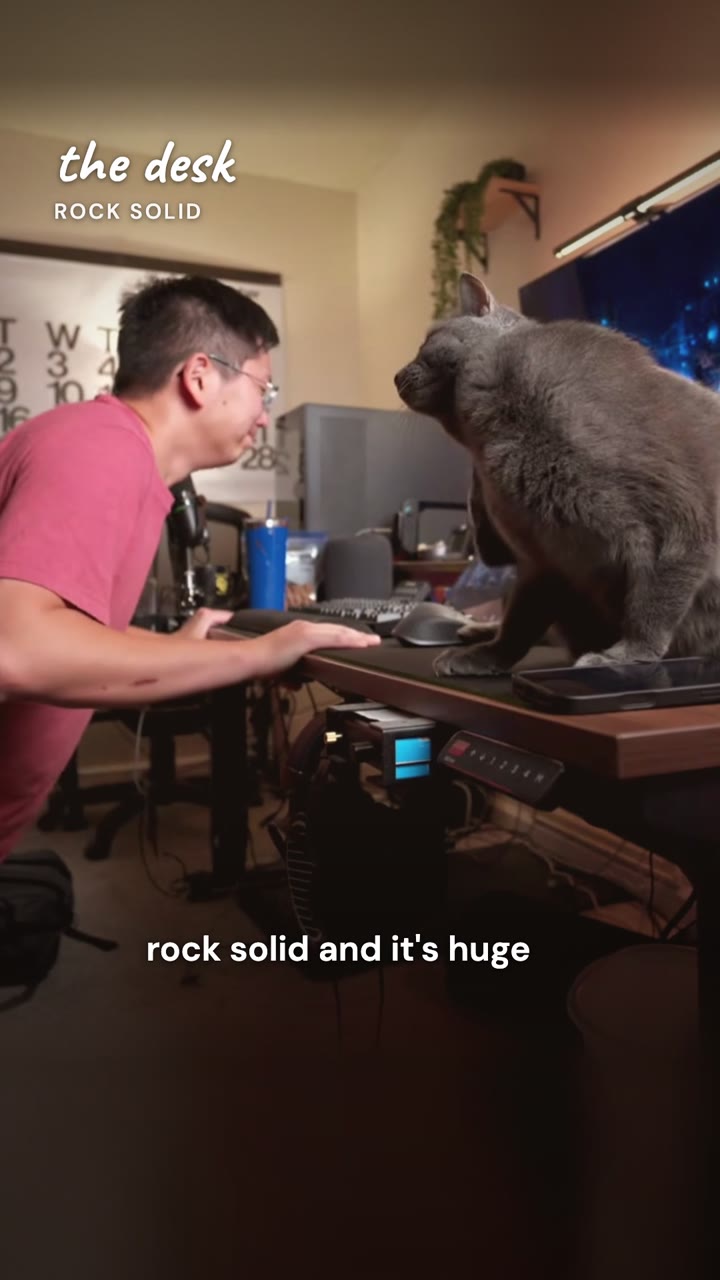 Your B-rollVlogYour day on screen, your voice over it.
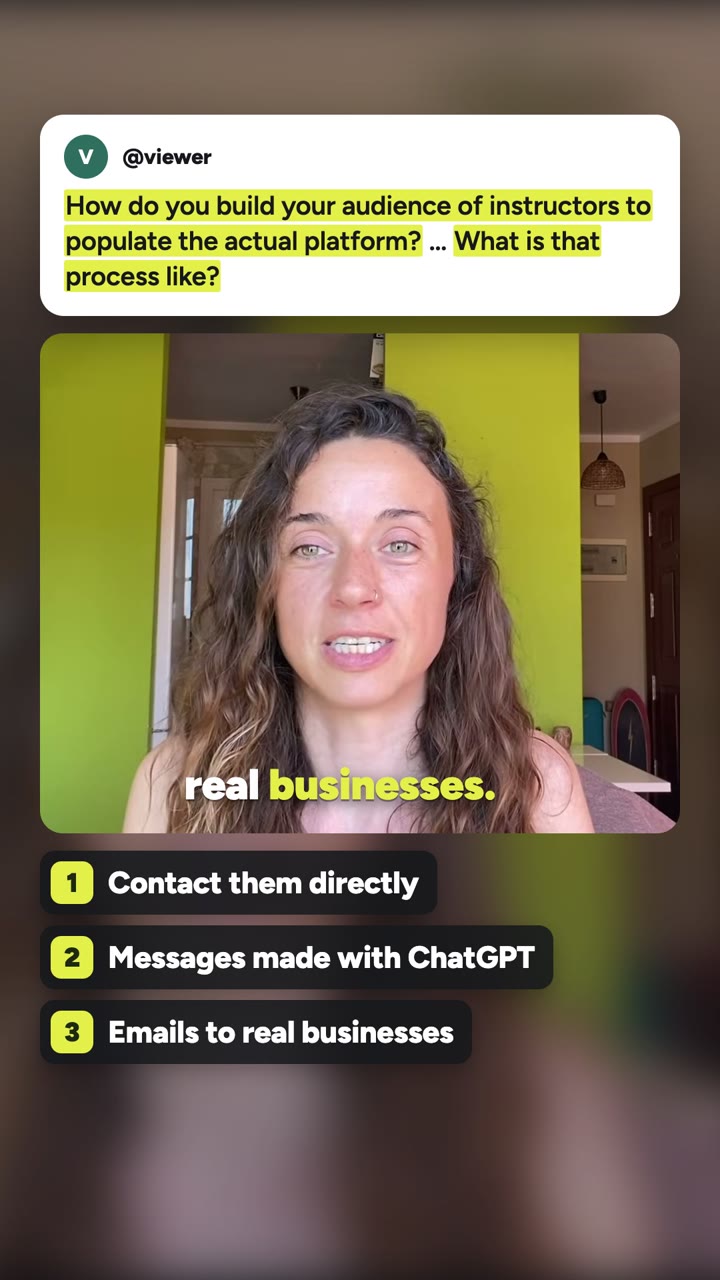 The comment you answerReply to a commentThe question on screen, your answer below.
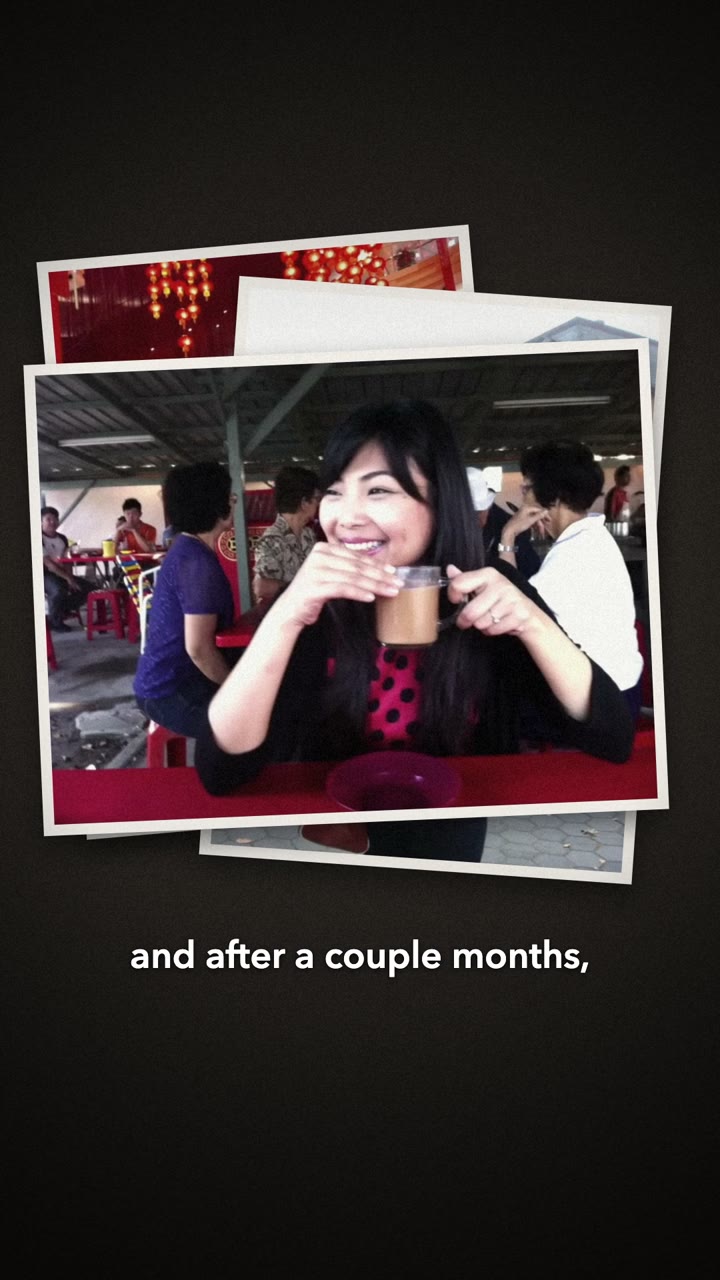 Your footage and stockDocumentaryYour story, told with real footage and one cinematic grade.
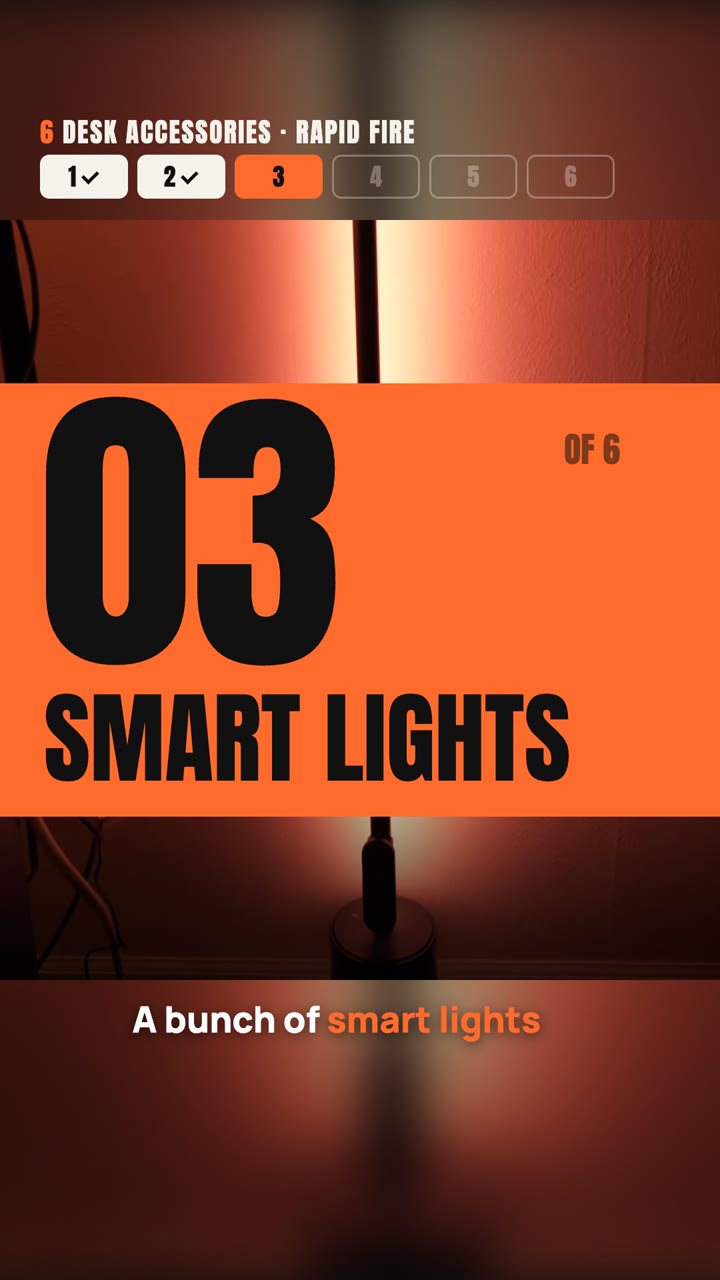 Your footage and iconsCountdownNumbered chapters, a tracker, and the best saved for last.
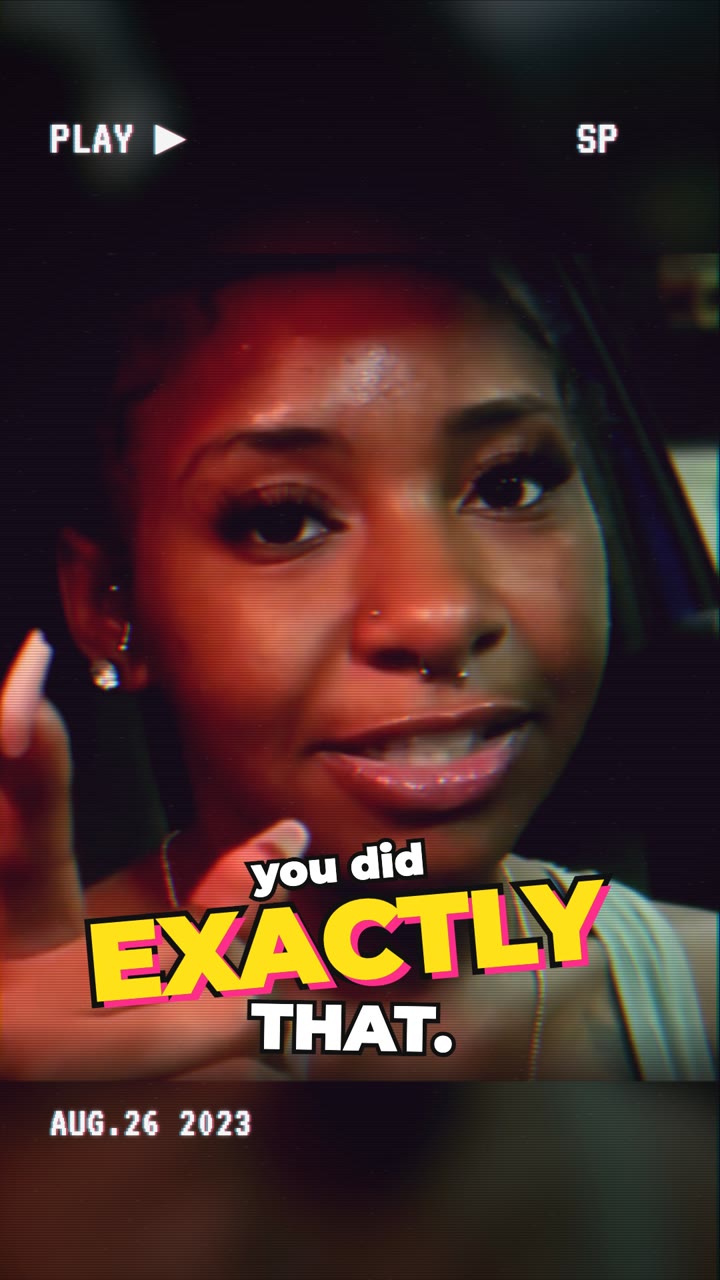 Drawn textureRetro accentVHS, Y2K, 8-bit or film over any style.
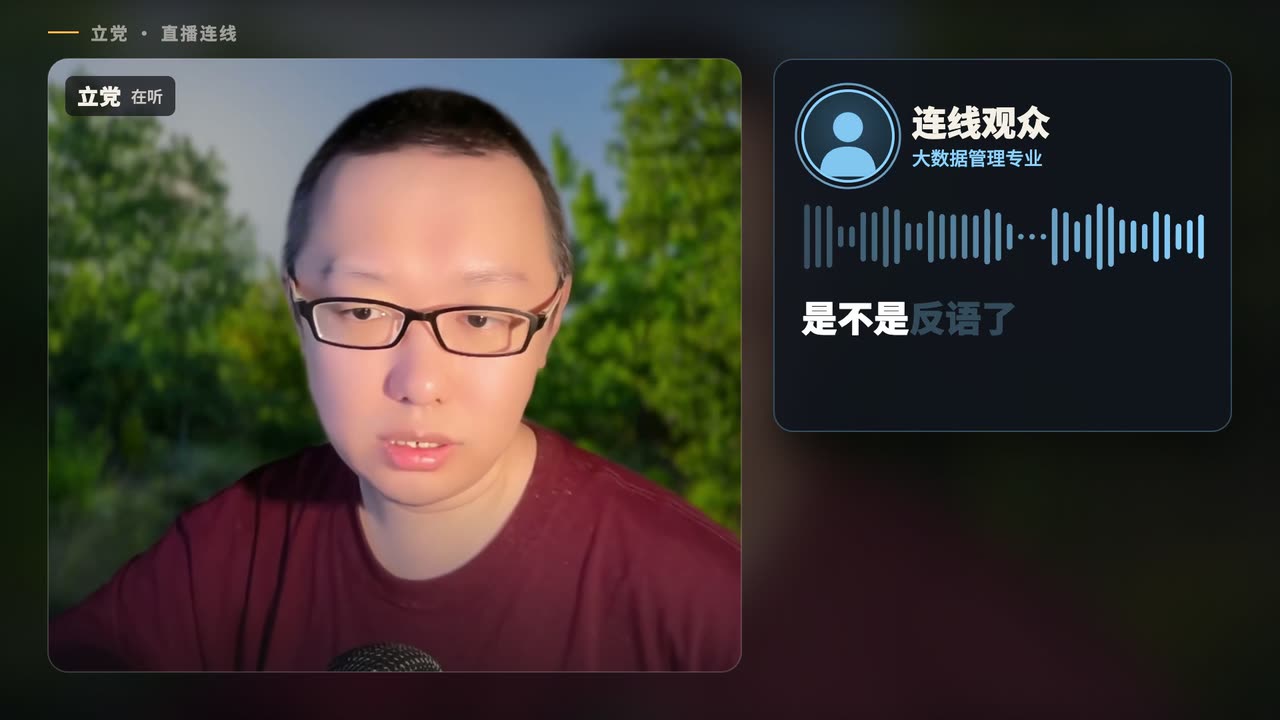 Your recordingPodcast clipOne exchange that stands on its own, every speaker named.
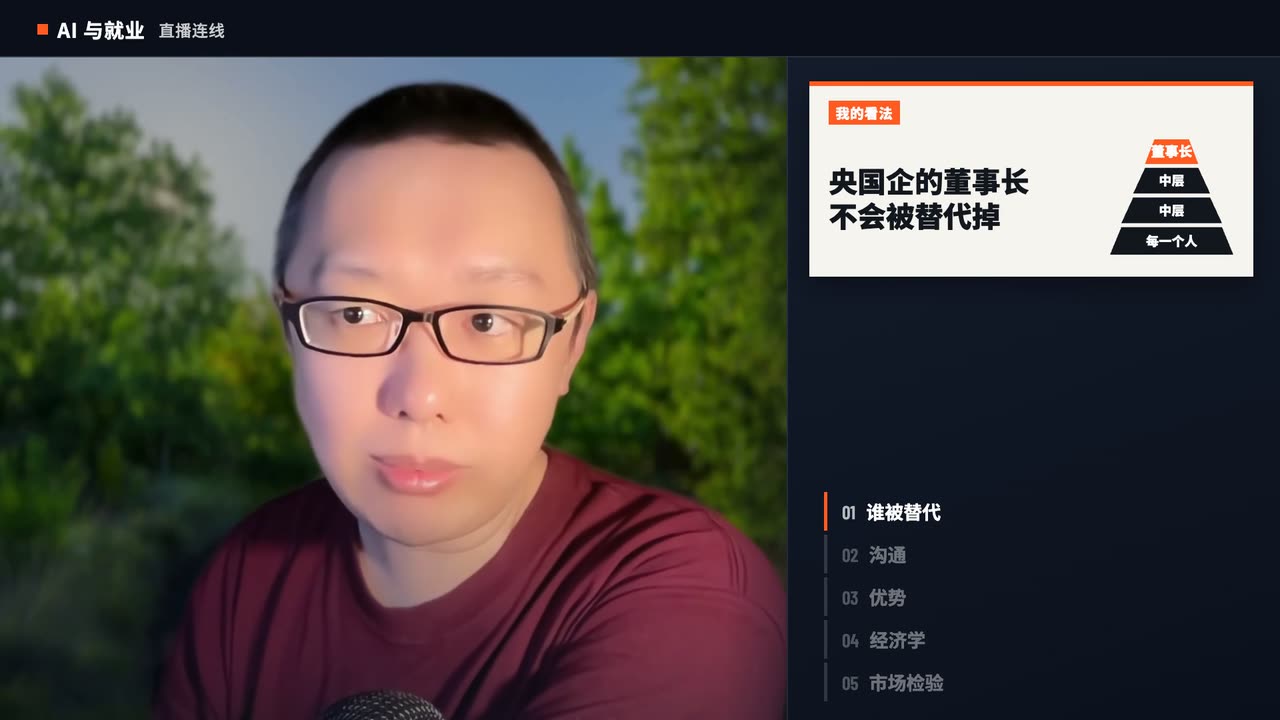 Your sourcesNews commentaryHeadline, source, numbers, then your take.
Good to know
Which Claude do I need?
Claude Code, with whichever model you pick there: we cut the same talk with Claude Fable 5.2 and Opus 5.5 and the two results were close. The edit runs on your computer, so it also needs ffmpeg and Google Chrome; Claude sets them up with you the first time.
Do the skills work in Codex?
Yes. They are ordinary agent skills, so they work as Claude Code skills and as Codex skills. Paste the same install line into Codex and ask the same way; whatever this page says Claude does, Codex does too. We cut one talk in both with the Motion graphics style and the shorts came out close: about 14 minutes in Codex with GPT-6 Astra, about 12 in Claude Code with Fable 5.2.
Do I install every style?
No. Install the styles you want. When another one suits your video better, Claude says which and can install it for you.
What do the skills cost?
The skills are free, and so are music, sound effects and stock. The transcript uses credits by the length of your video. Generated images and video use credits too, and Claude asks for your budget before it generates anything. New accounts get 100 credits.
What sizes can it make?
Any. Name a size or where you post (9:16 for TikTok, Reels and Shorts, 4:5 or 1:1 for feeds, 16:9 for YouTube). Otherwise it keeps your recording as it is. It can make several sizes from the same cut.
Does it change what I said?
No. The video uses only your own words in your own voice. Claude may reorder passages when the point still holds, and lists anything on screen you should confirm.
Is my video uploaded?
No. Only the sound goes to Pireel to make the transcript. The picture, the edit and the finished file stay on your computer.
Can I use it for another language?
Yes. Captions follow the language you speak unless you ask for another.
Your next video, in your own style.
Install a style and ask for the first edit.
Pick a style