Long video to shorts
A few vertical shorts with captions from one long video.
AI silence remover
Upload a talk, lesson or podcast. Get it back without the dead air.
And so you finally gain the motivation to start going to the gym
Illustrative preview: remove the middle passage and the matching video is skipped.
Talks, lessons, podcasts.
Cut retakes & pauses starts on.
Cut too much? Put it back in Studio.
Every removed pause is on the timeline: drag it back, or ask for a gentler cut.


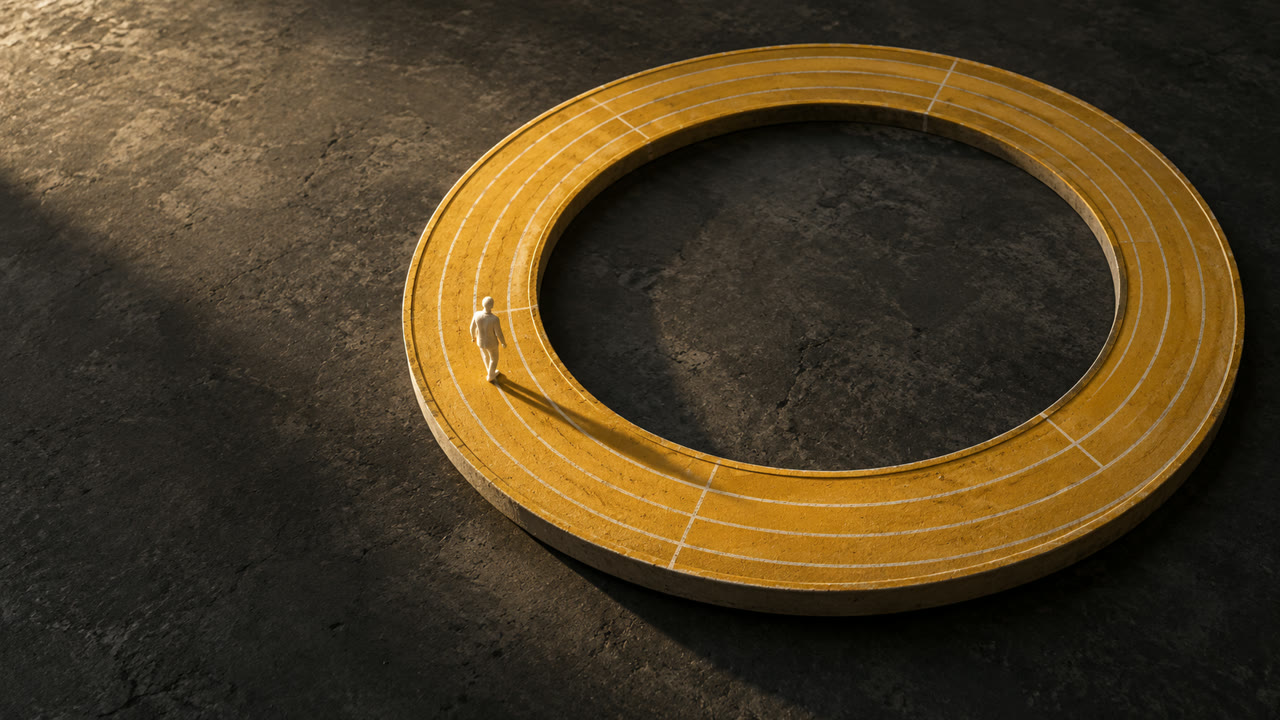 THE HABIT LOOP
A few vertical shorts with captions from one long video.
Word-by-word captions, key words highlighted.
Clear burned-in subtitles from your own old videos.
Dub your video into another language.
Sound effects where they belong.
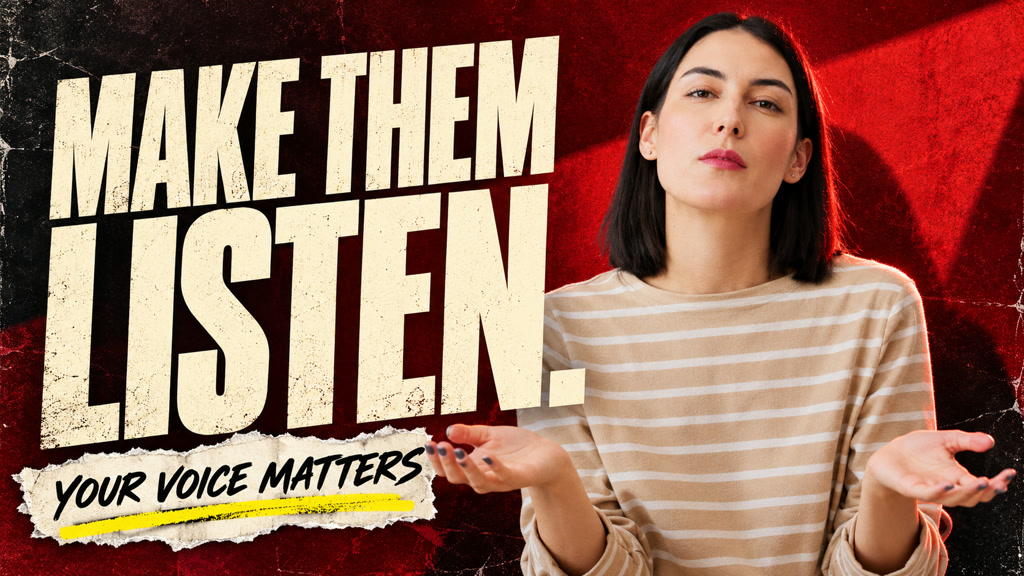
Covers from your own footage, wide and vertical.

No. Only long gaps go; short breaths stay.
Not by default: only gaps and fillers like “um”. To cut retakes too, say so in the box.
Yes. Turn on Add captions under Editing.
Yes. Each one is on the timeline; drag it back.
Let the AI cut the gaps.
Remove silence