Thumbnail background
Leave room for the title.
Vertical thumbnail background: a coffee and a notebook on a desk, lots of empty space at the top for a title, warm natural light
AI image generator
Describe a picture, get images back, pick one.
Sports visuals: a run at dawn, tying a shoe, training details, realistic photo, soft side light.
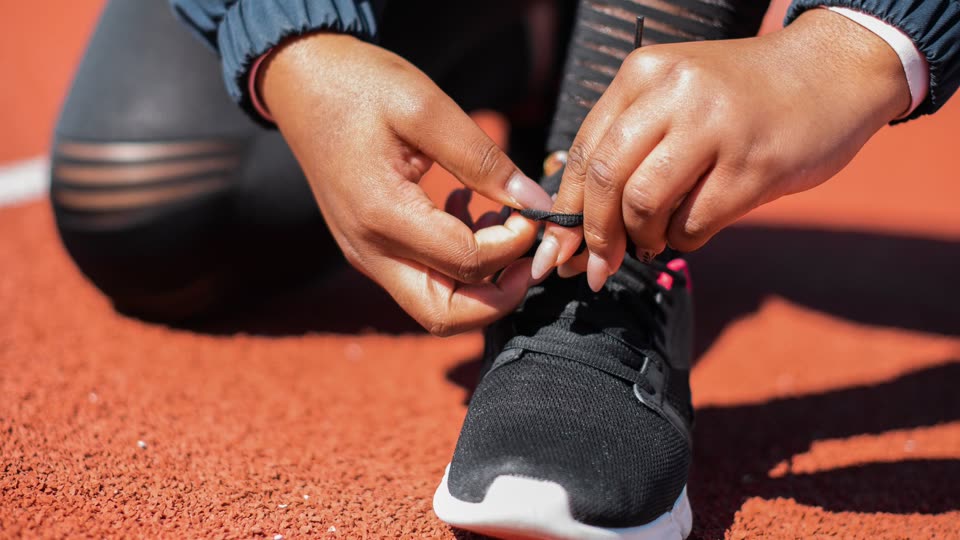
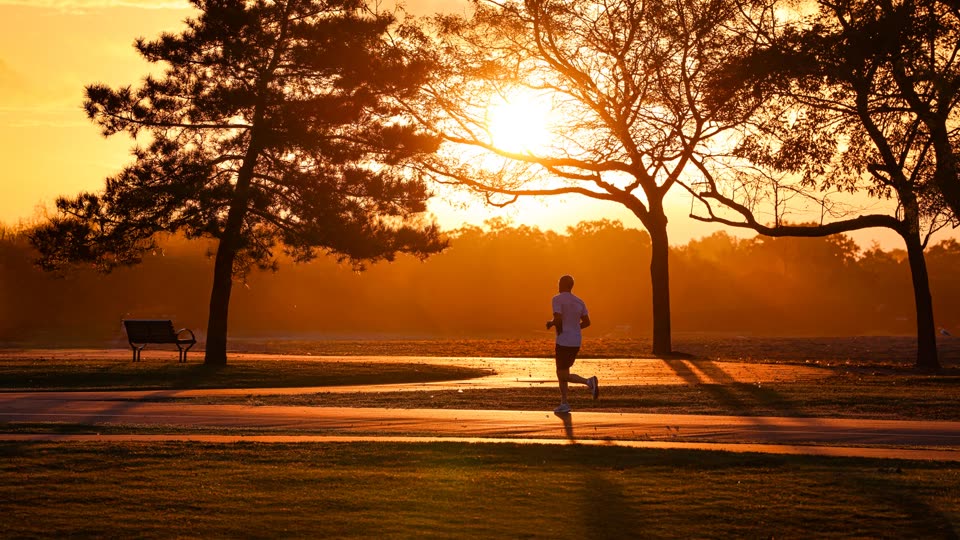
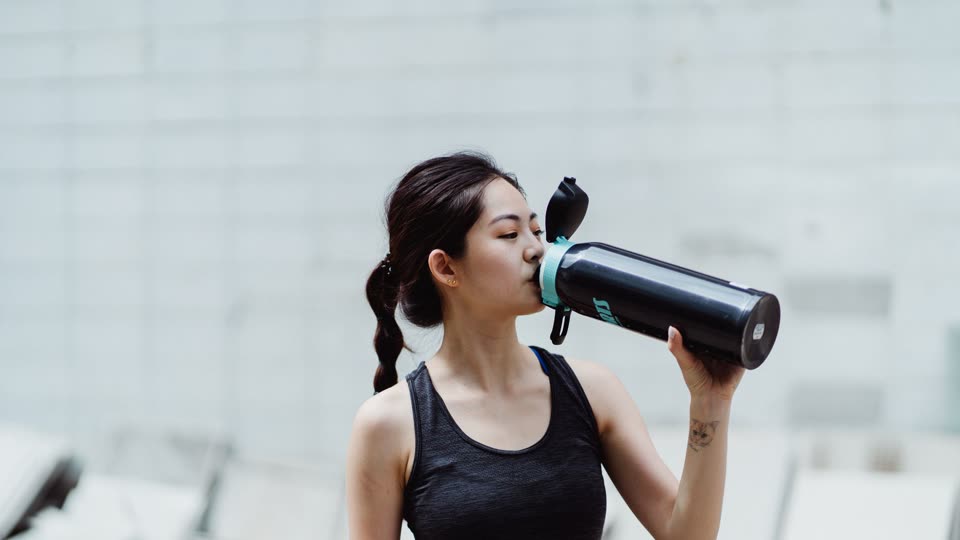
Illustration: real photos stand in for generated images.
Subject, setting and style.
9:16, 16:9 or 1:1.
Put it in your video, or download it.
Copy one into the box above and adjust it.
Leave room for the title.
Vertical thumbnail background: a coffee and a notebook on a desk, lots of empty space at the top for a title, warm natural light
Draw the abstract idea.
A person at a fork in the road, city on the left, mountains on the right, flat illustration, 16:9
Clean background, product first.
A bottle of skincare serum on a light stone plinth, soft green plants behind, studio look
A few vertical shorts with captions from one long video.
Word-by-word captions, key words highlighted.
Clear burned-in subtitles from your own old videos.
Dub your video into another language.
Sound effects where they belong.
Covers from your own footage, wide and vertical.
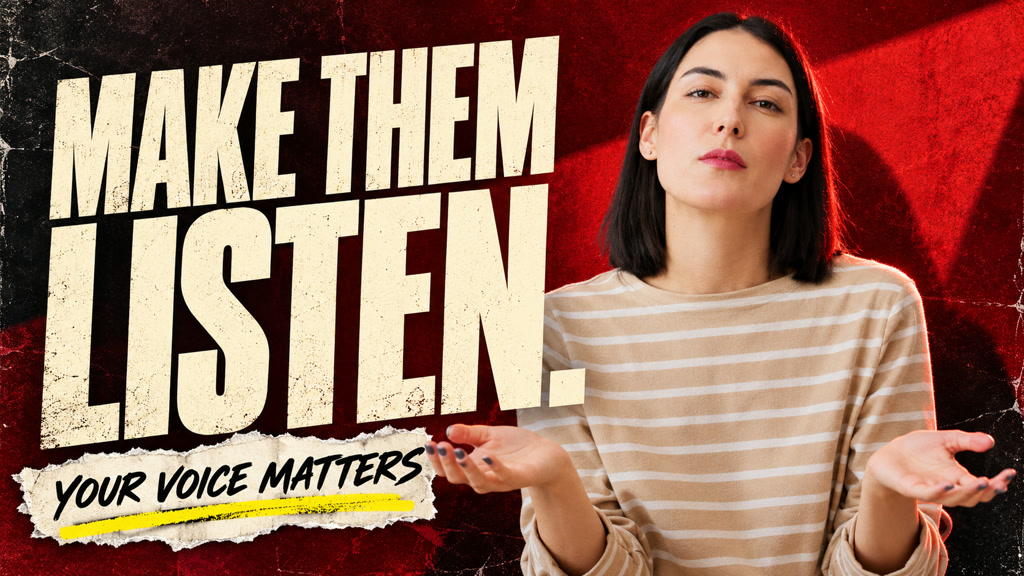
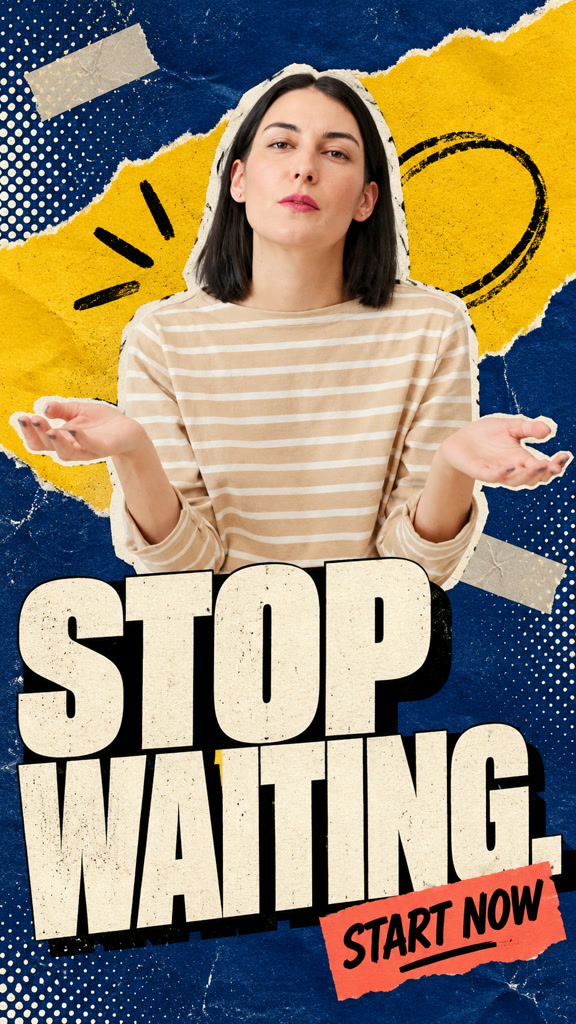
Yes. Add reference images and they stay consistent.
Yes. Drop them on the timeline in Studio.
9:16, 16:9 and 1:1.
Yes. Each model looks and costs a little different.
One line and it starts.
Generate images