Long video to shorts
A few vertical shorts with captions from one long video.
AI thumbnail maker
Upload a video. Get a wide and a vertical thumbnail back.
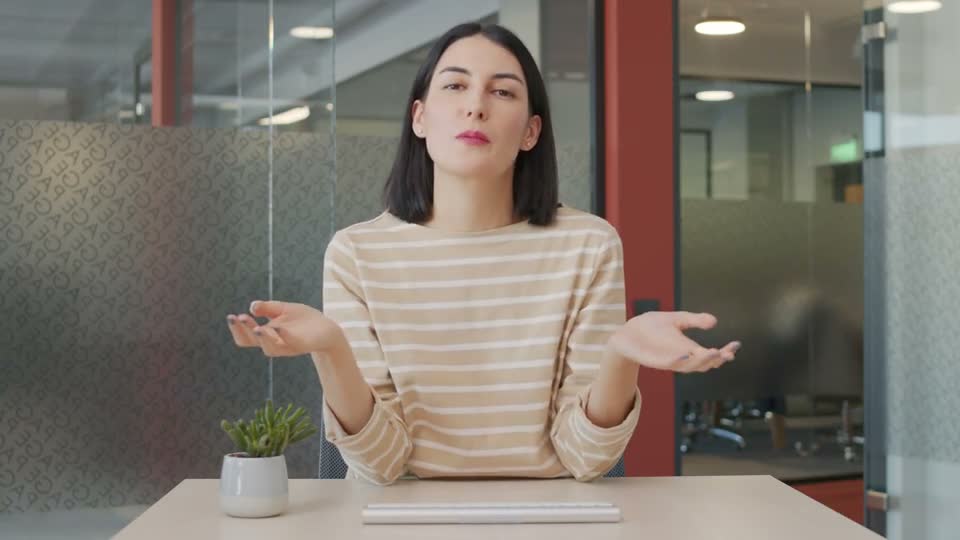
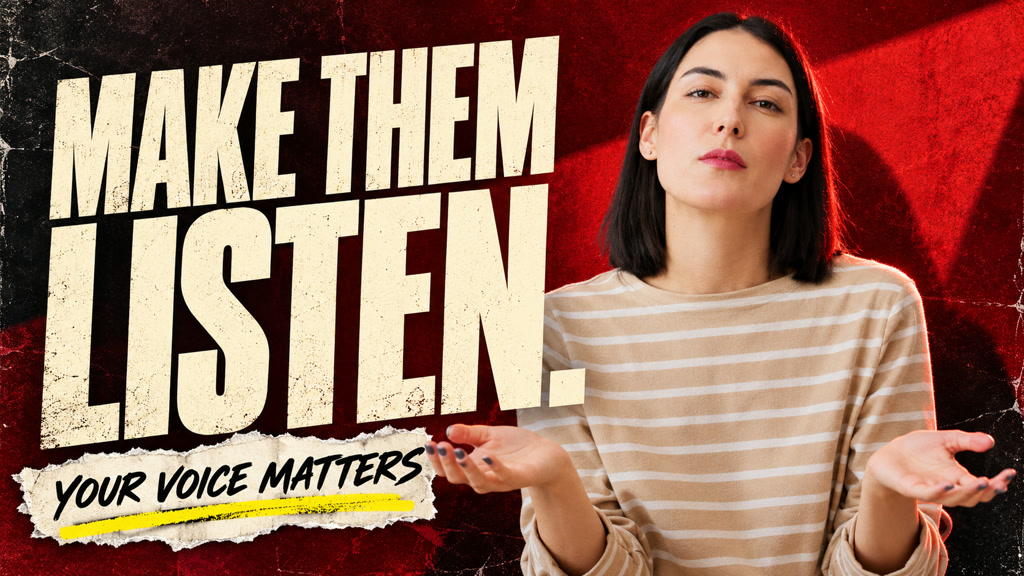
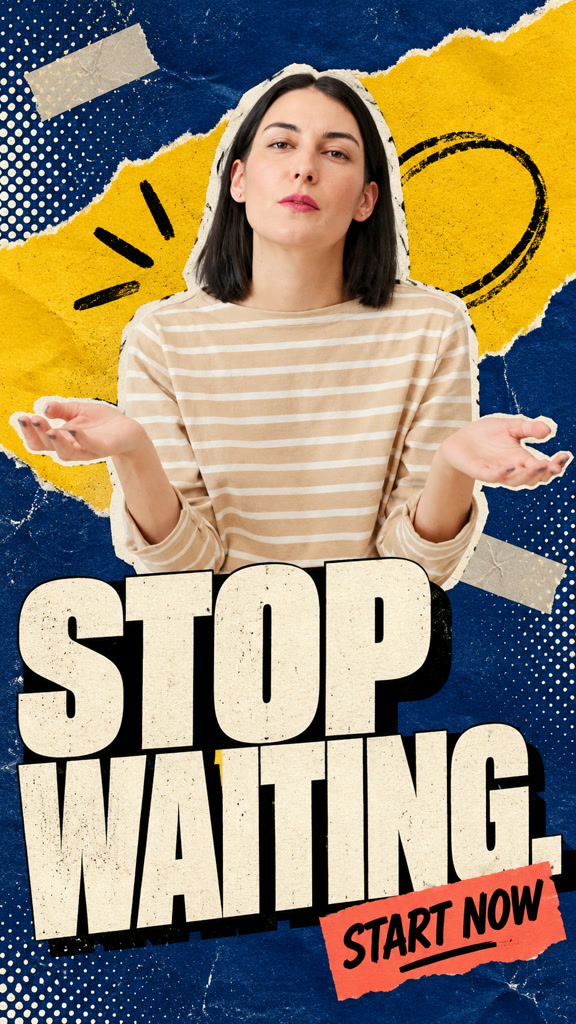
Best with you on camera, talking.
Wide and vertical together.
Keep editing in Studio.
A few vertical shorts with captions from one long video.
Word-by-word captions, key words highlighted.
Clear burned-in subtitles from your own old videos.
Dub your video into another language.
Sound effects where they belong.
Describe a missing shot and get it.
Follow the barbell up. Catch the effort. Side light, close framing, real texture.
Yes. It uses frames from your video.
Yes. Edit the text in Studio.
One wide 16:9 and one vertical 9:16.
Yes. Ask for it in Studio.
Upload it and click.
Make my thumbnail