Explain
Motion graphics
Your argument, drawn as a live diagram.
Free
Paste it into Claude Code or Codex and it installs itself.
Each point you make becomes a small system on screen: things move, connect, fill up or break, so viewers see how it works instead of reading about it. Everything is drawn for your video.
- Material
- Drawn
- Works best for
- ExplainersStartupsFinance
- Runs in
- Claude CodeCodex
- Uses from Pireel
- TranscriptMusic and sound effectsStock footage
Updated 2026-11-17
More styles
All styles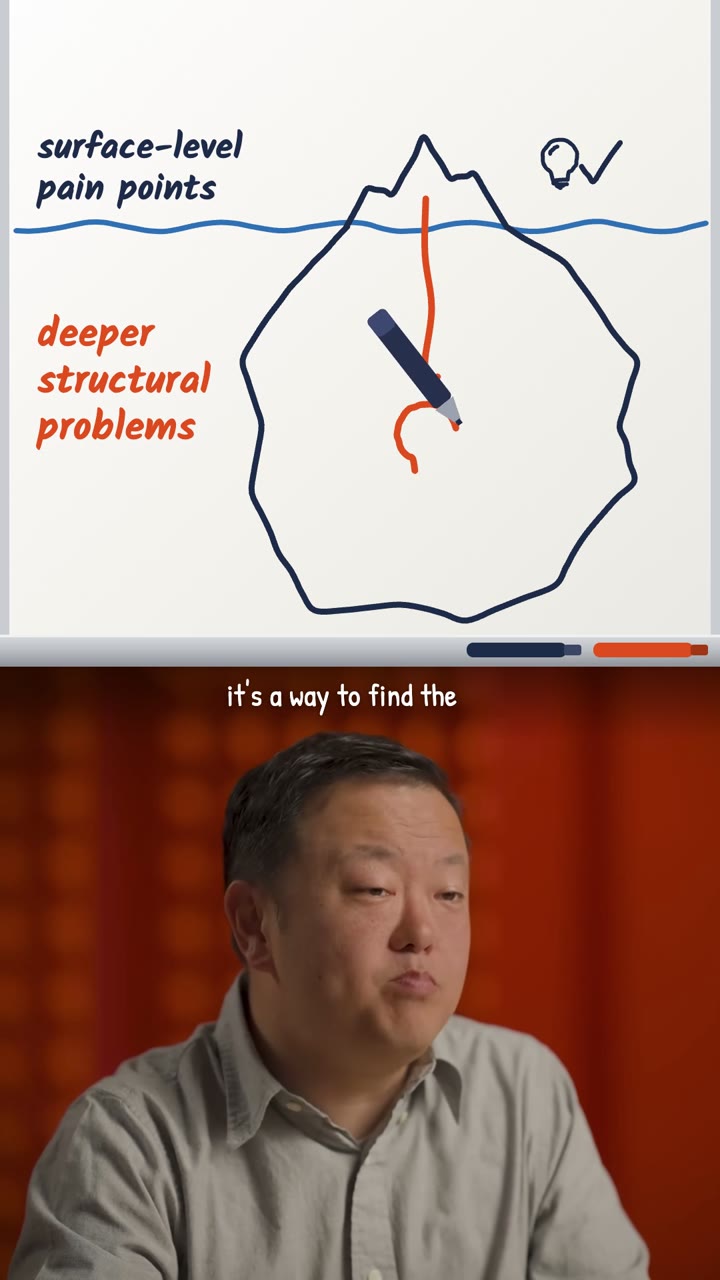 DrawnWhiteboardIdeas drawn by hand as you explain them.
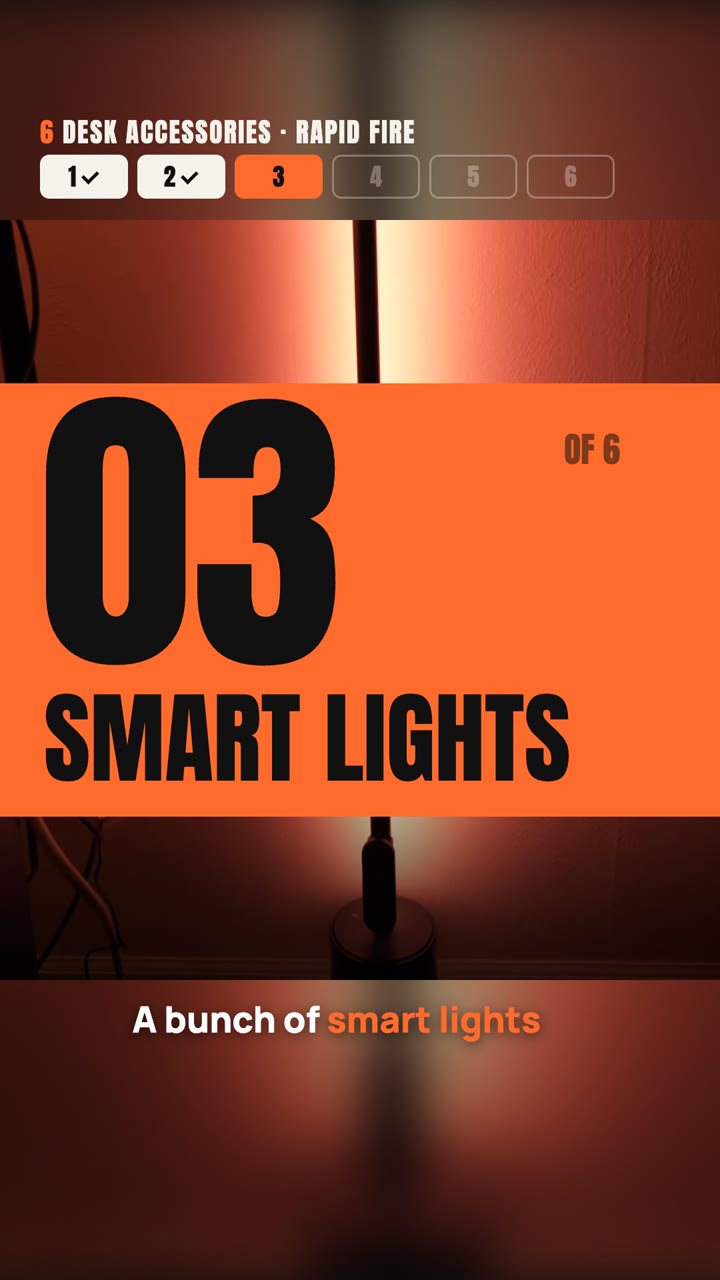 Your footage and iconsCountdownNumbered chapters, a tracker, and the best saved for last.
 Your sourcesNews commentaryHeadline, source, numbers, then your take.
 Type onlyBold typeYour strongest lines, slammed on screen word by word.
 Generated stickersUses creditsSticker collageEverything you name becomes a die-cut sticker.
What you get
- A finished MP4 in the size you post at, from 9:16 to 16:9.
- Captions, music and sound effects, mixed to the loudness platforms expect.
- A list of anything on screen you should confirm: names, numbers, sources.
Good fit
- An argument with cause and effect
- Comparisons, numbers and steps
- How a product or a market works inside
Not for
- A personal story or a trip
- A talk whose point is a mood
You bring
- A talking-head recording, and Claude Code or Codex with ffmpeg and Google Chrome. It sets them up with you the first time.
Good to know
Which Claude do I need?
Claude Code, with whichever model you pick there: we cut the same talk with Claude Fable 5.2 and Opus 5.5 and the two results were close. The edit runs on your computer, so it also needs ffmpeg and Google Chrome; Claude sets them up with you the first time.
Do I install every style?
No. Install the styles you want. When another one suits your video better, Claude says which and can install it for you.
Does it change what I said?
No. The video uses only your own words in your own voice. Claude may reorder passages when the point still holds, and lists anything on screen you should confirm.
Your next video, in your own style.
Your argument, drawn as a live diagram.
Paste it into Claude Code or Codex and it installs itself.