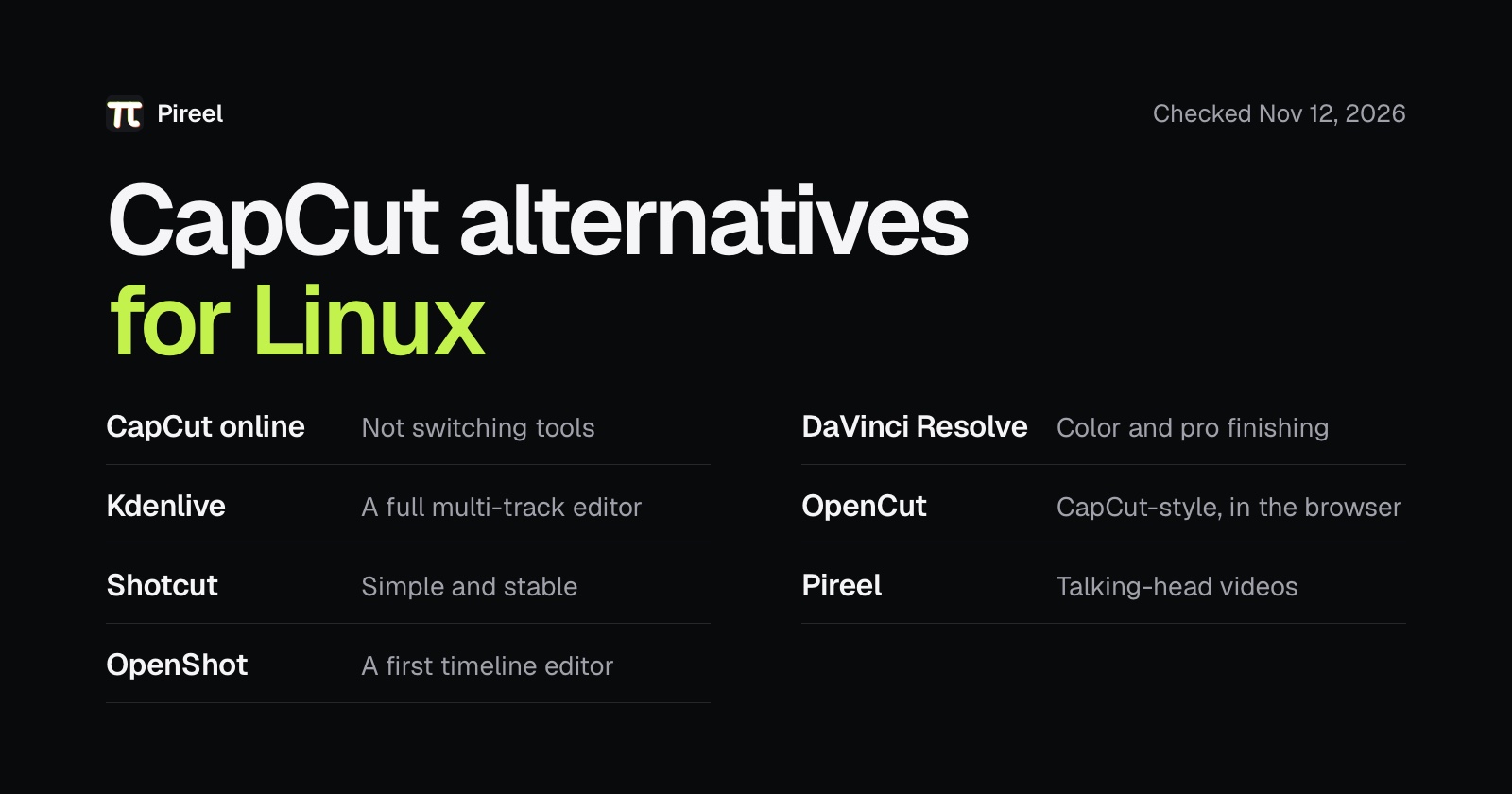
There is no CapCut for Linux: the desktop editor supports Windows and macOS only. The best CapCut alternative for Linux is CapCut's own online editor if you want to stay with CapCut, and Kdenlive if you want a video editor you install. Shotcut and OpenShot are simpler than Kdenlive. DaVinci Resolve is the most powerful, but the free version can't open phone footage on Linux. If your videos are mostly you talking to camera, use Pireel.
We make Pireel. Versions, install options and prices below come from each tool's own site, checked on November 12, 2026.
Quick comparison
| Editor | Best for | How you run it on Linux | Price |
|---|---|---|---|
| CapCut online | Not switching tools | Browser, with sign-in | Free plan; Pro $19.99 a month |
| Kdenlive | A full multi-track editor | Flatpak, AppImage | Free, open source |
| Shotcut | Simple and stable | Flatpak, Snap, AppImage | Free, open source |
| OpenShot | A first timeline editor | AppImage, Snap, PPA | Free, open source |
| DaVinci Resolve | Color and pro finishing | Official Linux version | Free version; Studio is paid |
| OpenCut | A CapCut-style editor in the browser | Browser | Free, open source |
| Pireel | Talking-head videos | Browser | 100 credits on a new account |
Can you use CapCut on Linux?
You can't install it. CapCut's desktop page lists Windows 7 or above and macOS 10.14 or above, and nothing for Linux.
What does work is CapCut's online editor: open it in a browser, sign in, upload your footage and edit on the timeline. There is nothing to install.
1. CapCut online: if you don't want to switch
It's your CapCut account and the editing you already know. There's a free plan; Pro is listed at $19.99 a month, and the page says the price you see after signing in is the one that counts.
Choose it if you're used to CapCut and only the computer changed. Your footage has to upload first, which is slow with big files. CapCut's pages don't mention Linux, so if a feature misbehaves there, there's nobody to ask.
2. Kdenlive: the most complete video editor for Linux
Kdenlive is KDE's long-running editor. It has multi-track editing, effects, transitions, keyframes, subtitles, proxy editing for 4K footage, and it can turn speech into subtitles. Its site offers a Flatpak and an AppImage; the current stable version is 26.08.3.
Choose it if you're willing to learn an editor properly. It has no templates like CapCut's, so your first video will take longer than it did there.
3. Shotcut: simple and stable
Shotcut opens a wide range of formats, looks simpler than Kdenlive, and also turns speech into subtitles. It comes as a Flatpak, a Snap, an AppImage and a portable archive; the current version is 26.9.27.
Choose it if you want to cut footage and export without surprises. It has no templates and no AI features.
4. OpenShot: a first timeline editor
OpenShot is built to be learned quickly: drag files in, cut on tracks, add a title from a template. It also has keyframe animation, transitions, speed changes and audio mixing. It comes as an AppImage, a Snap and an official PPA; the current stable version is 4.1.1.
Choose it if you've never used a desktop editor. Move to Kdenlive when a project outgrows it.
5. DaVinci Resolve: the most powerful, but check your formats
DaVinci Resolve does color, compositing and audio at a professional level. It has a free version, and Resolve 21 runs on Mac, Windows and Linux.
On Linux there's a catch. In Blackmagic's supported codec list for Resolve 21.1 on Rocky Linux, H.264 and H.265 open only in the paid Studio version, and AAC audio isn't supported in either version. Nearly every phone video and screen recording uses those formats, so with the free version you convert first, for example to DNxHR video with PCM audio. The list covers Rocky Linux with an Nvidia graphics card.
Choose it if you grade color and don't mind setup. Skip it if you want to drop in a phone video and start cutting.
6. OpenCut: a CapCut-style editor in the browser
OpenCut calls itself the open-source CapCut alternative and has about 98,000 GitHub stars. It runs at opencut.app. Its repository says a ground-up rewrite is underway, and the site runs the classic version for now.
Choose it if you want a free timeline with nothing to install, and can live with a project that is still changing.
7. Pireel: talking-head videos
Pireel is an AI editor for talking-head videos. It runs in the browser, so there's nothing to install on Linux. Upload a recording and it cuts retakes and pauses, adds captions and B-roll. To change the result, say what's wrong, delete words in the transcript, or edit on a multi-track timeline.
New accounts get 100 credits; captions cost 2 credits per minute. The editor itself is open source under AGPL-3.0.
Choose it if most of your videos are you talking to camera and you want AI to do the first cut. For beat-synced templates and effects-heavy montages, the editors above fit better.
Flatpak, Snap or AppImage?
- If your distribution has Flathub set up, use the Flatpak. It updates with the rest of your system.
- Ubuntu ships with Snap, so one command installs it, for example
snap install shotcut --classic. - An AppImage is a single file: make it executable and run it. It's good for trying an editor out; for a new version you download the file again.
Three things to try before you switch
- Import a video from your phone and check that both picture and sound are there.
- Export in the format you actually post, and play the file outside the editor.
- Keep your original CapCut footage and one exported video. CapCut projects don't carry over, so in any of these you rebuild the edit.
If you only want open-source software, see open-source CapCut alternatives, which lists each project's license and latest release. If you mostly make talking-head videos and are leaving CapCut, see Pireel as a CapCut alternative.
Put this into practice
Frequently asked questions
Is CapCut available for Linux?
No. CapCut's desktop editor lists Windows 7 or above and macOS 10.14 or above, and no Linux. What works on Linux is CapCut's online editor: open it in a browser, sign in and upload your footage.
What is the best video editor for Linux?
For most people, Kdenlive: a full multi-track editor with a Flatpak and an AppImage. Shotcut and OpenShot are easier to learn. DaVinci Resolve does more, but its free version can't open H.264, H.265 or AAC files on Linux.
Can I run CapCut on Linux with Wine?
CapCut doesn't support it, so one update can break it. If you want to keep using CapCut on Linux, the online editor is the safer way.
What is the best CapCut alternative for Ubuntu?
Kdenlive for a full editor; its site offers a Flatpak and an AppImage. Shotcut or OpenShot for something simpler: both have a Snap, which installs with one command on Ubuntu, and OpenShot also has an official PPA.
Which Linux video editor is most like CapCut?
CapCut's online editor is CapCut itself. Among editors you install, Kdenlive does the most, though it has no templates. OpenCut calls itself the open-source CapCut alternative and runs in the browser; it is being rewritten.
Can free DaVinci Resolve edit phone videos on Linux?
Not directly. In Blackmagic's codec list for Resolve 21.1 on Linux, H.264 and H.265 open only in the paid Studio version, and AAC audio isn't supported in either. Convert phone footage before you import it.
Which Linux video editors add captions automatically?
Kdenlive and Shotcut can both turn speech into subtitles. Pireel captions a recording when you upload it, for 2 credits per minute; new accounts get 100 credits.