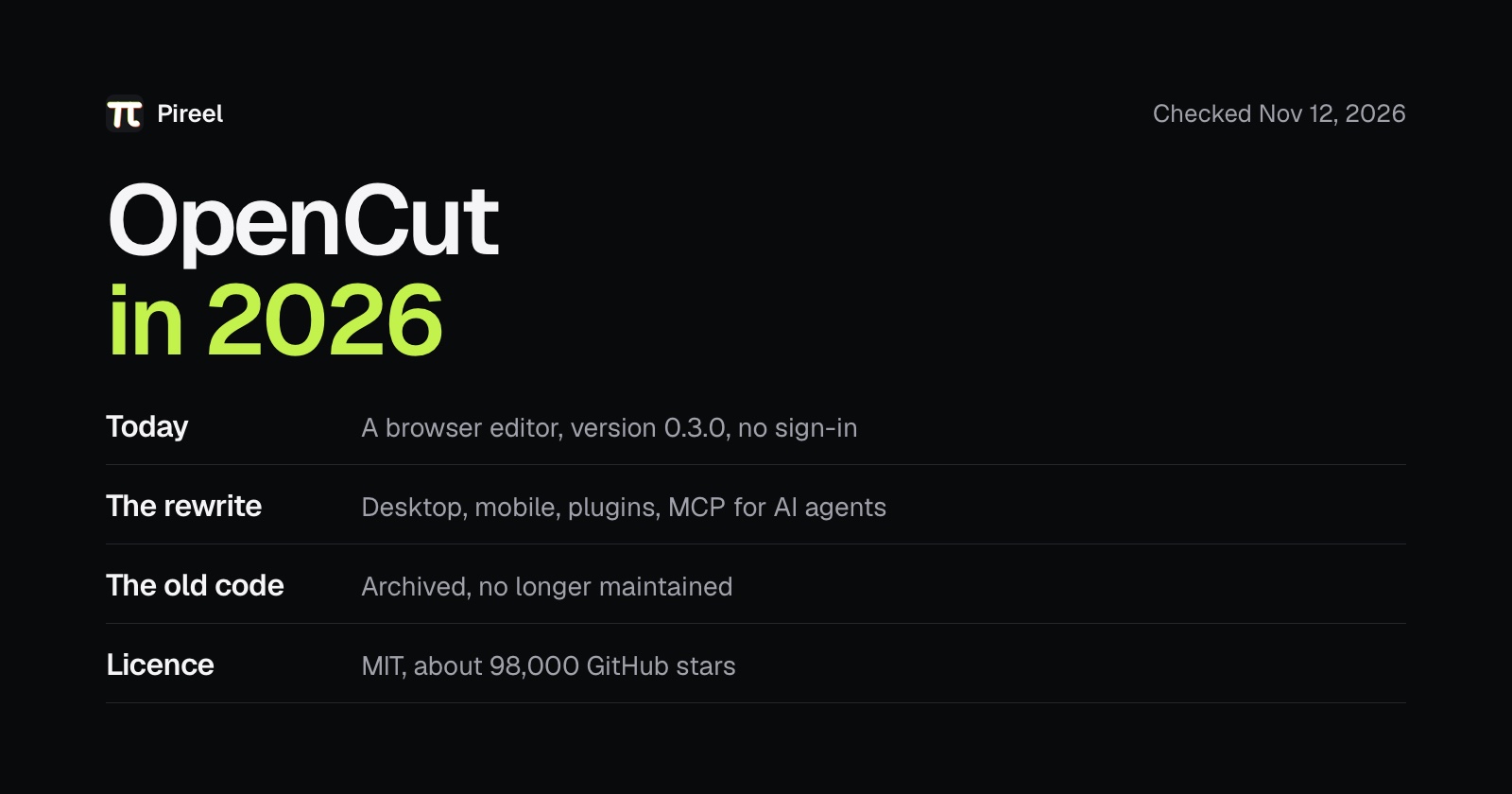
OpenCut is a free, open-source video editor that calls itself the open-source CapCut alternative. In 2026 it is in between two versions. The one you can use today runs in the browser at opencut.app, on version 0.3.0 from April. The team is rewriting it from the ground up, and the old code is archived. It works for simple edits now; the bigger plans are not here yet.
Facts below come from OpenCut's repositories and site, read on November 12, 2026. We make Pireel, which appears in the alternatives.
OpenCut at a glance
| Licence | MIT |
| GitHub stars | About 98,000 |
| Where it runs today | A browser, at opencut.app |
| Sign-in | None needed to open the editor |
| Current version | 0.3.0, April 2026 |
| Status | Ground-up rewrite underway; the original code is archived |
| Outside contributions | Not accepted yet |
What OpenCut is for
The original README gave three reasons for the project, and they still describe it:
- Privacy: your videos stay on your device.
- Free features: most basic CapCut features are now paywalled.
- Simple: people want editors that are easy to use, and CapCut proved that.
So it aims at the part of CapCut people use most: drop footage in, cut on a timeline, export. It isn't trying to copy CapCut's template library, effects library or phone app.
What you can use today
Open opencut.app, click through to the projects page and create a project. There is no account to make. You import media, edit on a timeline and export, and the page says all of it happens privately.
Version 0.3.0 added masks, a graph editor for animation curves, volume and speed controls, preview zoom, canvas backgrounds and stickers. The site labels the editor an early beta.
One thing to know before you rely on it. The code behind this version now lives in a repository called opencut-classic, which is archived and no longer maintained, so what you see is what you get until the rewrite ships. OpenCut's own README still calls it "the one to reach for today".
What the rewrite will add
OpenCut's repository lists what the new version is being built for:
- An editor API, and plugins from other developers
- Desktop, mobile and browser from one codebase
- An MCP server, so AI agents can operate the editor
- A headless mode for automation and batch rendering
- A scripting tab inside the editor
The rewrite will live at new.opencut.app until it is ready to replace the current site. The repository gives no date. Its last versioned release was in April 2026, and the team says it isn't set up to take outside contributions while the architecture is being designed.
Where the project stands
Going by the repositories, 2026 has looked like this:
| When | What happened |
|---|---|
| February 23 | Version 0.1.0 |
| March 2 | Version 0.2.0 |
| April 15 | Version 0.3.0, the one online now |
| May | The original code's last update, before it was archived |
| August | The first desktop groundwork appears in the main repository |
| September 24 | The main repository's latest commit, building FFmpeg for every platform |
Three versions in the first four months, then the effort moved to the rewrite. Half a year without a release isn't unusual for a project replacing its foundations, but it does mean the new version isn't close to usable yet.
Before you put a real project in it
OpenCut is an early beta, so don't keep an important video only there. Try these three things first:
- Import a video you'd normally shoot. Check picture and sound, and whether the timeline scrubs smoothly.
- Export in the size you post, and play the file from start to finish in a player.
- Close the page and open it again. Check the project and media are still there, and keep your own copy of the originals.
Should you use OpenCut now?
Use it if you want a free timeline in the browser for a simple edit, with no account, and you like the idea of following a project as it grows.
Wait, or pick something else, if you need any of these today: a desktop or phone app, an editor an AI agent can operate, or one whose current code is still being maintained.
Alternatives, by what you need
- A full desktop editor that is finished and maintained: Kdenlive, or Shotcut for something simpler. Both are free and open source.
- A browser editor where nothing is uploaded: Omniclip, also MIT-licensed.
- Talking-head videos, with AI doing the first cut: Pireel. You upload a recording and get it back with retakes and pauses cut, captions and B-roll. The editor is open source under AGPL-3.0; new accounts get 100 credits.
- An editor an AI agent can drive today, without waiting for OpenCut's MCP server: see the agent section of open-source CapCut alternatives.
Side by side:
| Editor | Runs on | Licence | Latest release | State today |
|---|---|---|---|---|
| OpenCut | Browser | MIT | 0.3.0, April 2026 | Early beta, being rewritten |
| Kdenlive | Linux, Windows, macOS | GPL-3.0 | 26.08.3, November 2026 | Mature, updated often |
| Omniclip | Browser | MIT | 1.1.3; 2.0 in development | Usable, still adding features |
| Pireel | Browser | AGPL-3.0 | 2026.11, November 2026 | Updated often, built for talking heads |
Only Kdenlive is a full program you install. The other three open in a web page; OpenCut and Omniclip are edited by hand, while Pireel makes the first cut for you to change.
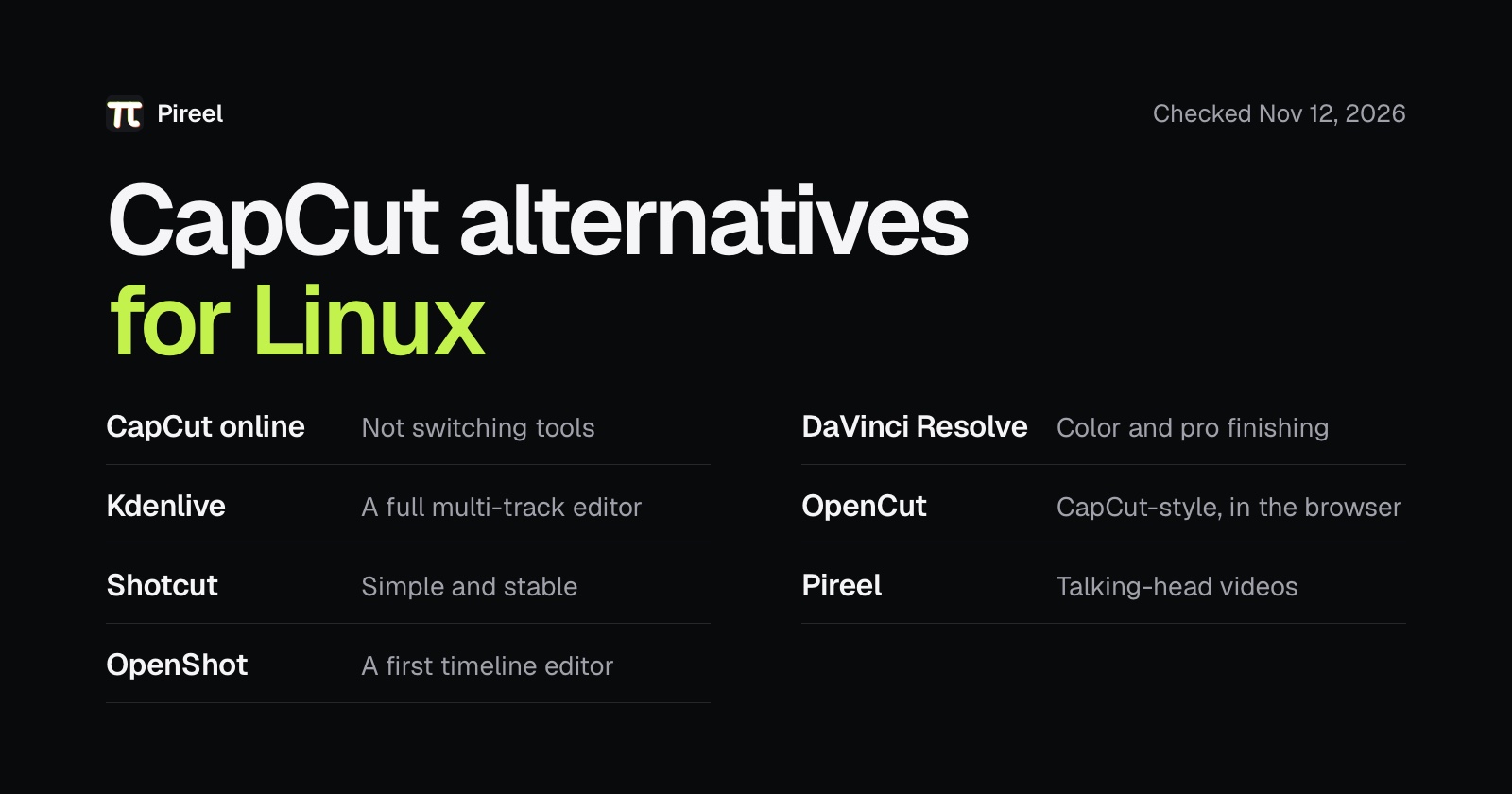
On Linux, where CapCut has no app at all, CapCut for Linux compares seven options with install notes.
Put this into practice
Frequently asked questions
What is OpenCut?
OpenCut is a free, open-source video editor under the MIT licence that describes itself as the open-source CapCut alternative. It runs in the browser at opencut.app and has about 98,000 GitHub stars.
Is OpenCut free?
Yes. The code is MIT-licensed and the editor at opencut.app opens without a sign-in or a payment.
Is OpenCut safe for private footage?
OpenCut calls itself privacy-first, and its project page says you import, edit and export privately. Its original README says your videos stay on your device. For footage that must not leave your computer, run one import and export with the network off to confirm.
Does OpenCut have a desktop or mobile app?
Not yet. Desktop and mobile are part of the rewrite, which aims to run on desktop, mobile and browser from one codebase. Today it is a browser editor.
Does OpenCut have AI features?
The rewrite lists an MCP server so AI agents can drive the editor, along with a scripting tab and a headless mode. The version at opencut.app today doesn't have them yet.
What is the best OpenCut alternative?
For a finished desktop editor, Kdenlive or Shotcut. For a browser editor that never uploads, Omniclip. For talking-head videos with an AI first cut, Pireel, which we make.