How to remove background noise from video depends on which kind of noise it is, so listen for that first. Steady noise like air conditioning, fans and electrical hum comes out with voice cleanup after you upload. Echo, clipping and music recorded in the room only improve a little once the recording is done. Turning cleanup on is easy; the thing to watch is stopping before your voice suffers too.
This applies to talking-head videos, interviews and lessons, as long as you still have the original recording.
What cleanup can fix, and what needs a re-record
| Noise | What cleanup does | Better fix |
|---|---|---|
| Air conditioning, fans, hum, hiss | Mostly gone | Voice cleanup |
| Traffic, keyboards, distant voices | Much quieter; sudden loud sounds may remain | Clean up, then cut the worst spots |
| Room echo | Slightly better | Get closer to the mic; record in a room with soft furnishings |
| Music playing while you recorded | Quieter, rarely gone | Re-record, or cover it with footage and new narration |
| Clipping and distortion | Can't be repaired | Lower the input level and re-record |
| Long gaps between sentences | Not a noise problem | Remove pauses |
Cleanup won't help with the last three rows, and pushing it harder makes the voice worse.
How to clean up a voice in Pireel
- Open Remove background noise from video, click Upload your video and pick an MP4, MOV or WebM file.
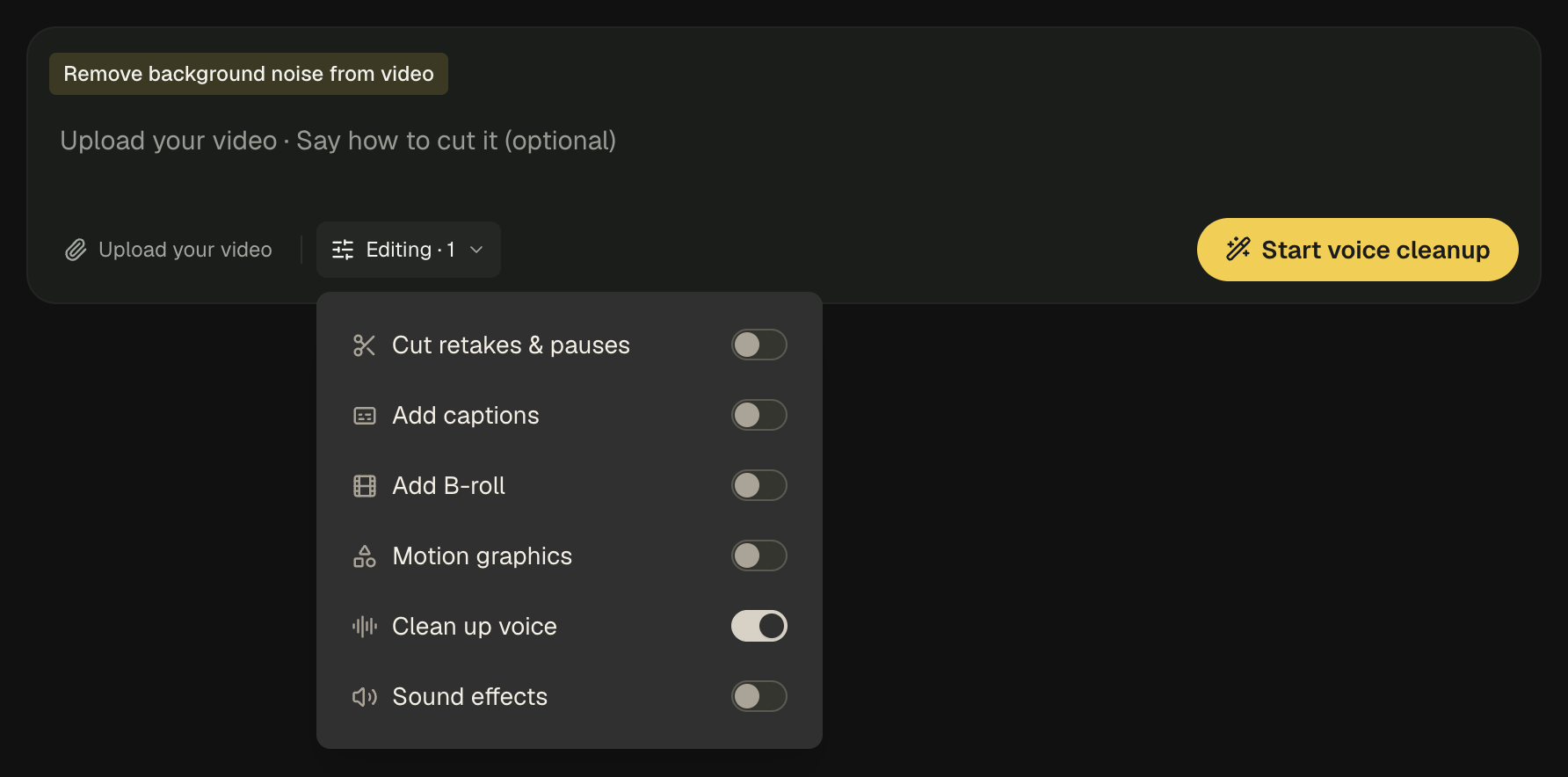
- Clean up voice starts on. To change only the sound, leave everything else off. To cut pauses or add captions too, open Editing and turn on Cut retakes & pauses or Add captions.
- Click Start voice cleanup. After you sign in, the project opens in Studio.
Before you download, listen for three things
Find a passage where your voice and the noise overlap, and listen on headphones:
-
If your voice sounds muffled, underwater or robotic, the cleanup was pushed too hard. Say in the project chat:
My voice sounds over-processed. Use lighter noise reduction and leave the rest of the edit alone.
-
If word endings get swallowed, soft consonants were treated as noise. Name the passage and ask for lighter cleanup there.
-
If the background pops up between sentences and vanishes under speech, ask to keep a little steady room tone. It sounds more natural than total silence.
When it sounds natural, click Export.
If you can't hear a difference
- The video may have no audio track, and then there's nothing to clean.
- You may be hearing a different track. Narration you imported or generated is separate from the camera audio; say which one to clean.
- It may not have finished. Until it has, the preview plays the original sound.
Record cleaner next time
Cleanup works best on recordings that were decent to begin with. Keep the mic within arm's length, switch off fans and air conditioning while you record, and record ten silent seconds at the start: that's the sound of the room on its own, and you'll hear any hum straight away.
Frequently asked questions
What kind of noise can be removed from a video?
Steady noise: air conditioning, fans, electrical hum, keyboards, traffic. Most of it comes out. Echo, clipping and music recorded in the room only improve a little.
My voice sounds muffled after noise reduction. What now?
It was pushed too hard. In Studio, ask for "lighter noise reduction, keep a little room tone" and listen to the same passage again.
Does it work on phone recordings?
Yes. The closer the phone was to your mouth, the better. If you were two or three metres away, the voice will still sound distant after cleanup.
Can it also cut pauses or add captions?
Yes. In Editing, turn on Cut retakes & pauses or Add captions.